EasyManua.ls Logo

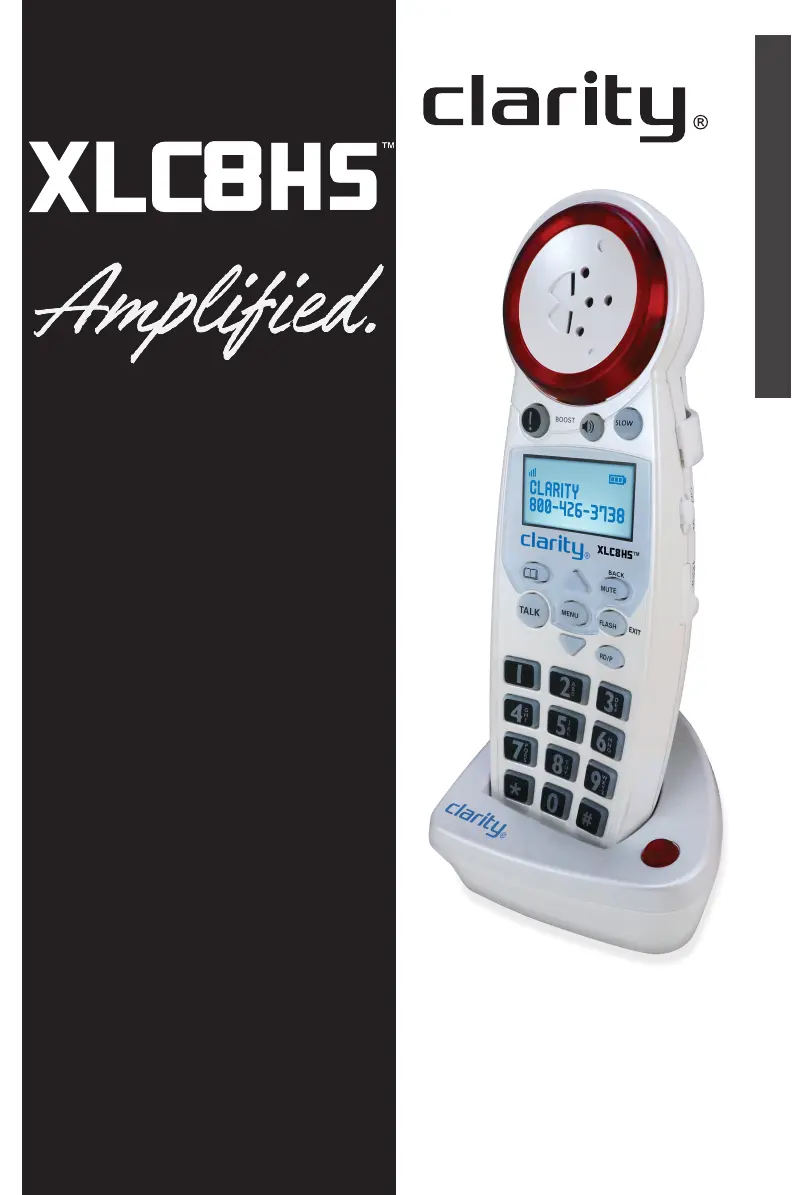
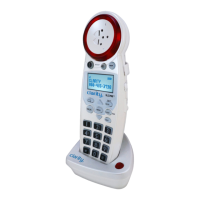
Clarity XLC8HS - User Manual

Clarity XLC8HS
19 pages
Print Icon
To Next Page IconTo Next Page
Loading...
E
N
G
L
I
S
H
User Guide
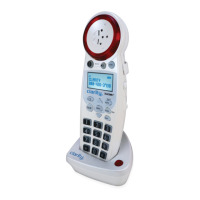
ADDITIONAL HANDSET FOR
CLARITY XLC8
50 DB OF AMPLIFICATION AND
FOUR (4) TONE SETTINGS

Questions and Answers

  • E
    Ethan BradleyAug 14, 2025
    How to fix Clarity Handsets when it will not operate or has no dial tone?
    • T
      Tammy BlackAug 14, 2025
      If your Clarity Handsets unit will not operate or there is no dial tone, check the following: Ensure the AC adapter is securely plugged into the AC outlet, the base, and the telephone. Verify the battery is correctly placed in the battery compartment, ensuring the metal contacts touch the springs. Make sure the handset battery is fully charged and that the telephone is in the correct dialing mode (tone or pulse). Finally, ensure you are within the usable range of the base station.
  • M
    Maria SheltonAug 17, 2025
    What to do if my Clarity Handsets screen is displaying 'Searching...'
    • B
      barneskevinAug 17, 2025
      If your Clarity handset screen displays “Searching...”, try these steps: First, move closer to the base. Second, ensure the AC adapter is correctly plugged into both the base and the wall outlet. The handset could be out of range, or the base may be unplugged. You can also try placing the handset into the base until the screen returns to standby mode, which should take about 5-10 seconds to register. To register the XLC8HS, place the XLC8HS handset into the main unit until the screen displays: Handset Registered. It will take approximately 5-10 seconds for the handset to register to the base. As a last resort, the handset may need to be re-registered to the base manually.
  • H
    Hunter ForbesAug 21, 2025
    Why is my Clarity Handsets not ringing when I receive a call?
    • H
      Hannah SandersAug 21, 2025
      If your Clarity Handsets phone does not ring when you receive a call, ensure the RINGER switch on the handset is set to ON. Also, verify the AC adapter is securely plugged into the AC outlet and the base, and that the telephone line cord is securely plugged into the wall jack and the telephone. Ensure you are within the usable range of the base station. It is also possible that you have too many extensions on your line; try unplugging a few devices.
  • J
    John Nguyen MDAug 25, 2025
    How to eliminate noise and interference on Clarity XLC8HS?
    • J
      James TaylorAug 26, 2025
      If you experience noise or interference while using your Clarity Handsets, first, ensure you are within the usable range of the base station. Next, make sure the handset battery is fully charged. If problems persist, try relocating the base unit to another location and ensure the AC adapter is not plugged into the wall outlet with other appliances.
  • A
    austinrichardAug 29, 2025
    What to do if I have difficulty placing or receiving calls on Clarity Handsets?
    • C
      Cynthia PooleAug 29, 2025
      If you're having difficulty placing or receiving calls on your Clarity Handsets, try moving closer to the base and try again. Also, ensure you have selected the correct dialing mode (tone or pulse) and that the handset battery is fully charged.
  • K
    Kelly RiversSep 1, 2025
    Why is the TALK button blinking green on my Clarity Handsets?
    • K
      Kevin LaraSep 1, 2025
      If the TALK button on your Clarity Handsets is blinking green rapidly, the base is trying to locate the handset. Press the TALK button to stop the FIND paging process and return the handset to the base.
  • C
    Charlene RodgersSep 5, 2025
    How to fix Clarity Handsets when it will not hold charge?
    • V
      Vickie MaynardSep 5, 2025
      If your Clarity Handsets phone will not hold a charge, ensure the charging contacts on both the handset and base are free of dust and dirt; clean them with a soft cloth while unplugged. Also, confirm that the CHARGE LED (light) on the base is lit when the handset is in the cradle.
  • M
    Melissa JohnsonSep 9, 2025
    What does it mean when my Clarity XLC8HS Handsets screen displays 'Battery Low'?
    • A
      Amy PorterSep 9, 2025
      If your Clarity Handsets screen displays “Battery Low”, the handset batteries are low on charge. Return the handset to the base to recharge the batteries.

Summary

Important Safety Instructions

General Safety Precautions

Essential safety guidelines for using the telephone equipment to prevent hazards from water, electricity, and usage.

Important Safety Instructions

Product Handling and Electrical Safety

Further safety measures concerning product operation, power supply, and potential damage.

Battery Safety and Warnings

Critical safety instructions for handling, charging, and disposing of batteries, including explosion risks.

Operating Instructions

Operating Instructions

Troubleshooting

Unit Operation and Connectivity Issues

Solutions for common problems like no dial tone, no ringing, interference, and charging failures.

Troubleshooting

Warranty Information

Clarity XLC8HS Specifications

General IconGeneral
BrandClarity
ModelXLC8HS
CategoryHandsets
LanguageEnglish

Related product manuals