Display 3-13
Section 3. Operator Compartment and Controls
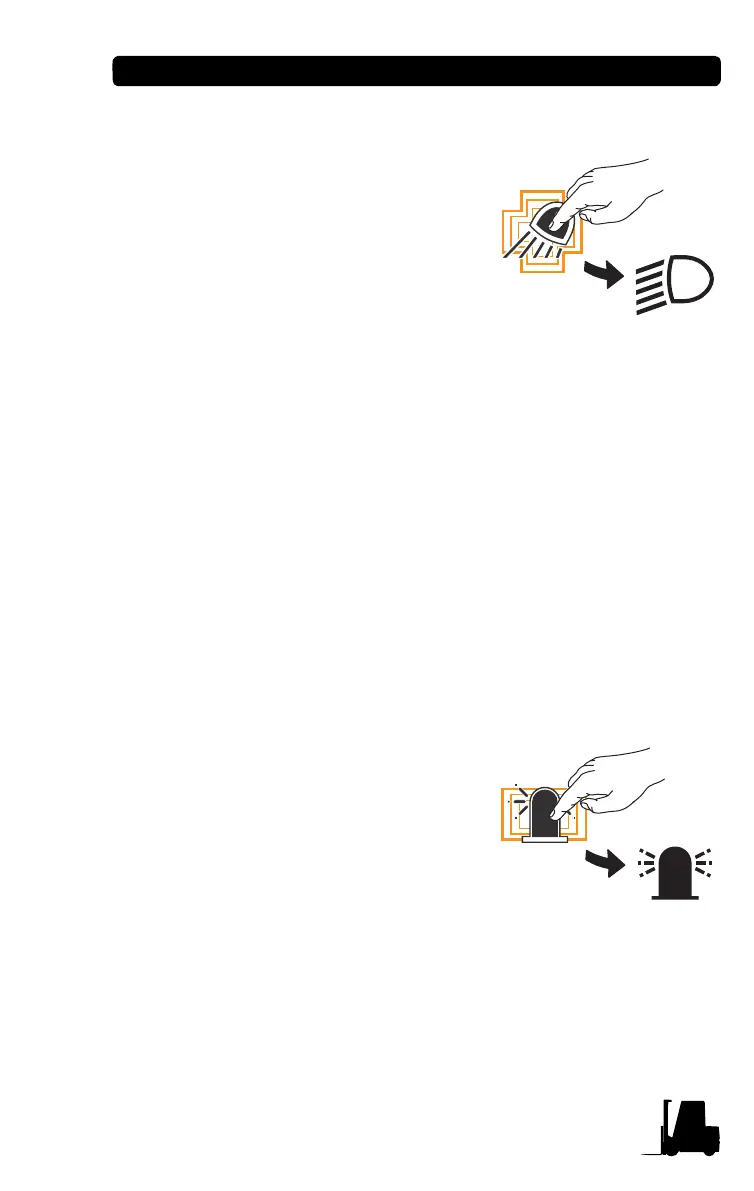
Rear Work Light Icon
There are three ways to turn ON/OFF
the rear work light.
1. The rear work light is activated
using the button.
Push the rear work light button to
turn the light ON.
Push it again to turn the light OFF.
2. The rear work light is activated
using the key switch. (when set in the menu)
By turning the key switch to the “ON” position, the rear work light
is automatically activated.
By turning the key switch to the “OFF” position, the rear work
light is deactivated.
3. The rear work light is activated when the directional lever is
placed in reverse and then deactivated when it is moved out of
reverse.
If the operator turns the switch OFF, the lights will be
turned OFF automatically after 5 seconds.
Strobe Light Icon
There are two ways to turn ON/OFF the
strobe light.
1. The strobe light is activated using
the button.
Push the strobe light button to turn
the light ON.
Push it again to turn the light OFF.
2. The strobe light is activated using
the key switch. (when set in the menu)
By turning the key switch to the “ON” position, the strobe light is
automatically activated.
By turning the key switch to the “OFF” position, the strobe light is
deactivated.


 To Next Page