www.tsicustomerservice.com
A585
5
OPERATION INSTRUCTIONS
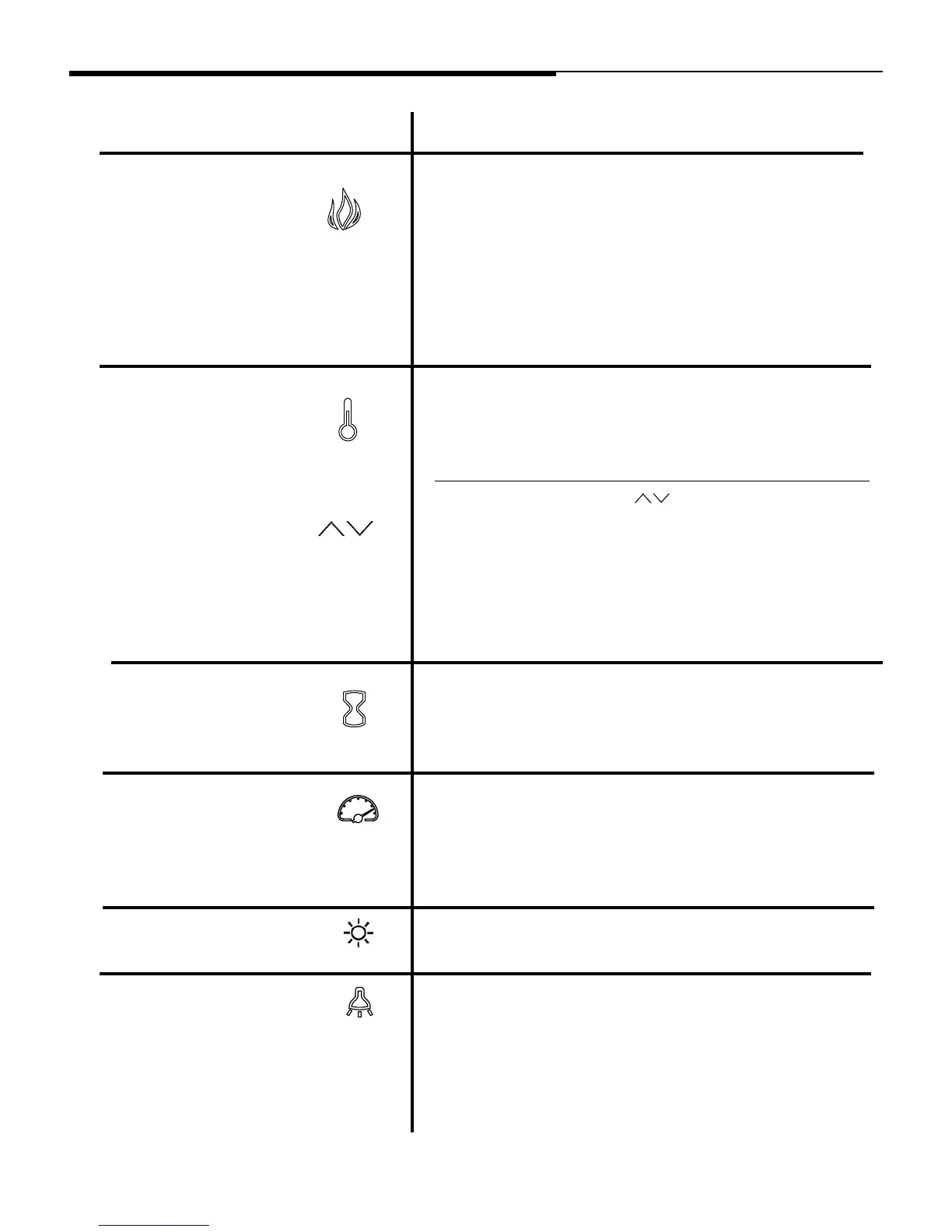
FUNCTION
FLAME
Pressing the timer button will cycle through the timer
settings; 30 minutes, 1 Hour, 2H, 3H, 4H, 5H, 6H, 7H, 8H,
9H and OFF (00).
HEATER
TIMER
ICON DESCRIPTION
FLAME SPEED
ere are 5 unique Spectrare ame eects that can be
selected.
1: Spectrare
2: Sapphire
3: Amethyst
4: Campre
5: Midnight Fire
AU: Auto Cycle which will automatically fade in and fade out
a new color ame eect periodically.
FLAME INTENSITY
Each Spectrare ame color option has speed options
available.
Setting S1 is slowest ranging up to setting S5 which is the
fastest.
Each Spectrare ame color option has 5 intensity options
available.
CABINET LIGHT (Only
applicable to select models)
Pressing the light button on the remote control will cycle the
LED cabinet lights through the dierent brightness
settings; 1, 2, 3, 4 and OFF. Settings 1-4 will decrease the
LED brightness.
Press and hold the ame button on the control panel for 3
seconds to turn on/o the lights in the mantel.
Press the heater button to turn on/ o the heater setting.
To change between °F and °C press and hold the HEATER
button on the control panel for 3 seconds.
e up and down buttons “ ” will increase / decrease
temperature setting.
e thermostat setting range is 62°F - 82°F or 17°C - 27°C or
continously ON.
e thermostat is adjustable by 2°F or 1°C increments.



 To Next Page