EasyManua.ls Logo

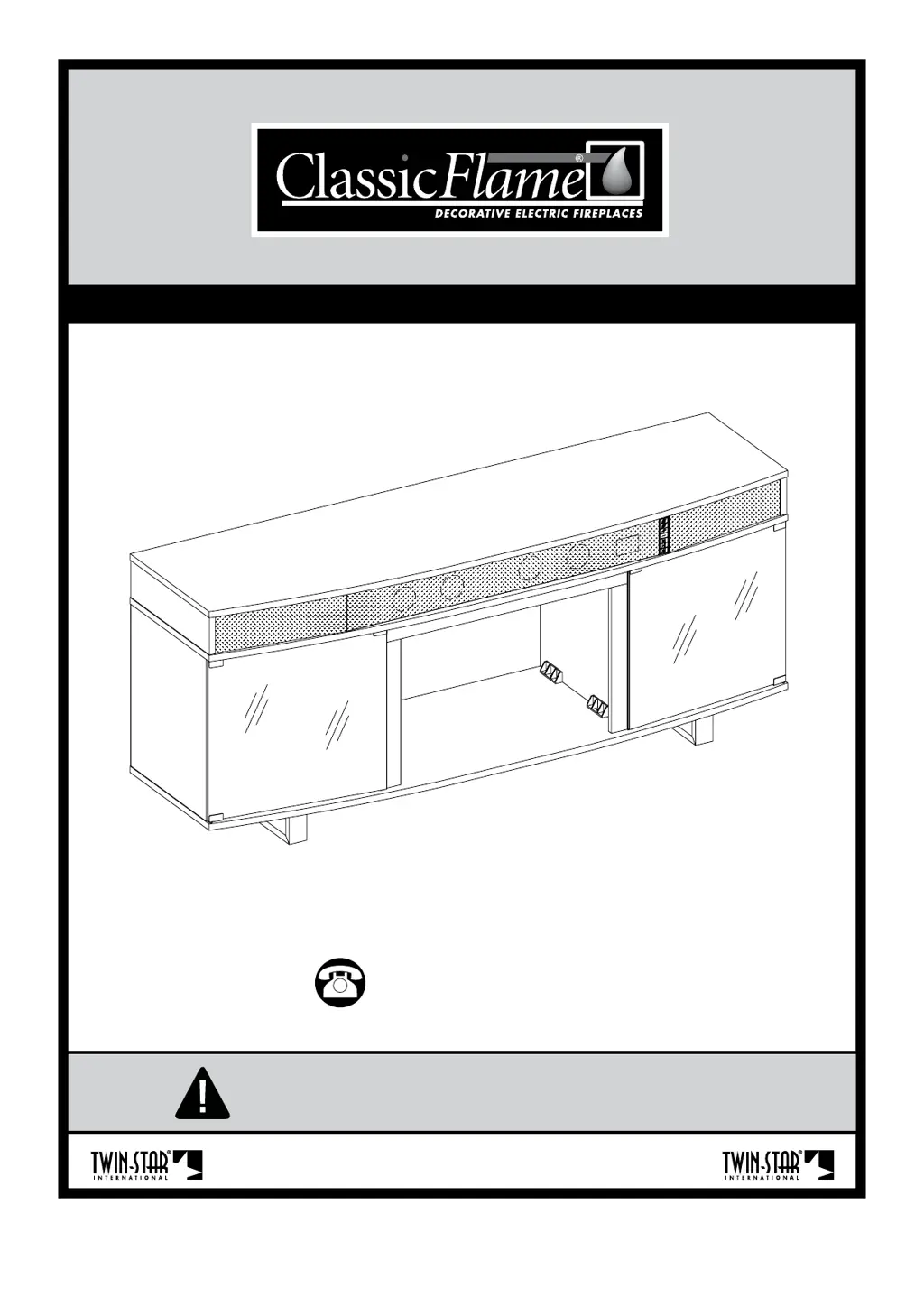
ClassicFlame 26MMS9872 - User Manual

ClassicFlame 26MMS9872
44 pages
Print Icon
To Next Page IconTo Next Page
Loading...
MP#XYY26MMS9872REV.2
1
26MMS9872
Twin-Star International, Inc. Delray Beach, FL 33445
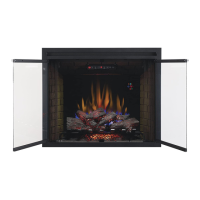
Requires Electric Fireplace Insert
Nécessite Unfoyer Electrique Encastrable
Requiere Chimenea Eléctrica Empotrada
www.tsicustomerservice.com
1-866-661-1218

Questions and Answers

Summary

Product Registration and Customer Support

Online Registration Benefits

Register your purchase online for benefits like ordering parts and downloading manuals.

Customer Privacy Policy

Information is used solely for product services and is not shared with other organizations.

Proof of Purchase Importance

Retain proof of purchase for part replacement if unable to register.

Customer Service Contact and Assistance

Contact Information and Hours

Provides toll-free help line, website, and operating hours for customer service.

Types of Assistance Offered

Details on help with assembly, installation, and parts replacement.

Information Required for Support Calls

Key details required when contacting customer service for assistance.

Product Weight Capacities and Safety

Maximum Load Limits

Specifies the maximum weight limits for different sections of the unit.

Critical Overload Warning

Warns against exceeding specified weights to prevent instability and injury.

Exploded View and Parts Identification

Unit Components Overview

Illustrates all parts of the unit with corresponding labels for assembly reference.

Safety Guidelines and Tools

General Safety Precautions

Provides essential warnings and cautions for safe assembly and use of the product.

Tools Required for Assembly

Lists the tools needed for assembly, indicating which are included and not included.

Hardware Identification and Quantities

Primary Hardware Components

Details all hardware parts, their labels, and quantities required for assembly.

Accessory and Hardware Identification

Additional Hardware and Accessories

Lists additional hardware and accessories like remote control and touch-up pen.

Assembly Instructions - Step 1

Preparation and Initial Assembly

Instruction to lay down protection on the floor before starting assembly.

Initial Structural Assembly

Diagram showing initial assembly steps for structural components.

Assembly Instructions - Step 2

Attaching Side Panels

Diagram illustrating the attachment of side panels (B, C) using screws (AA).

Assembly Instructions - Step 3

Installing Vertical Supports

Diagram showing the installation of vertical supports (E) using screws (AA).

Assembly Instructions - Step 4

Attaching Base Supports

Diagram illustrating the attachment of base supports (F) to part A using screws (AA).

Assembly Instructions - Step 5

Securing Main Structure Components

Diagram showing the main structure (A) being secured with screws (AA).

Assembly Instructions - Step 6

Installing Back Panel Connectors

Diagram showing the installation of back panel connectors (SS) into the unit.

Assembly Instructions - Step 7

Attaching Sliding Doors

Diagram illustrating the attachment of sliding doors (I) using hardware (BB).

Assembly Instructions - Step 8

Installing Door Hinges and Handles

Diagram showing the installation of door hinges (GG, HH) and handles (J).

Assembly Instructions - Step 9

Installing Door Stops

Diagram showing the installation of door stops (FF) to limit door movement.

Assembly Instructions - Step 10

Installing Shelf Supports

Diagram showing the installation of shelf supports (EE) and shelves (H).

Fireplace Insert Installation Guide

Pre-Installation Safety Instructions

Critical instructions to read before installing the fireplace insert into the mantel.

Handling and Moving the Insert

Guidelines for safely lifting, positioning, and moving the fireplace insert unit.

Assembly Instructions - Step 11

Inserting the Fireplace Unit

Diagram showing the fireplace insert being placed into the assembled unit.

Assembly Instructions - Step 12

Securing Components with Brackets

Diagram showing the installation of brackets (CC, DD) for securing parts.

Final Assembly Check: Unit Leveling

Ensuring Proper Door Function

Ensuring the unit is level is crucial for proper door operation and stability.

Furniture Care and Maintenance Guide

General Cleaning and Care

Provides guidance on cleaning the furniture, including what to avoid.

Wood Furniture Specific Tips

Offers advice on maintaining wood furniture, including temperature, humidity, and sunlight.

Replacement Parts Identification (Group 1)

Key Component Part Numbers

Lists and illustrates replacement parts such as front grille, sound bar, and power cables.

Replacement Parts Identification (Group 2)

Accessory Part Numbers

Lists additional replacement parts for the unit, including circuit boards and remote components.

Sound System Specs and Wiring

Technical Specifications

Details technical specifications for the sound system, including power and input/output.

Audio Connection Guide

Illustrates how to connect audio sources using optical and RCA cables.

Sound System Operation and Settings

Power and Clock Functions

Explains the power button function and how to set the clock manually.

Input Selection Modes

Describes the different input modes: Bluetooth (BLUE), Line In (LINE), and Optical (OP).

Sound System Remote Control Learning

Programming TV Remote Control

Details how to program the TV remote to control the sound system functions.

List of Learnable Functions

Lists functions that can be learned by the TV remote, like volume and input selection.

Controls, Panel, and Troubleshooting

Remote and Control Panel Overview

Illustrates the remote control and the unit's control panel buttons and functions.

Troubleshooting Common Issues

Provides solutions for common problems like distorted sound and overheating.

Maintenance, Battery, and Compliance

Remote Battery Replacement Guide

Step-by-step guide on how to replace the battery in the remote control.

Battery Disposal and Safety

Instructions for proper disposal of used batteries and general product safety warnings.

FCC and IC Compliance Statements

Information regarding compliance with FCC and Canadian ICES regulations.

1-Year Limited Product Warranty

Warranty Terms and Conditions

Outlines the manufacturer's warranty coverage, duration, and conditions.

Warranty Voiding Conditions

Lists circumstances under which the product warranty becomes void.

ClassicFlame 26MMS9872 Specifications

General IconGeneral
BrandClassicFlame
Model26MMS9872
CategoryIndoor Fireplace
LanguageEnglish

Related product manuals