EasyManua.ls Logo

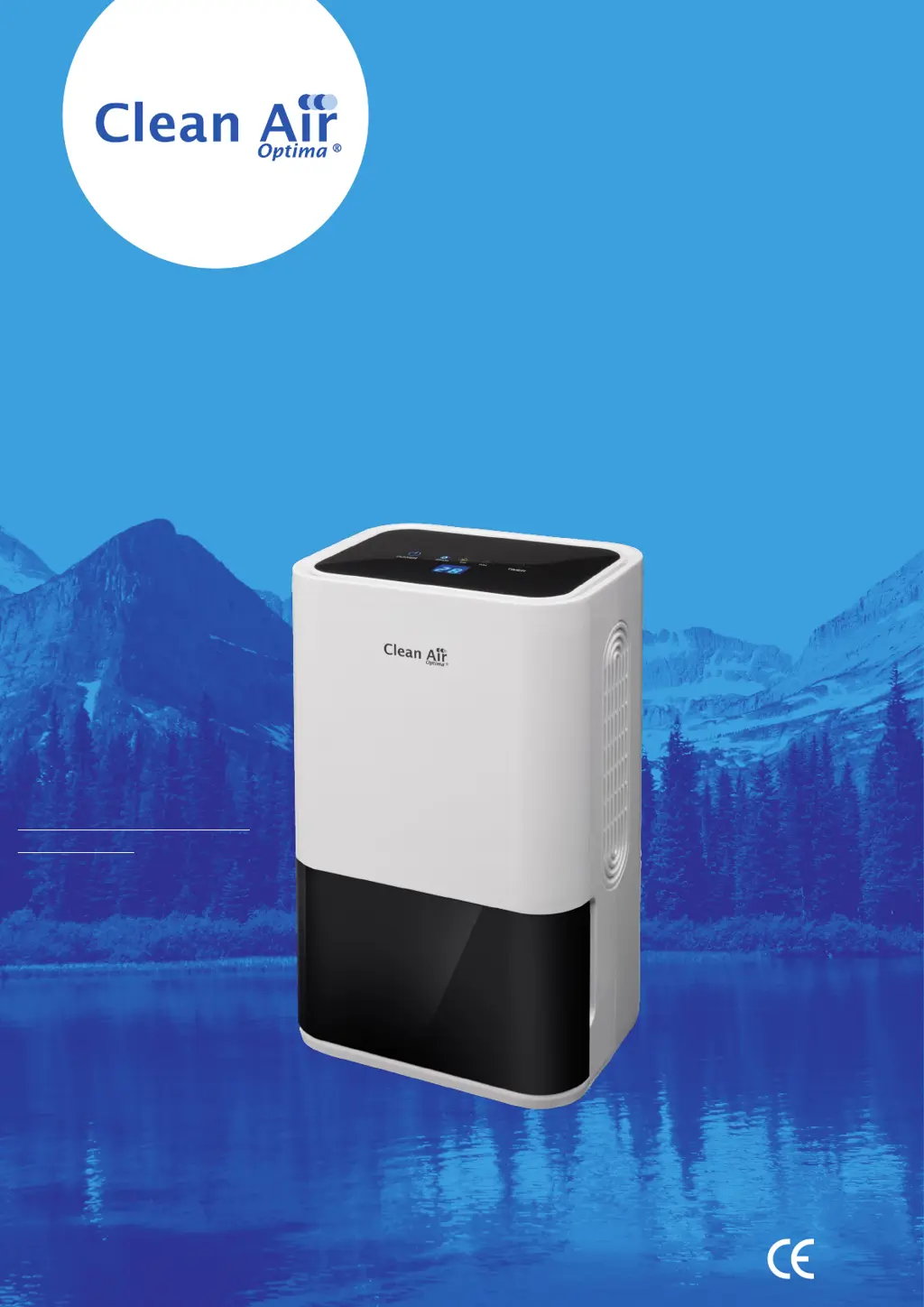
Clean Air Optima CA-703 - User Manual

Clean Air Optima CA-703
160 pages
Print Icon
To Next Page IconTo Next Page
Loading...
Read these instructions carefully before you start using the Dehumidifier and keep the manual for later usage.
Clean Air Optima Dehumidifier CA-703
© Copyright: Clean Air Optima
®
Manual
User manual
Gebrauchsanweisung
Gebruiksaanwijzing
Mode d’emploi
Manual del usuario
Instrukcja obsługi
Uživatelská příručka
Manual de utilizare
Naudotojo vadovas
Kasutusjuhend
Lietošanas pamācība
Руководство пользователя
Прирачник за користење
Find more languages on:
www.cleanairoptima.com/
info/manuals

Questions and Answers

  • S
    scottstacyAug 10, 2025
    Why is my Clean Air Optima CA-703 not switching on or dehumidifying efficiently?
    • S
      shortericAug 10, 2025
      Your Clean Air Optima Dehumidifier might not be working correctly for several reasons: * The power cord may not be correctly connected. Ensure the power plug is properly connected to the power socket. * The water tank might be full or not correctly positioned. Empty the water tank and replace it correctly. * The ambient temperature may be outside the device's operating range (below 5°C or above 50°C). The device cannot function in these temperatures. * The pre-filter could be blocked by dust. Clean the pre-filter. * The air inlet or outlet may be blocked. Clear any blockages from the air inlet and outlet. * The set humidity level might be higher than the current environmental humidity. Set the humidity at least 5% lower than the environmental humidity.
  • C
    Charles MooreAug 21, 2025
    Why is my Clean Air Optima Dehumidifier making so much noise?
    • I
      Isaac DonovanAug 21, 2025
      Excessive noise from your Clean Air Optima Dehumidifier can be due to a couple of reasons: * The device might be installed on an uneven surface. Make sure the dehumidifier is placed upright. * The pre-filter might be clogged. Clean the pre-filter to ensure proper airflow.
  • S
    shannon64Aug 30, 2025
    What to do if the LED display of Clean Air Optima CA-703 shows “E1”?
    • M
      mirandageraldAug 30, 2025
      If your Clean Air Optima Dehumidifier's LED display shows 'E1', it indicates that the temperature and humidity sensor has broken down or is affected by damp. You should change the temperature and humidity sensor or dry the sensor.

Summary

CA-703 Parts; Main unit

Safety Warnings

General Safety Precautions

Key safety instructions to minimize risk of electric shock, fire, and injury during operation.

How to Use

Power Button and Indicator

Explains the function of the power button and its indicator light for dehumidifying.

Timer Functionality

How to set the 0-24 hour timer and display room temperature using the timer button.

Device Indicators and Display

Details on dehumidify, air purify, water tank full indicators and the double '88' display.

Water Drainage

Emptying the Water Tank

Instructions for removing and emptying the water tank when the indicator light is red.

Continuous Drainage

Installation and Maintenance

Installation Clearance

Ensures proper airflow by maintaining a 20cm distance from walls and furniture.

Device Cleaning Procedure

How to clean the housing using a soft, damp cloth, avoiding solvents and water spray.

Filter Care and Storage

Pre-Filter Cleaning

Steps for removing, cleaning, and reinstalling the Pre-Filter.

Dehumidifier Storage Instructions

Guidelines for storing the dehumidifier when not in use for extended periods.

Troubleshooting

Specifications

Service and Warranty

Warranty Certificate Information

Instructions for filling out and submitting the warranty certificate.

Warranty Terms and Conditions

Details coverage, duration, exclusions, and conditions of the product warranty.

Clean Air Optima CA-703 Specifications

General IconGeneral
TypeDehumidifier
Suitable for rooms up to20 m²
Air PurificationYes
Power consumption270 Watt
Dimensions354 x 220 x 598 mm
Weight13.5 kg
Noise level< 46 dB(A)
Operating Temperature5-35 °C
Tank Capacity2 liters

Related product manuals