7
Start playing a live signal from your audio
source (for example, start playing a cassette
tape in your cassette tape player, and make
sure the volume is turned up).
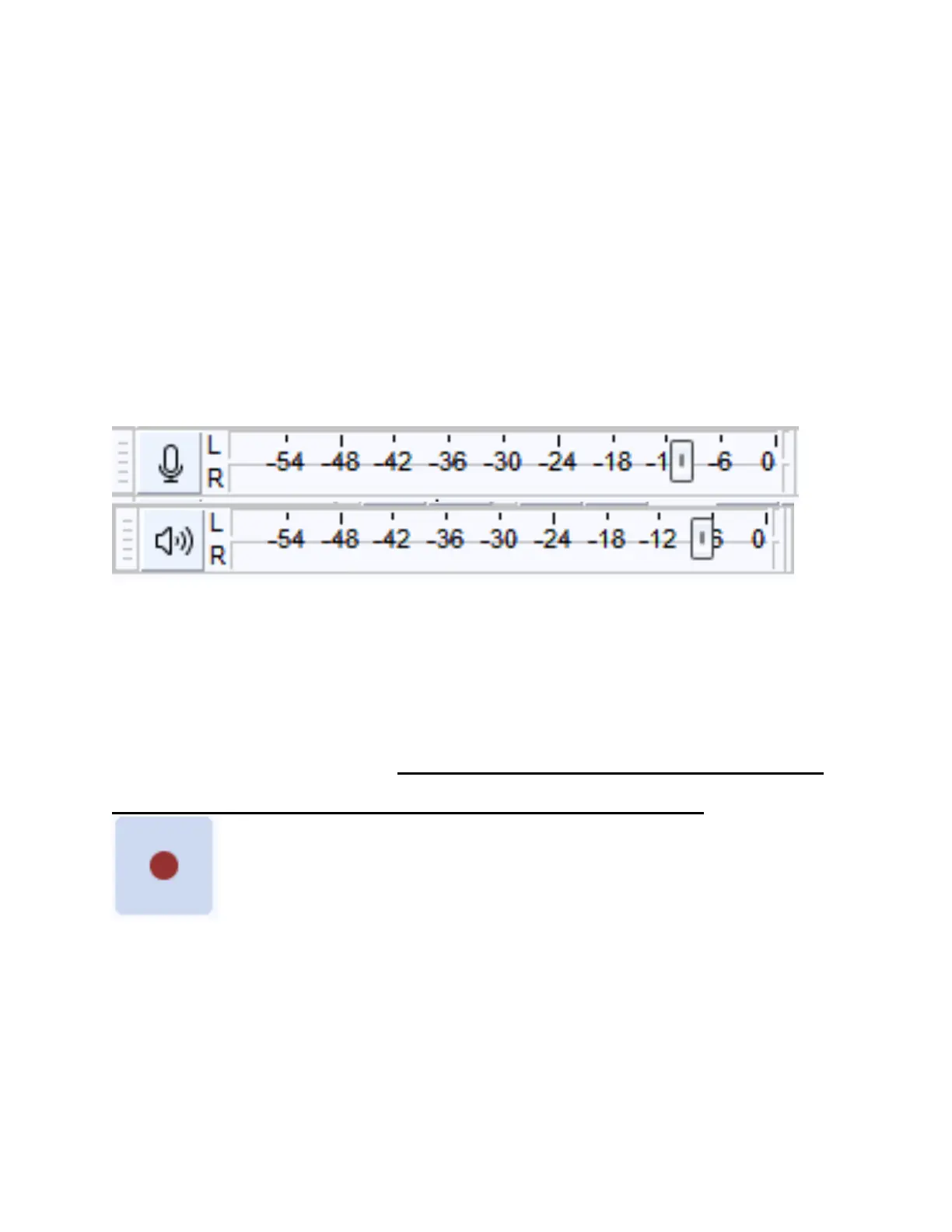
STEP #8. Adjust the recording & playback
volumes on the screen if necessary.
STEP #9: Click the red “Record” button in the
Audacity software. The software will start to
record your audio. Note: You will not be able to
hear the audio while you are recording.



 To Next Page