8
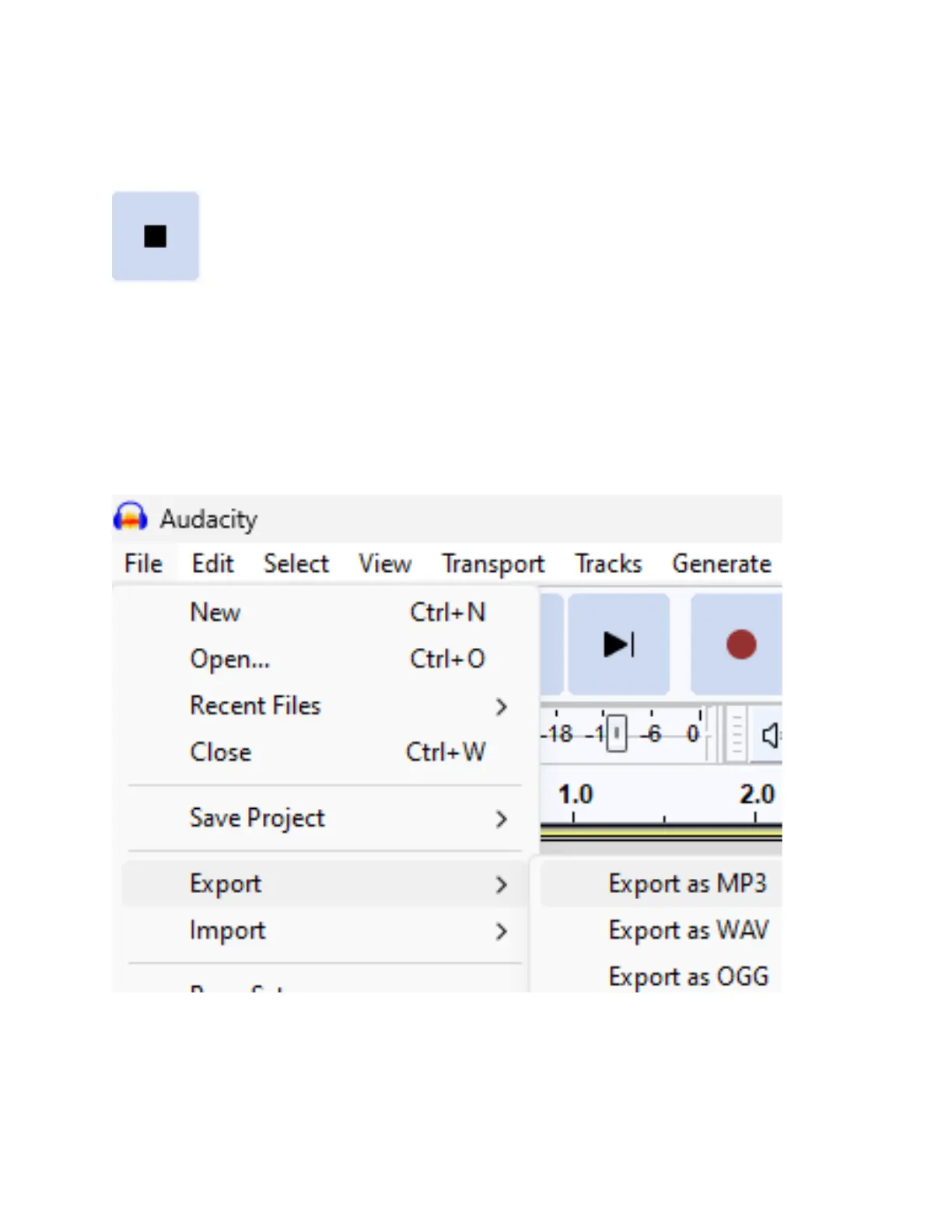
STEP #10. When you are ready to stop
recording, press the square “Stop” button.
STEP #11. To save your audio recording as a
WAV or MP3 audio file, click File/Audacity →
Export → Export As WAV/MP3.
In the next screen, choose a name & location
for your recording to be saved, and click “Save.”



 To Next Page