9
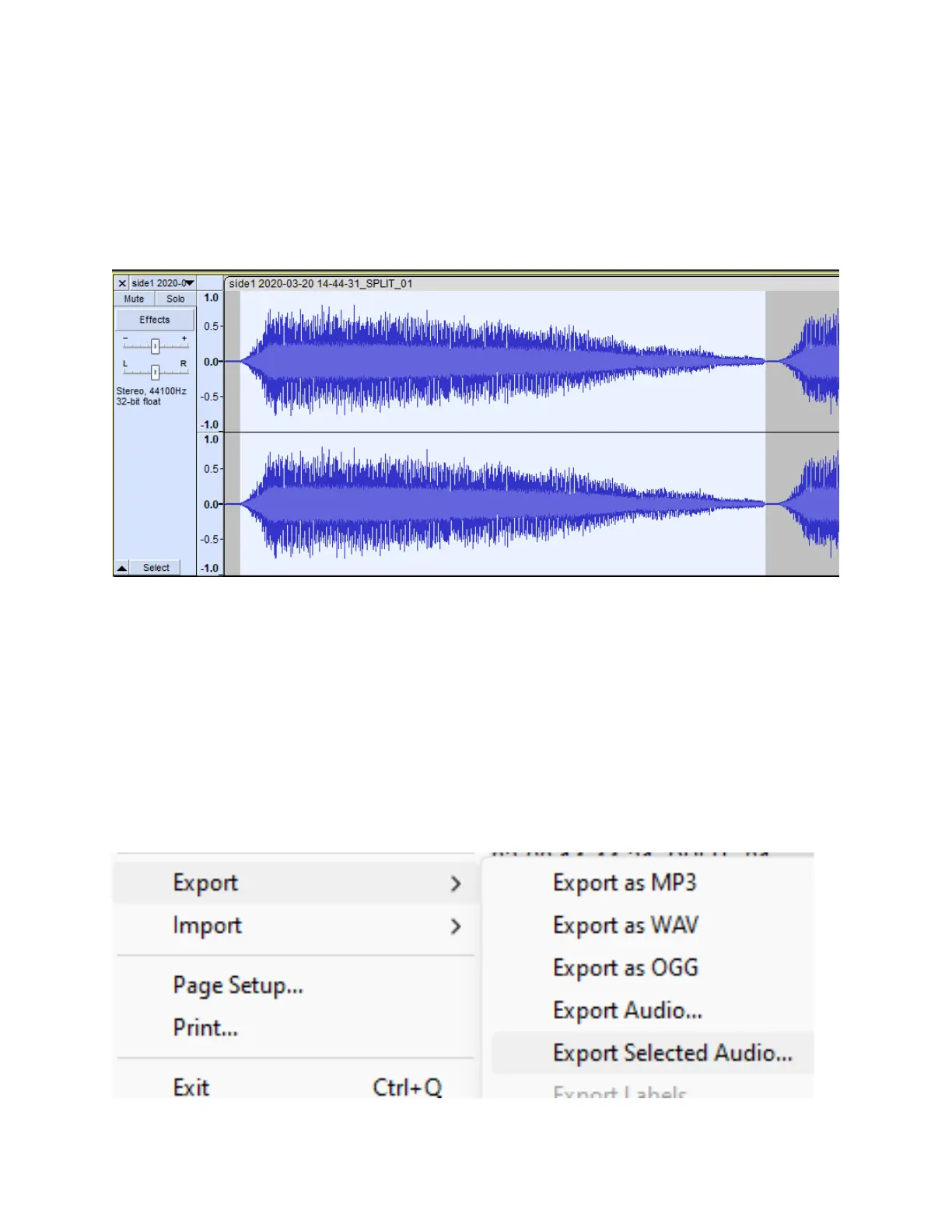
STEP #12 (OPTIONAL): To split up your
recording into individual tracks/files, first select
part of your recording by clicking and dragging
the wave forms to select part of your recording.
To save the selection as an individual track/file,
click File/Audacity → Export → Export Selected
Audio. Choose a name & location for your file,
select the audio file format, and click “Save.”
Repeat step #12 for each individual track/file
that you wish to save.



 To Next Page