EasyManua.ls Logo

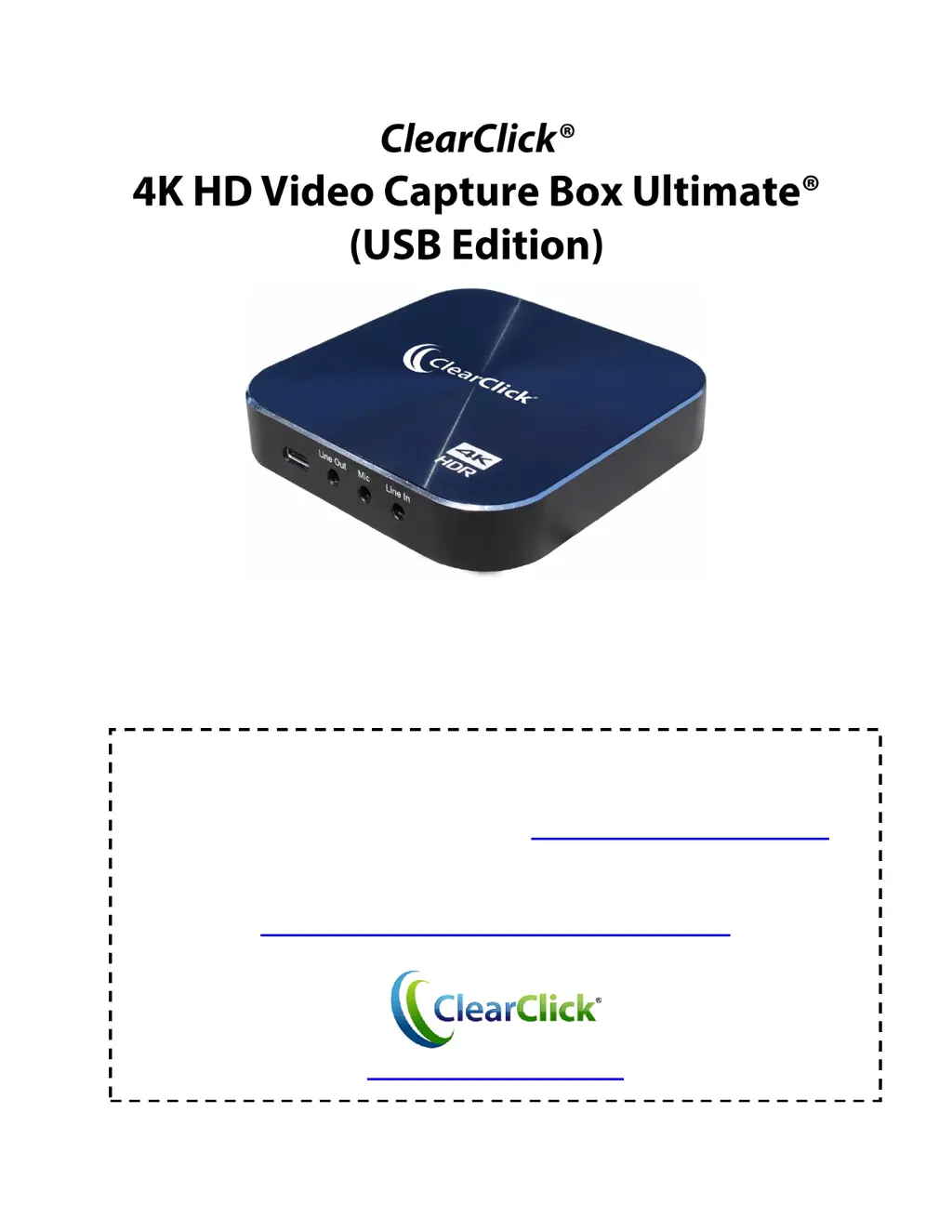
ClearClick HD Video Capture Box Ultimate - User Manual

ClearClick HD Video Capture Box Ultimate
21 pages
Print Icon
To Next Page IconTo Next Page
Loading...
1
User’s Manual &
Quick Start Guide
2-Year Warranty & USA-Based Tech Support
For tech support, email us at: support@clearclick.tech
Extend your warranty to 3 years for free by registering at:
www.clearclicksoftware.com/Register/
www.ClearClick.tech

Other manuals for ClearClick HD Video Capture Box Ultimate

Questions and Answers

Summary

User Manual and Quick Start Guide

Warranty and Technical Support

Information on product warranty and customer support contact details.

Product Information and Safety

Product Registration and Warranty Extension

Instructions for registering the product and extending the warranty.

General Safety Precautions

Essential safety guidelines for using the device and associated risks.

2-Year Product Warranty Details

Details of the product's 2-year warranty coverage and replacement policy.

Package Contents

Device Diagrams and Port Explanations

Quick Start Guide

Important Device Usage Warning

Critical warning about HDCP content protection affecting signal detection.

HDMI Splitter Disclaimer

Disclaimer regarding HDMI splitters and copyright laws.

Device Setup Instructions

Live Streaming and Recording with OBS

OBS Configuration for Capture

Configuration steps for using OBS for streaming and recording.

Live Streaming and Recording with XSplit

XSplit Broadcaster Configuration

Configuration steps for using XSplit Broadcaster for streaming and recording.

Recording with UXPlayer Plus

UXPlayer Plus Software Setup

Instructions for downloading, installing, and registering UXPlayer Plus.

UXPlayer Plus Settings and Recording

Resolution and HDR Configuration

Steps to set device resolution and enable HDR recording in UXPlayer Plus.

UXPlayer Plus Advanced Features

Managing UXPlayer Plus Settings

Detailed explanation of various settings within UXPlayer Plus software tabs.

UXPlayer Plus Live Streaming

Advanced Live Streaming Guide

Guide for advanced users on using UXPlayer's live streaming capabilities.

Getting Started with VideoPad

VideoPad Software Activation

Instructions for downloading and activating the VideoPad software.

Troubleshooting Common Issues

Signal and HDCP Protection Issues

Addresses issues with no signal or HDCP protection errors.

Troubleshooting Performance Issues

Audio;Video Sync and Choppy Video

Solutions for audio/video sync issues or choppy video during streaming/recording.

HDR Functionality Troubleshooting

Troubleshooting steps when HDR functionality is not working as expected.

Product Support and FAQs

AUX PWR Port Usage Explanation

Explanation of the purpose and usage of the AUX PWR port.

Contacting Technical Support

Information on how to contact support for further assistance.

System Requirements and Technical Specifications

Technical Specifications Summary

Detailed system requirements and technical specifications for the device.

ClearClick HD Video Capture Box Ultimate Specifications

General IconGeneral
Audio InputHDMI, RCA
Video OutputHDMI
CompatibilityWindows, Mac
OutputHDMI
Video InputHDMI, Composite
Recording ResolutionUp to 1080p
Supported FormatsMP4
Storage MediumUSB Flash Drive, External Hard Drive
Power Supply5V/2A USB Power Adapter
Weight6.4 ounces

Related product manuals