12
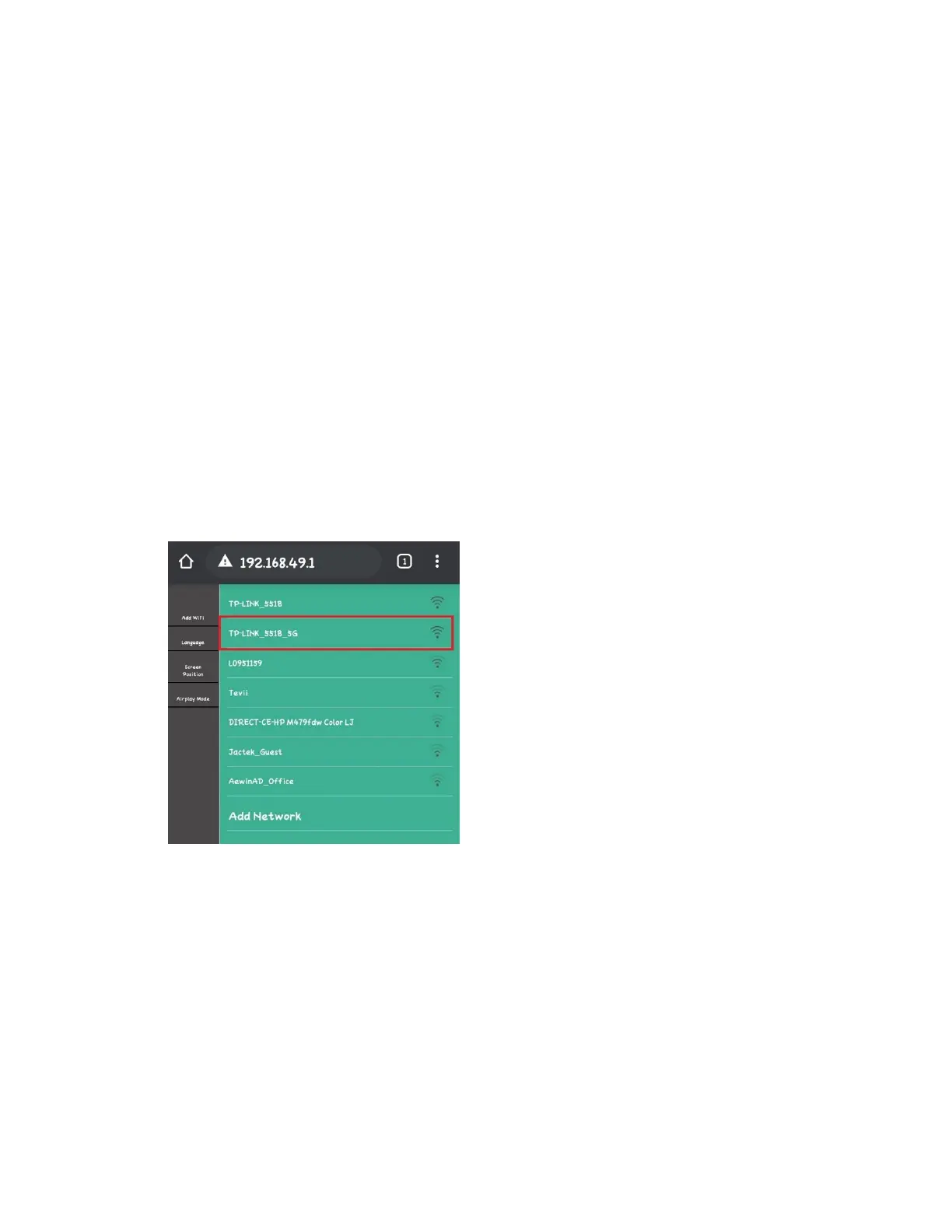
5. Open your web browser on your phone, tablet,
or computer, and enter the web address/number
shown in the right corner. For example,
“192.168.1.50.”
6. On the screen/website, you can connect your
receiver (RX) to your existing WiFi network
and/or change the language.



 To Next Page