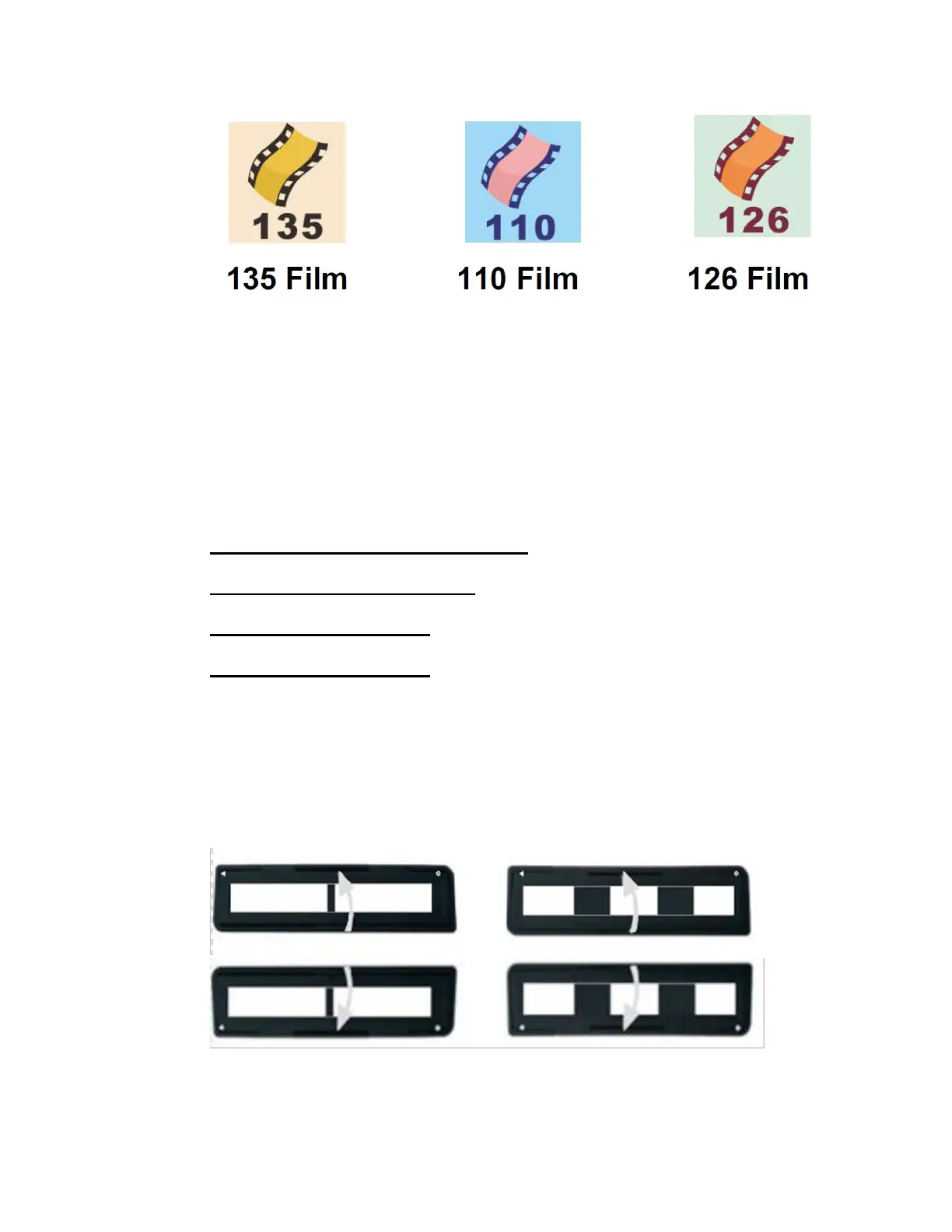
11
d. Locate the appropriate slide or negative
holder for the type of film you’d like to scan.
Each holder is described below:
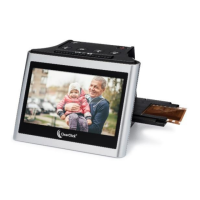
35mm Negative Holder = 2 large openings
35mm Slide Holder = 3 openings
110 Film Holder = 8 openings
126 Film Holder = 7 openings
e. Open the slide or negative holder, insert your
film so that it is aligned correctly, and close
the holder, as shown in the diagrams below.


 To Next Page