24 Technical Support: 800.283.5936
ADVANCED SETTINGS: DATABASE
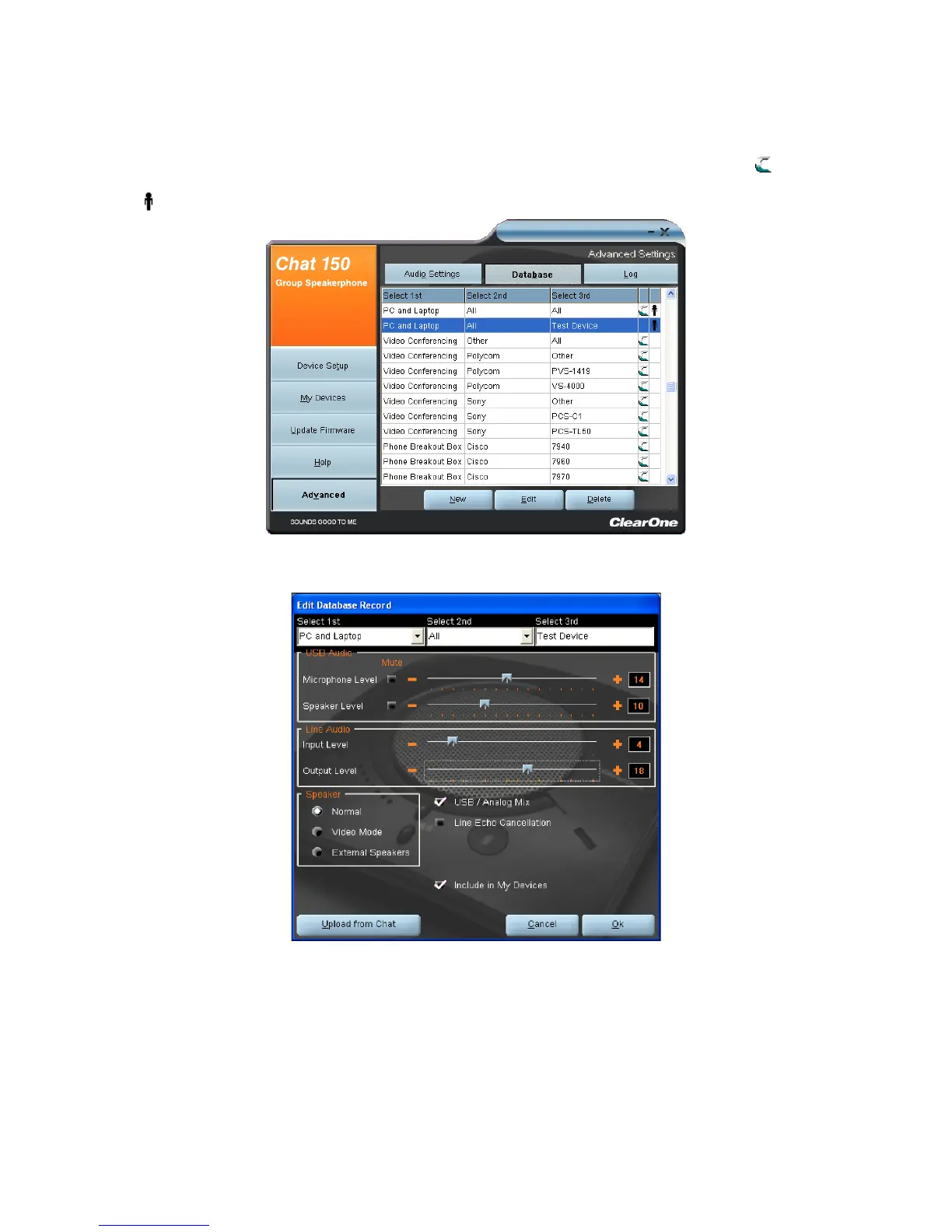
Database displays the devices configured for the CHAT 150 and allows you to edit them. The CHAT 150 device
database includes all of the audio settings for the devices pre-programmed by ClearOne (identified by the icon next
to each device) and any custom audio settings you set up and wish to save for later use.
The icon indicates that the device is in your My Devices list and can be edited.
To view the settings for a particular device, select the device and click the View button, or double-click the device name.
The View Database Record dialog appears.



 To Next Page