EasyManua.ls Logo

ClearOne CHAT 160 - User Manual

ClearOne CHAT 160
44 pages
Print Icon
To Next Page IconTo Next Page
Loading...
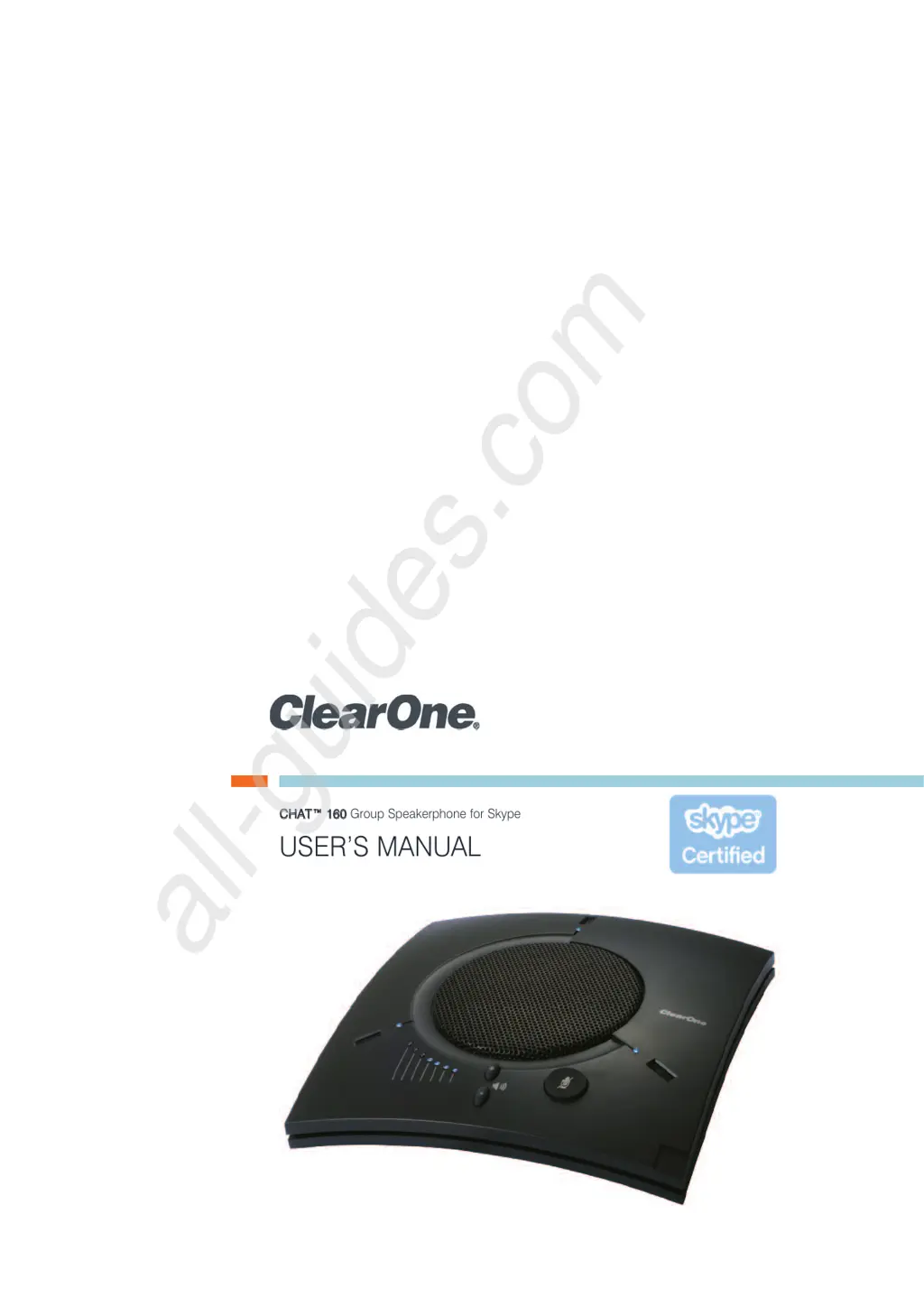
CCHHAATT 116600
Group Speakerphone for Skype
USER’S MANUAL
All manuals and user guides at all-guides.com
all-guides.com

Other manuals for ClearOne CHAT 160

Questions and Answers

Summary

CHAPTER 1: INTRODUCTION

Important Safety Information

Outlines critical safety instructions and warnings for product use.

CHAPTER 2: GETTING STARTED

CHAT 160 Controls

Describes the physical controls and LED indicators on the CHAT 160 unit.

CHAPTER 3: CONFIGURING THE CHAT 160

Installing the CHAT Software for Windows

Guides users through downloading and installing the CHAT software.

Configuring Your CHAT 160

Explains how to configure the CHAT 160 for various devices using the software.

Optimizing Sound Quality

Offers guidance on adjusting audio settings for optimal performance.

Connecting to a Telephone

Detailed steps for connecting the CHAT 160 to enterprise telephones.

Connecting to a Video Conferencing Device

Instructions for connecting the CHAT 160 to video conferencing systems.

CHAPTER 4: USING THE CHAT APPLICATION

Advanced Settings: Audio Settings

Allows detailed adjustment of USB and Line audio settings.

CHAPTER 5: MAINTENANCE

Troubleshooting

Offers steps to resolve common audio and connectivity issues.

Summary

CHAPTER 1: INTRODUCTION

Important Safety Information

Outlines critical safety instructions and warnings for product use.

CHAPTER 2: GETTING STARTED

CHAT 160 Controls

Describes the physical controls and LED indicators on the CHAT 160 unit.

CHAPTER 3: CONFIGURING THE CHAT 160

Installing the CHAT Software for Windows

Guides users through downloading and installing the CHAT software.

Configuring Your CHAT 160

Explains how to configure the CHAT 160 for various devices using the software.

Optimizing Sound Quality

Offers guidance on adjusting audio settings for optimal performance.

Connecting to a Telephone

Detailed steps for connecting the CHAT 160 to enterprise telephones.

Connecting to a Video Conferencing Device

Instructions for connecting the CHAT 160 to video conferencing systems.

CHAPTER 4: USING THE CHAT APPLICATION

Advanced Settings: Audio Settings

Allows detailed adjustment of USB and Line audio settings.

CHAPTER 5: MAINTENANCE

Troubleshooting

Offers steps to resolve common audio and connectivity issues.

ClearOne CHAT 160 Specifications

General IconGeneral
Microphone TypeOmnidirectional
Connectivity TechnologyWired
Echo CancellationYes
Noise ReductionYes
CompandingYes
Audio Inputs1 x 3.5 mm
Audio Outputs1 x 3.5mm
Power SupplyUSB powered
ConnectivityUSB
Audio Frequency Response100Hz - 16kHz
Weight0.5 lbs

Related product manuals