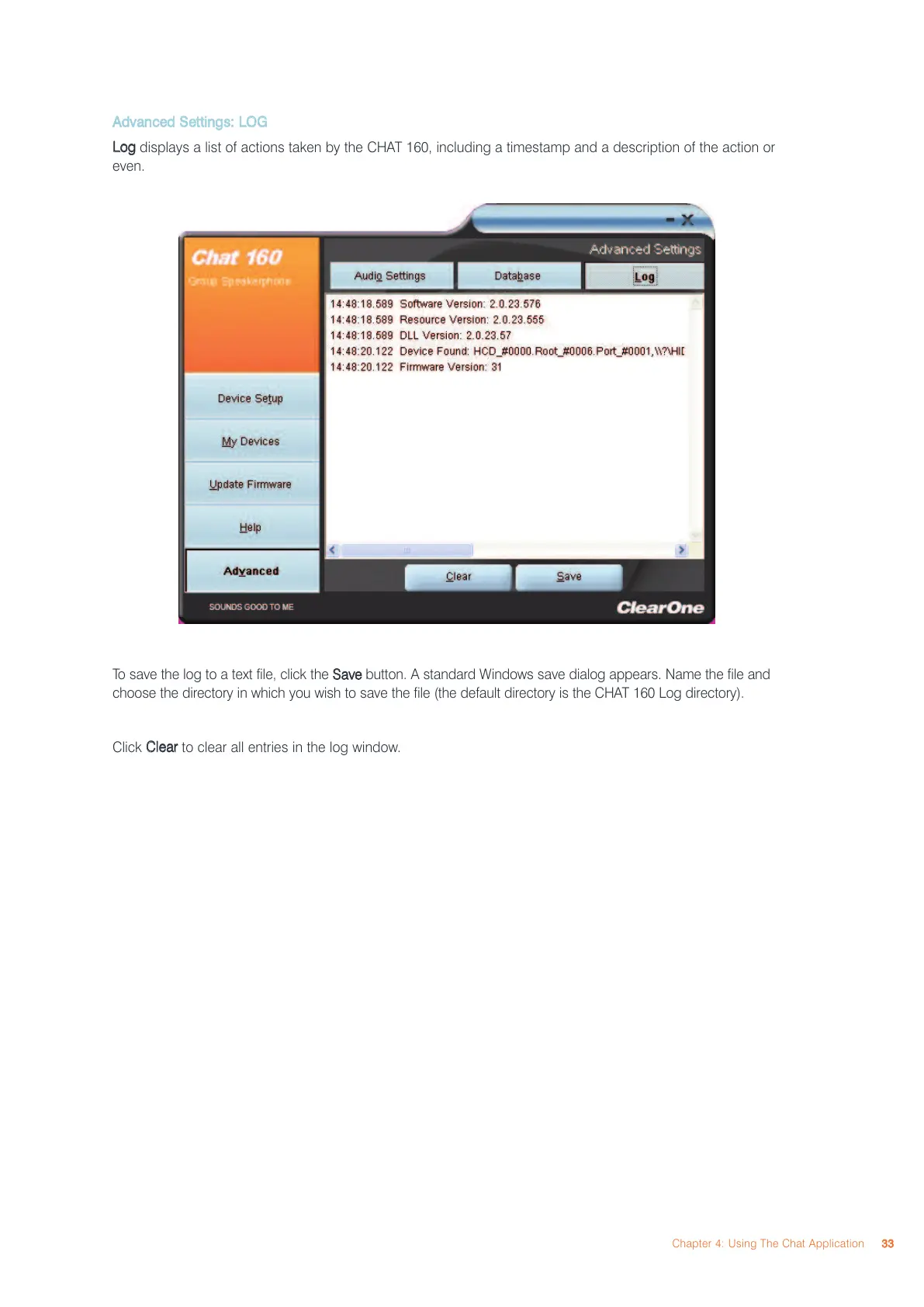
AAddvvaanncceedd SSeettttiinnggss:: LLOOGG
LLoogg
displays a list of actions taken by the CHAT 160, including a timestamp and a description of the action or
even.
To save the log to a text file, click the
SSaavvee
button. A standard Windows save dialog appears. Name the file and
choose the directory in which you wish to save the file (the default directory is the CHAT 160 Log directory).
Click
CClleeaarr
to clear all entries in the log window.
Chapter 4: Using The Chat Application
3333



 To Next Page