Tip
Each RGB value can be set between 0 and 255. You can look up the RGB value of any color
and set it here.
Finally, we publish the message.
self.lightring_publisher.publish(lightring_msg)
Publish the lightring command with a button press
Now we can connect our interface button subscription to our lightring publisher. Simply call
button_1_function inside the interface_buttons_callback.
# Interface buttons subscription callback
def interface_buttons_callback(self, create3_buttons_msg: InterfaceButtons):
# Button 1 is pressed
if create3_buttons_msg.button_1.is_pressed:
self.get_logger().info('Button 1 Pressed!')
self.button_1_function()
Test this out by running the node like before.
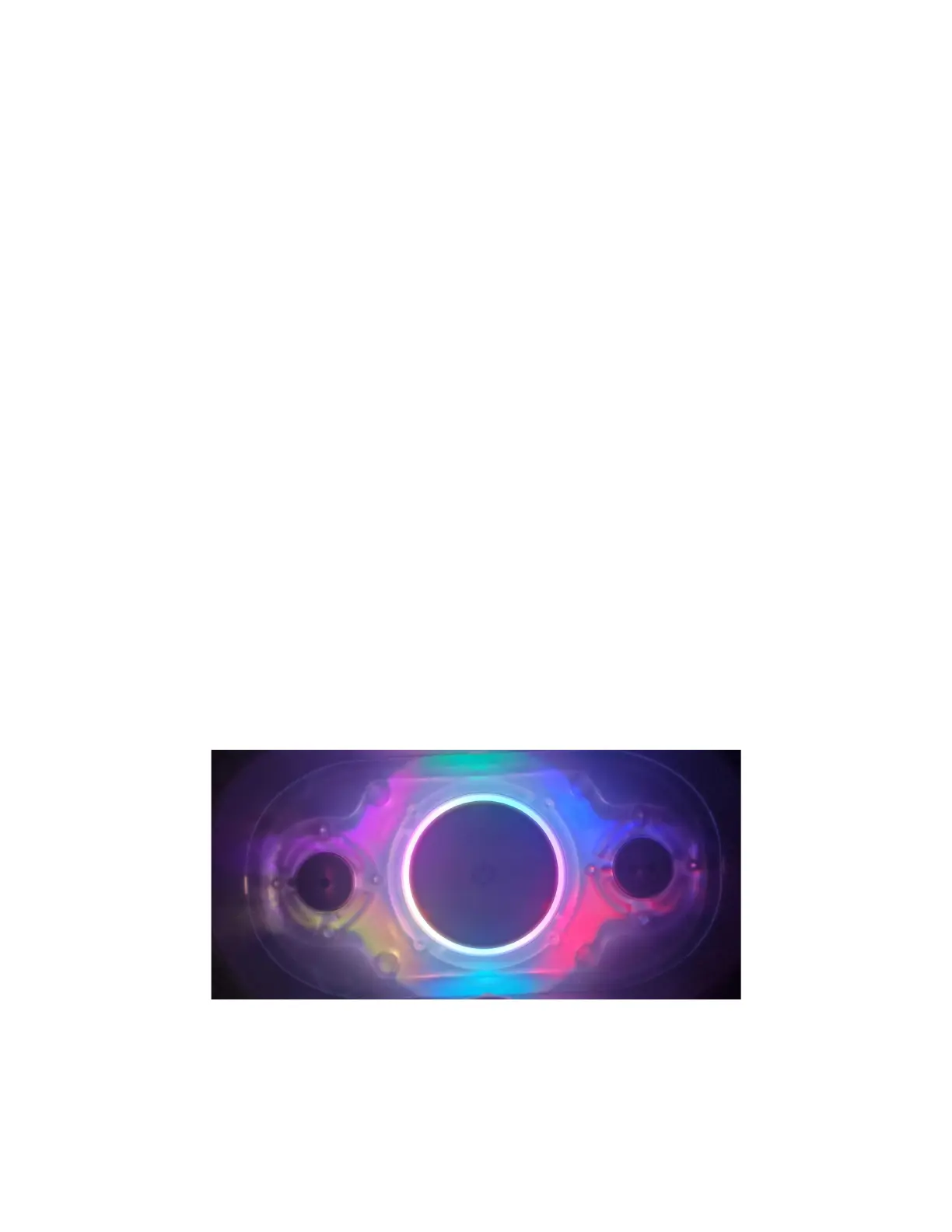
Press button 1 and the lightring light should look like this:
Lightring colours controlled with the press of a button!



 To Next Page