Finally, we publish the message.
self.lightring_publisher.publish(lightring_msg)
Publish the lightring command with a button press
Now we can connect our interface button subscription to our lightring publisher. Simply call
button_1_function inside the interface_buttons_callback.
# Interface buttons subscription callback
def interface_buttons_callback(self, create3_buttons_msg: InterfaceButtons):
# Button 1 is pressed
if create3_buttons_msg.button_1.is_pressed:
self.get_logger().info('Button 1 Pressed!')
self.button_1_function()
Test this out by running the node like before.
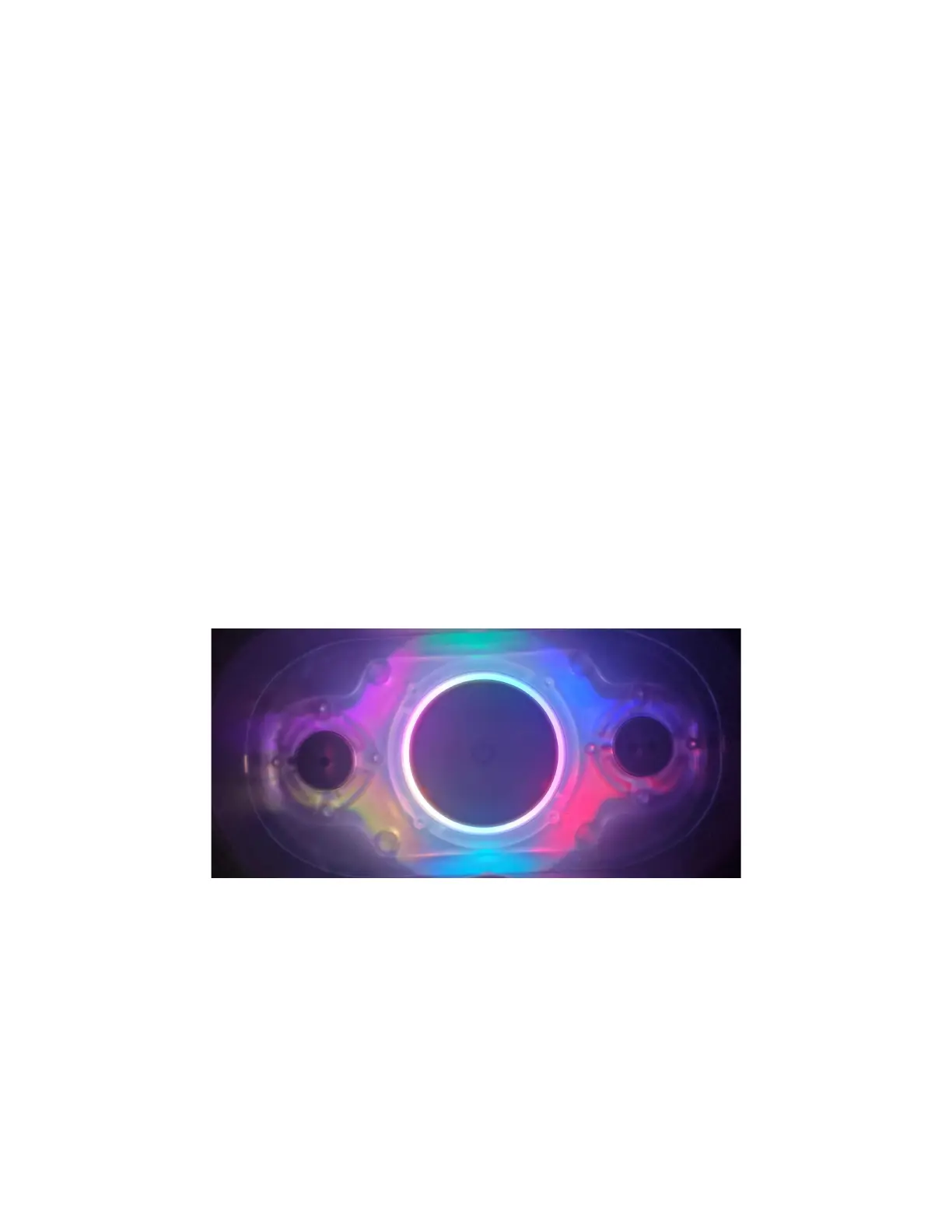
Press button 1 and the lightring light should look like this:
Lightring colours controlled with the press of a button!
Toggle the lightring
You will notice that once you have set the lightrings LEDs they will remain like that forever. Lets
make the button toggle the light on or off each time we press it.



 To Next Page