2D Pose Estimate
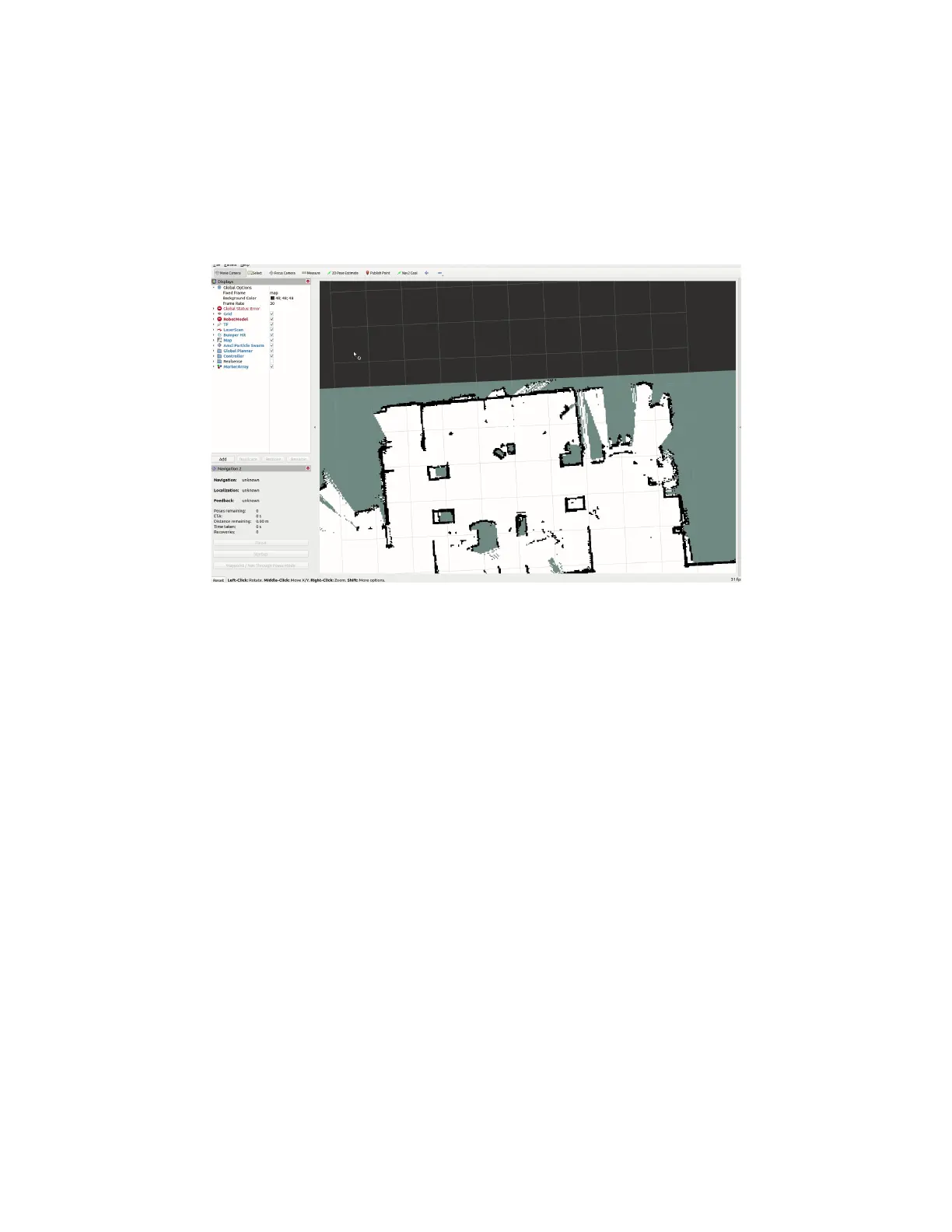
The 2D Pose Estimate tool is used in localization to set the approximate initial pose of the robot
on the map. This is required for the Nav2 stack to know where to start localizing from. Click on
the tool, and then click and drag the arrow on the map to approximate the position and
orientation of the robot.
Setting the initial pose
Publish Point
The Publish Point tool allows you to click on a point on the map, and have the coordinates of
that point published to the /clicked_point topic.
Open a new terminal and call:
ros2 topic echo /clicked_point
Then, select the Publish Point tool and click on a point on the map. You should see the
coordinates published in your terminal.



 To Next Page