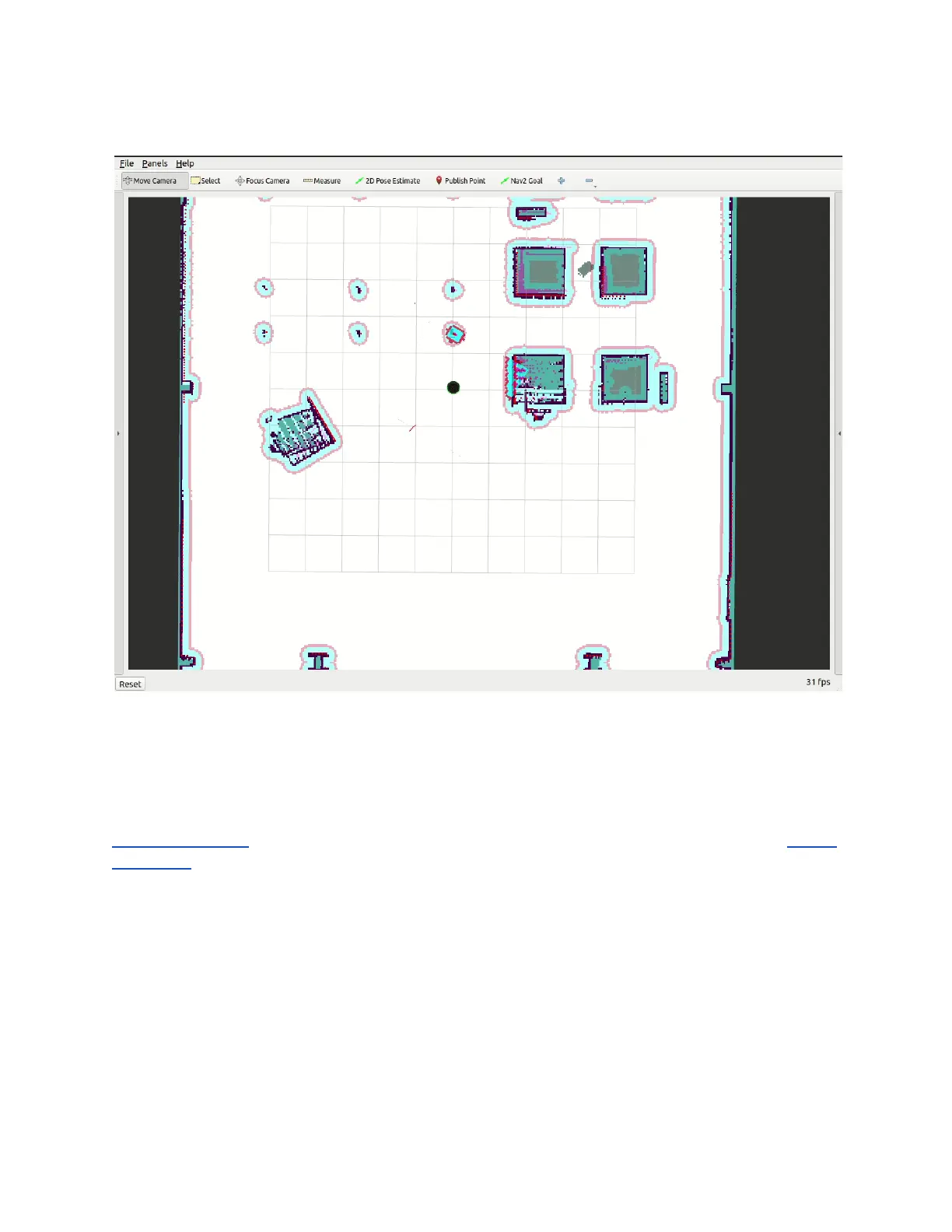
ros2 launch turtlebot4_viz view_robot.launch.py
Follow a set of Waypoints
Create Path
This example demonstrates how to create a navigation path in Rviz during runtime. It uses the
2D Pose Estimate tool to pass the TurtleBot 4 Navigator a set of poses. Then we use the Follow
Waypoints behaviour to follow those poses. This example was run on a physical TurtleBot 4.
To run this example, start nav bringup on your PC or on the Raspberry Pi:
ros2 launch turtlebot4_navigation nav_bringup.launch.py slam:=off localization:=true
map:=office.yaml
Replace office.yaml with the map of your environment.
Once the navigation has started, open another terminal and run:
ros2 run turtlebot4_python_tutorials create_path



 To Next Page