On your PC, run the following commands:
source /opt/ros/galactic/setup.bash
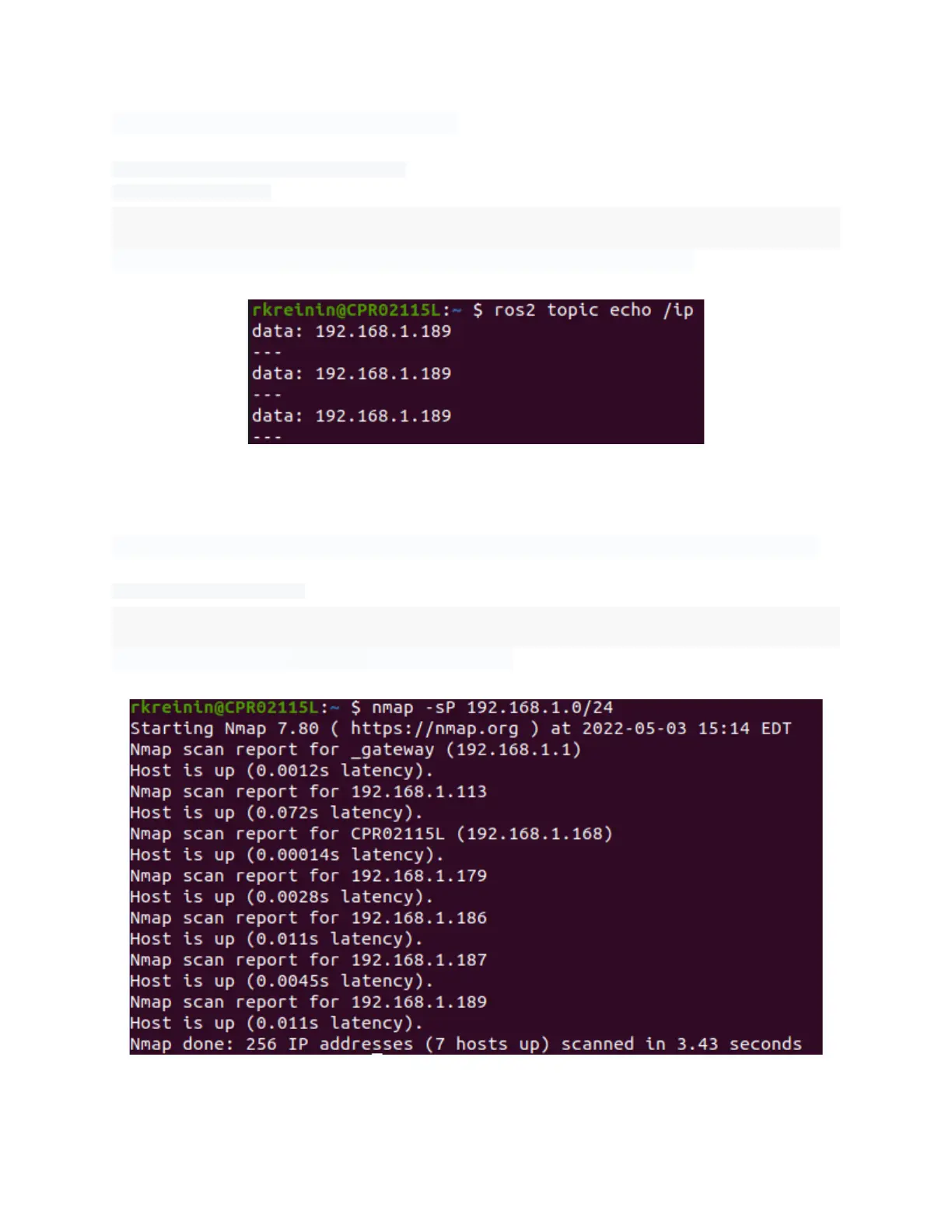
ros2 topic echo /ip
You should see the IP address printed out in your terminal periodically.
Echoing the IP address of a TurtleBot 4
If you are unable to find the IP address with the previous methods, you can try to use:
nmap -sP 192.168.1.0/24
Make sure to replace 192.168.1 with your subnet.
Scanning IP Addresses with nmap



 To Next Page