User 2: Red, 1hz, 50%
Display
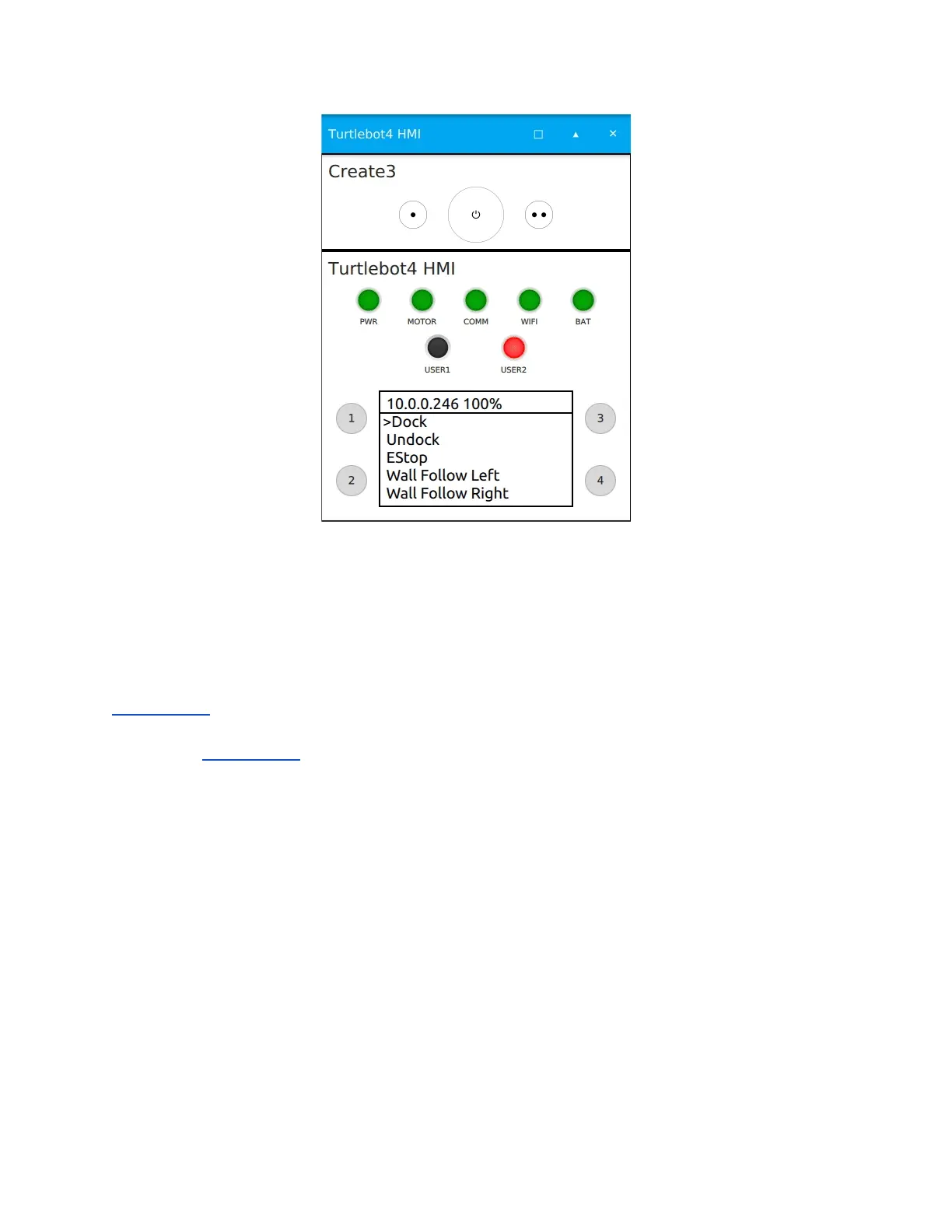
The Display class in turtlebot4_node controls the HMI display of the TurtleBot 4. The physical
display is a 128x64 OLED which is controlled over I2C with a SSD1306 driver.
The display has a header line which contains the IP address of the Wi-Fi interface specified in
configuration, as well as the battery percentage received on the /battery_state topic. The display
also has 5 additional lines which are used for the menu by default. The menu entries are
specified in configuration and are a set of the available functions. The 5 menu lines can be
overwritten by publishing to the /hmi/display/message with a String message.
Note
The menu can have any number of entries. If there are more than 5 entries, the user will have to
scroll down to see the entries that do not fit on the 5 menu lines.
Menu Control
The TurtleBot 4 display has a simple scrolling menu. There are 4 control functions for the menu:
Scroll up, Scroll down, Select, and Back.
● Scroll up and down allow the users to navigate through the menu entries and by default
are mapped to user buttons 3 and 4 respectively.



 To Next Page