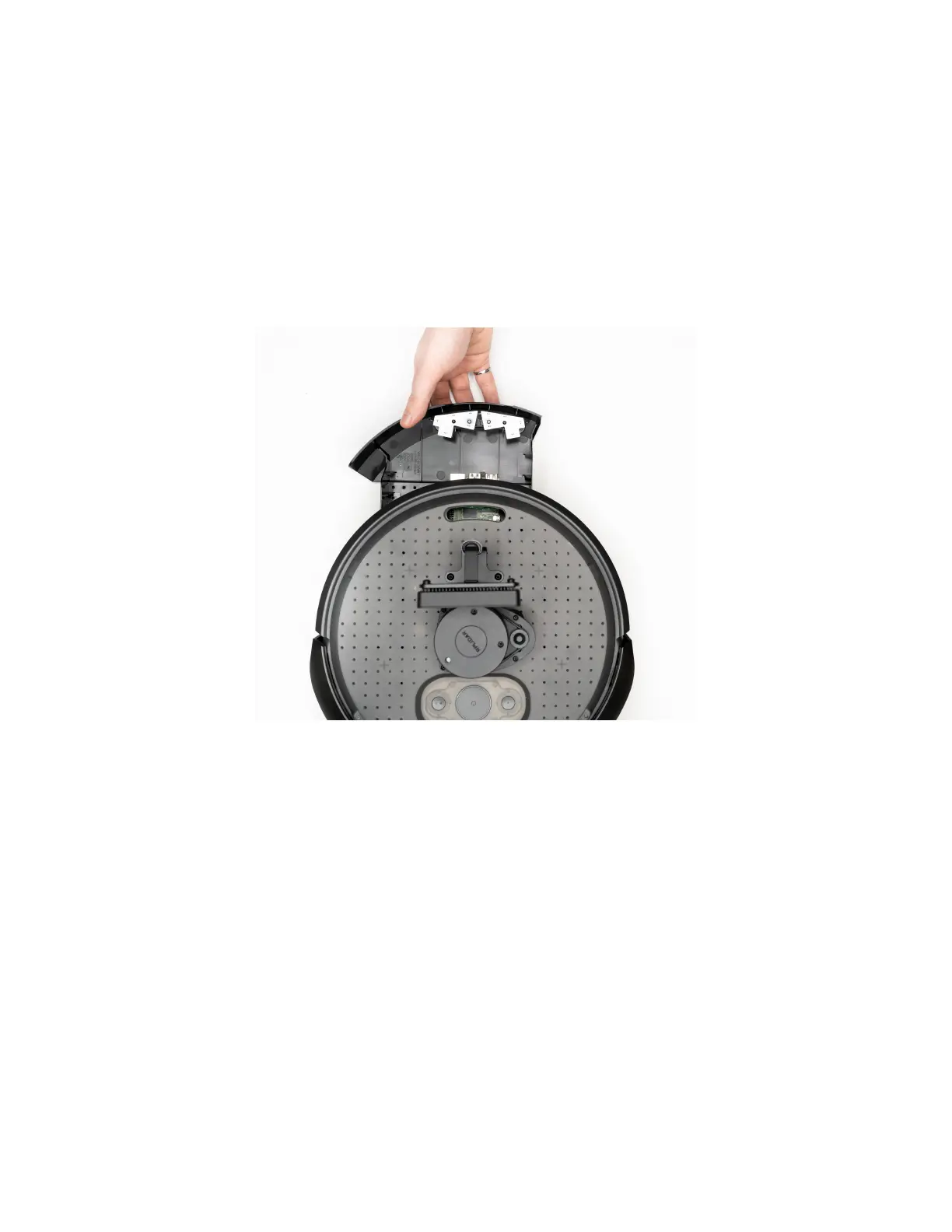
cables that were previously disconnected through the slot. Attach the USB-C cable to the
Oak-Camera and connect the USB Micro cable to the RPLIDAR.
Accessing the Raspberry Pi Computer
The Raspberry Pi is found in the rear tray of the robot. To fully access the Raspberry Pi,
disconnect the USB cables connected to the Oak Camera and RPLIDAR and feed them through
the slot opening at the rear of the robot. You can now carefully slide out the cargo bay.
Create® 3 Cargo Bay removal



 To Next Page