16
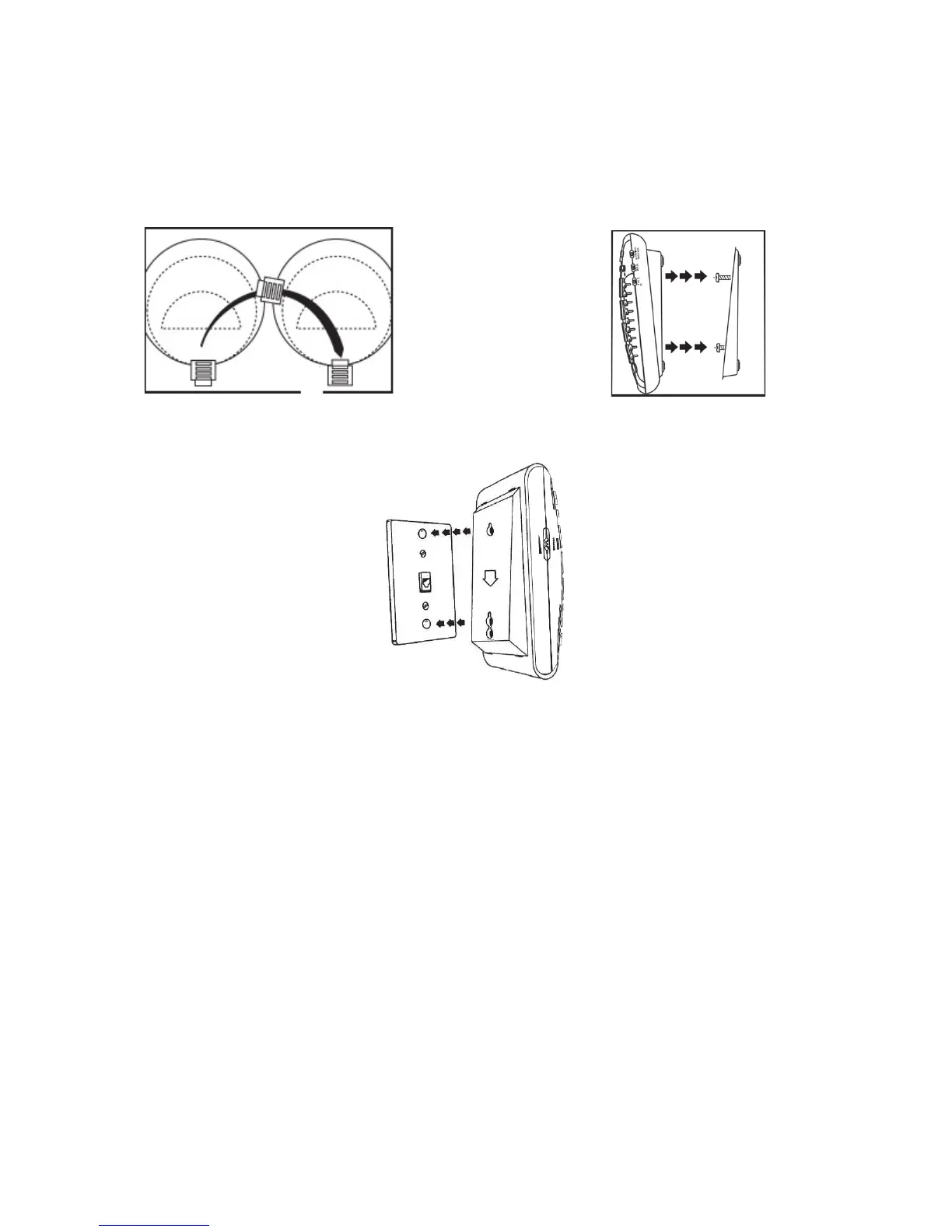
hole slots on the back of the phone. Slowly slide the phone down until it snaps into
place (See figure #20).
6. Connect the handset coil cord (curly cord) to the handset and to the telephone.
7. Lift the handset and listen for a dial tone. If you hear a dial tone, your phone is ready
to use. If there is no dial tone, check all your cords to make sure they are plugged in
securely.
Figure #18
– Reversing The Hook
Figure #19
– Mounting The Wall Bracket
Figure #20
– Wall Installation



 To Next Page