EasyManua.ls Logo

ClearSounds CSC600ER - User Manual

ClearSounds CSC600ER
92 pages
Print Icon
To Next Page IconTo Next Page
Loading...
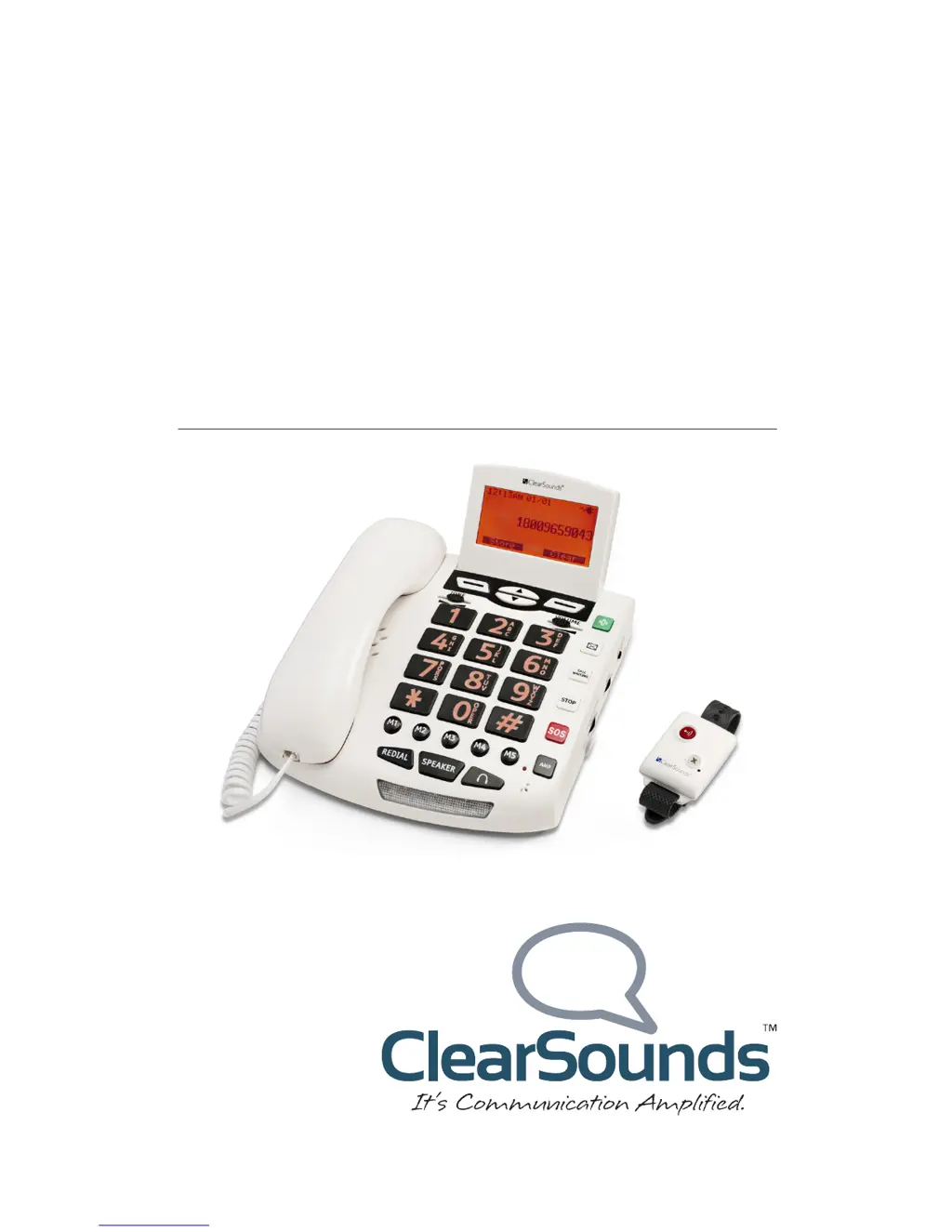
CSC600ER Amplified
SOS Alert Telephone
User’s Guide

Table of Contents

Other manuals for ClearSounds CSC600ER

Questions and Answers

Summary

Setup Guide

Unpack Phone Components

Ensure all parts are included in the packing box and contact vendor if missing or damaged.

Install Optional Batteries

Charged batteries ensure amplification, tone control, and SOS feature function during power outages.

Connecting the Telephone

Getting Started

Place a Call

Instructions on how to dial a number using the keypad and end a call.

Answer an Incoming Call

Steps to answer an incoming call using the handset, speakerphone, or SOS pendant.

Understanding the Screen

Key Functions Overview

Medical, Voicemail, and Call Waiting Keys

Explains how to store and call medical or voicemail numbers and use call waiting functions.

SOS Pendant and Base Keys

Describes SOS and STOP button functions on the pendant and base for emergency alerts.

Memory, Amplify, Redial, Speakerphone

Details the use of memory keys, amplification, redial, and speakerphone features.

Navigating Menus

Audio Adjustments

Assisted Listening Devices

Using with T-coil Hearing Aids

Instructions for using the phone with hearing aids that have a T-coil.

Using with Audio-Only Neckloop

How to connect and use an audio-only neckloop with the phone for hands-free conversation.

Setting One-Touch Numbers

Store One-Touch Memory Numbers

How to store up to seven one-touch numbers using memory keys, voicemail, or medical keys.

Keypad Usage

Phonebook Management

Emergency Features Setup

How SOS Messaging Works

Explains the process of the phone automatically dialing designated helpers for SOS alerts.

Prepare SOS Helpers

Guidance for helpers on understanding and responding to SOS messages.

SOS Procedure for Helpers

Instructions for helpers on how to respond to an SOS call.

Record Your SOS Message

Instructions on how to record a personalized SOS message up to 10 seconds long.

Remote Monitoring Setup

How Remote Monitoring Works

Explanation of how the remote monitoring feature functions using a security ID code.

Prepare Remote Monitoring Helpers

Guidance for helpers on how to use the remote monitoring feature.

Turn Remote Monitoring On;Off

Steps to enable or disable the remote monitoring feature on the phone.

Remote Monitoring Security ID

Change Security ID Code

Instructions on how to change the default 4-digit security ID code for remote monitoring.

Making Calls

Dial a Call

Instructions on how to initiate a call using the handset, speakerphone, or headset.

Place a One-Touch Call

How to call stored numbers using one-touch keys like memory or medical keys.

Place an SOS Call

How to initiate an automated SOS call to designated helpers.

Cancel an SOS Call

How to stop an active SOS call.

During a Call

Call Waiting and Ending Calls

Answer a Second Call

How to handle an incoming call while already on another call using call waiting.

Answering Calls

Respond to Remote Monitoring Call

Steps for responding when a remote monitoring helper initiates a call.

Call List Maintenance

Troubleshooting Common Issues

General Operation Problems

Solutions for common operational issues like the phone being non-operational or experiencing noise.

Emergency Feature Troubleshooting

SOS Pendant Not Working

Troubleshooting steps if the SOS pendant fails to function.

Remote Monitoring Feature Issues

Solutions for when the remote monitoring feature is not operational.

Warranty Information

ClearSounds CSC600ER Specifications

General IconGeneral
BrandClearSounds
ModelCSC600ER
CategoryTelephone
LanguageEnglish

Related product manuals