37
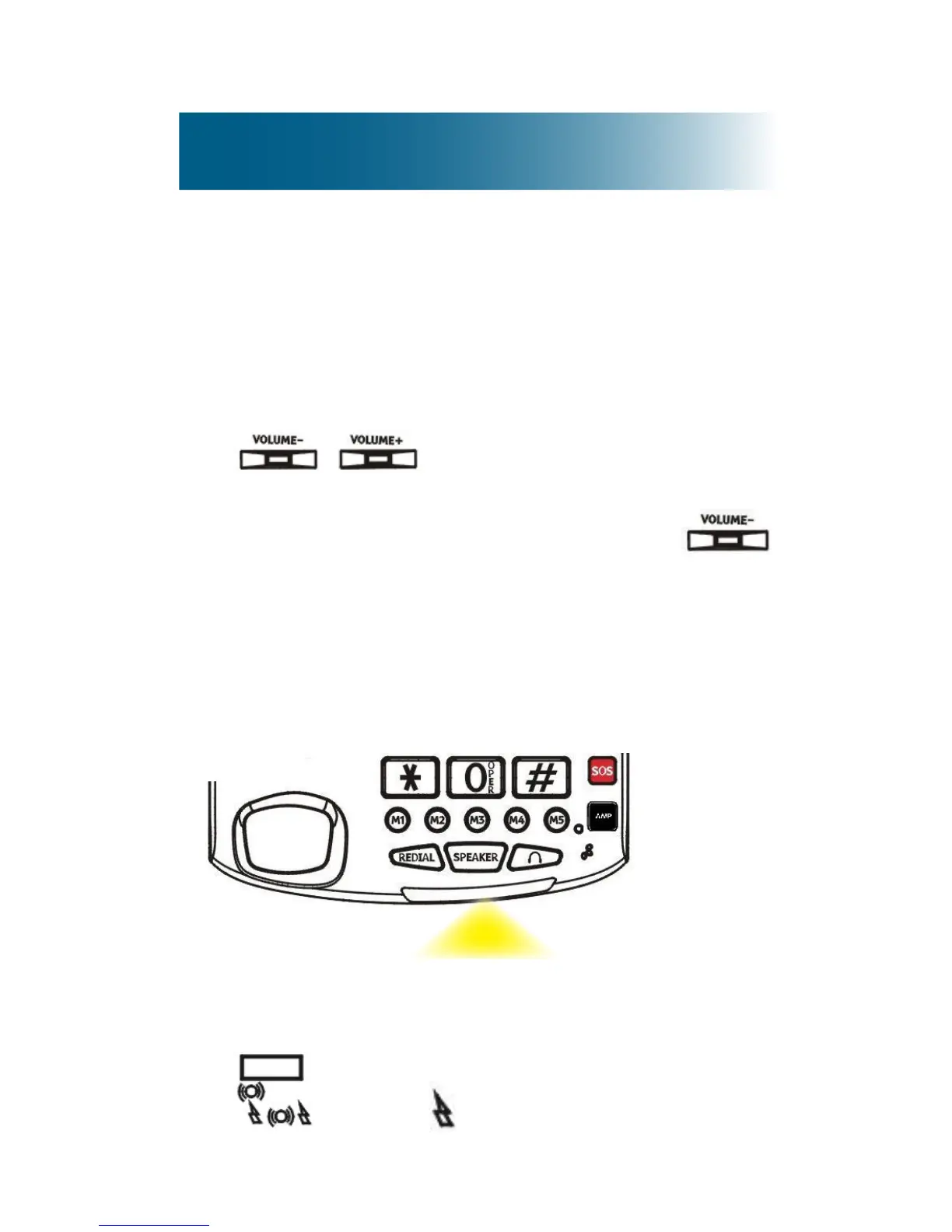
Ringer volume
You can adjust the ringer volume or turn off the ringer.
To adjust the ringer volume
• Along the right side of the base, press
.
To turn off the ringer
• Along the right side of the base, press
until Ringer OFF appears.
Flashing strobe light
You can enable or disable a bright, ashing strobe
light notication of incoming calls.
To turn on the strobe light
• On the back side of the phone base, move the
switch to .



 To Next Page