Store one-touch memory numbers
You can store seven, one-touch numbers. When
you press a one-touch key, the phone calls the
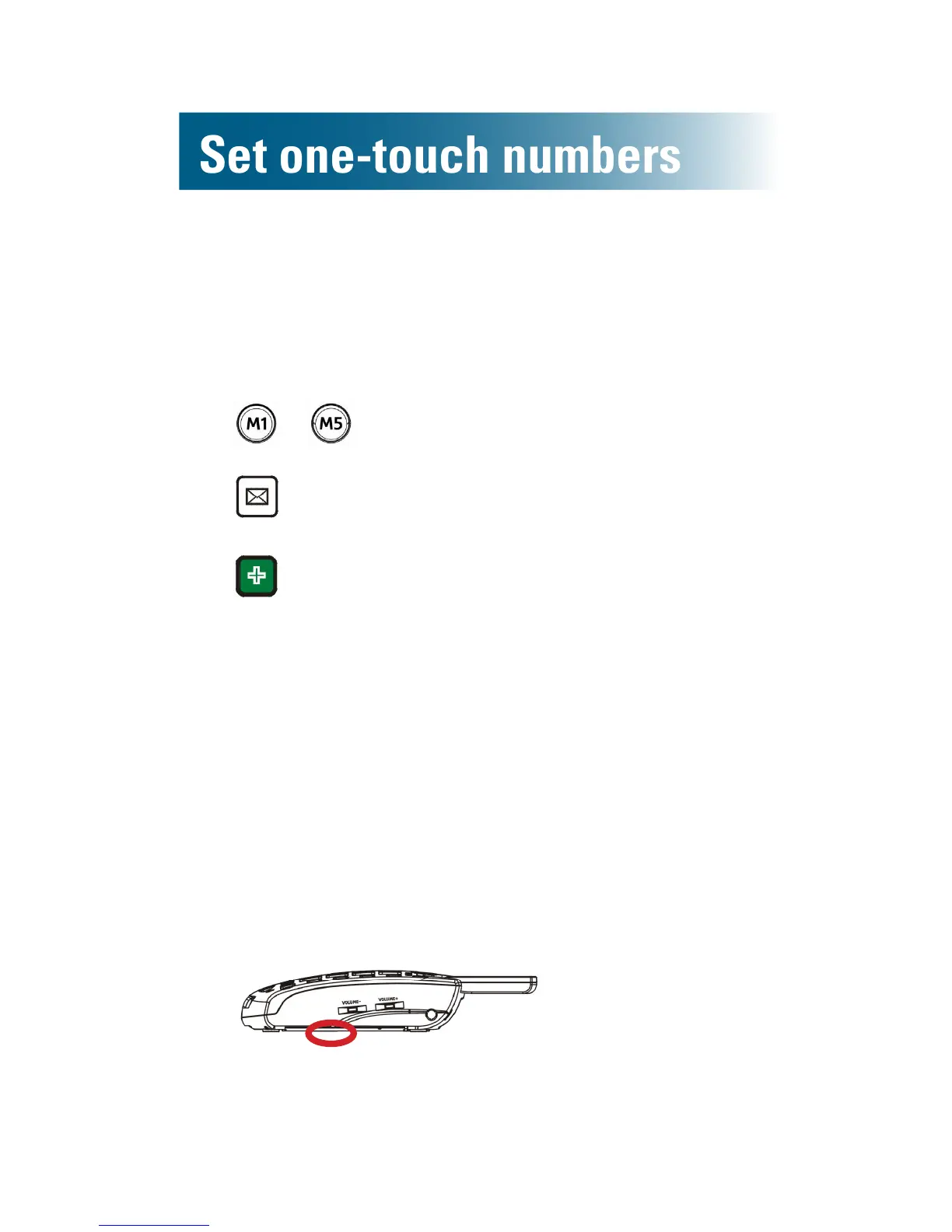
number. Here are the one-touch keys:
• – Memory keys
• Voicemail key
• Medical key
Each key holds 32 digits, including pauses (see
page 45).
Store memory key numbers
Stored memory key numbers appear in your phone-
book as M(X).
1. Along the right side of the phone, pull out the
memory card tab (horizontally), and then use a
pencil to record a name for each memory key
(M1-M5).
2. With the handset placed on the base, press
numeric keys to enter the rst telephone number
(include long distance code and area code, if
necessary).



 To Next Page