You can adjust volume and amplication in these ways:
• Earpiece tone, volume and amplication
• Speakerphone and mouthpiece volume
WARNING: Excessive volume and amplication
can cause hearing loss.
Handset earpiece
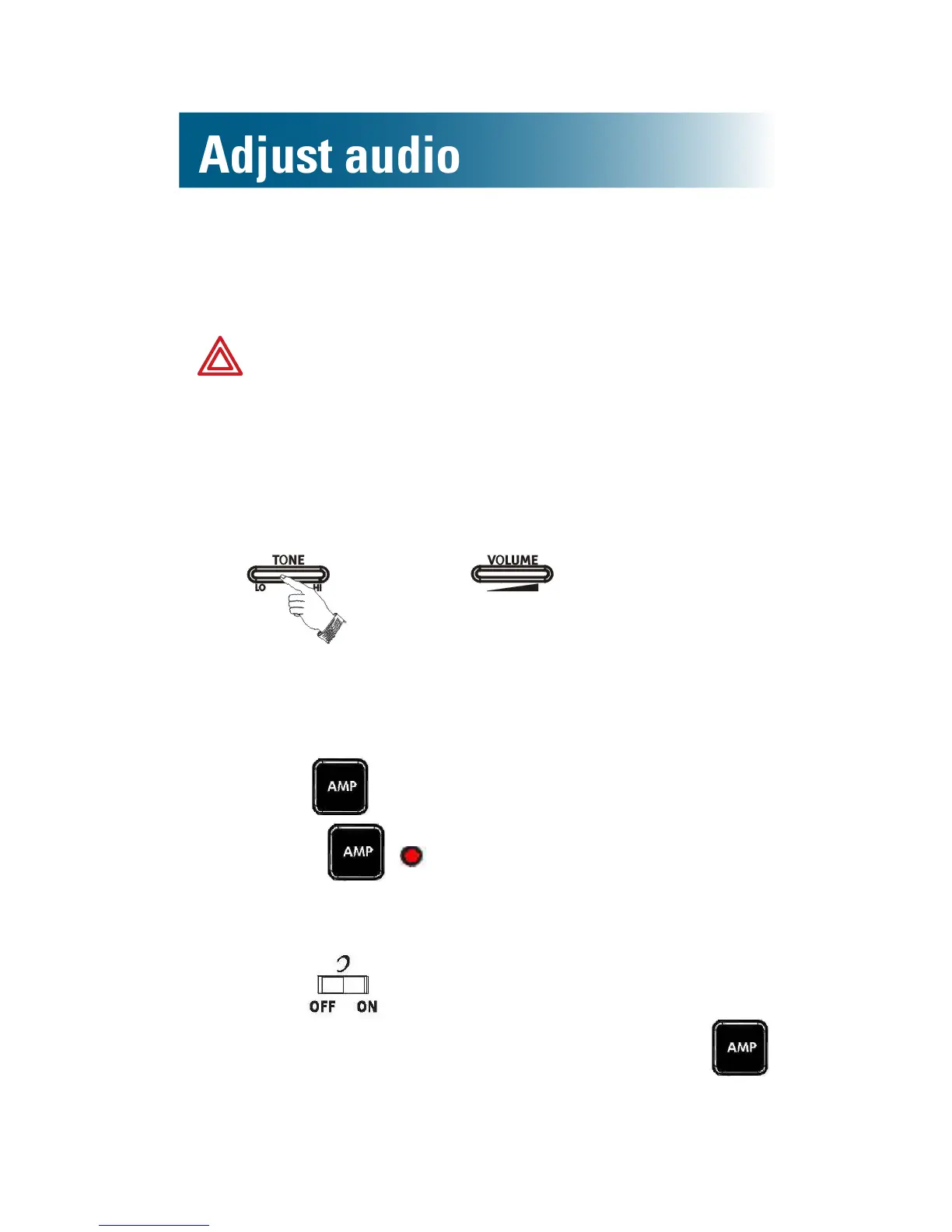
To adjust handset earpiece tone and volume
• Near the top of the phone base, adjust
.
To amplify tone and volume
By default, this adjustment remains until you end the call.
• Press .
Next to , glows red while AMP is on.
Tip: If you prefer amplication to be on every time
that a call begins, on the back of the phone base,
move the switch to ON. During conversation,
you can still turn off amplication by pressing .



 To Next Page