EasyManua.ls Logo

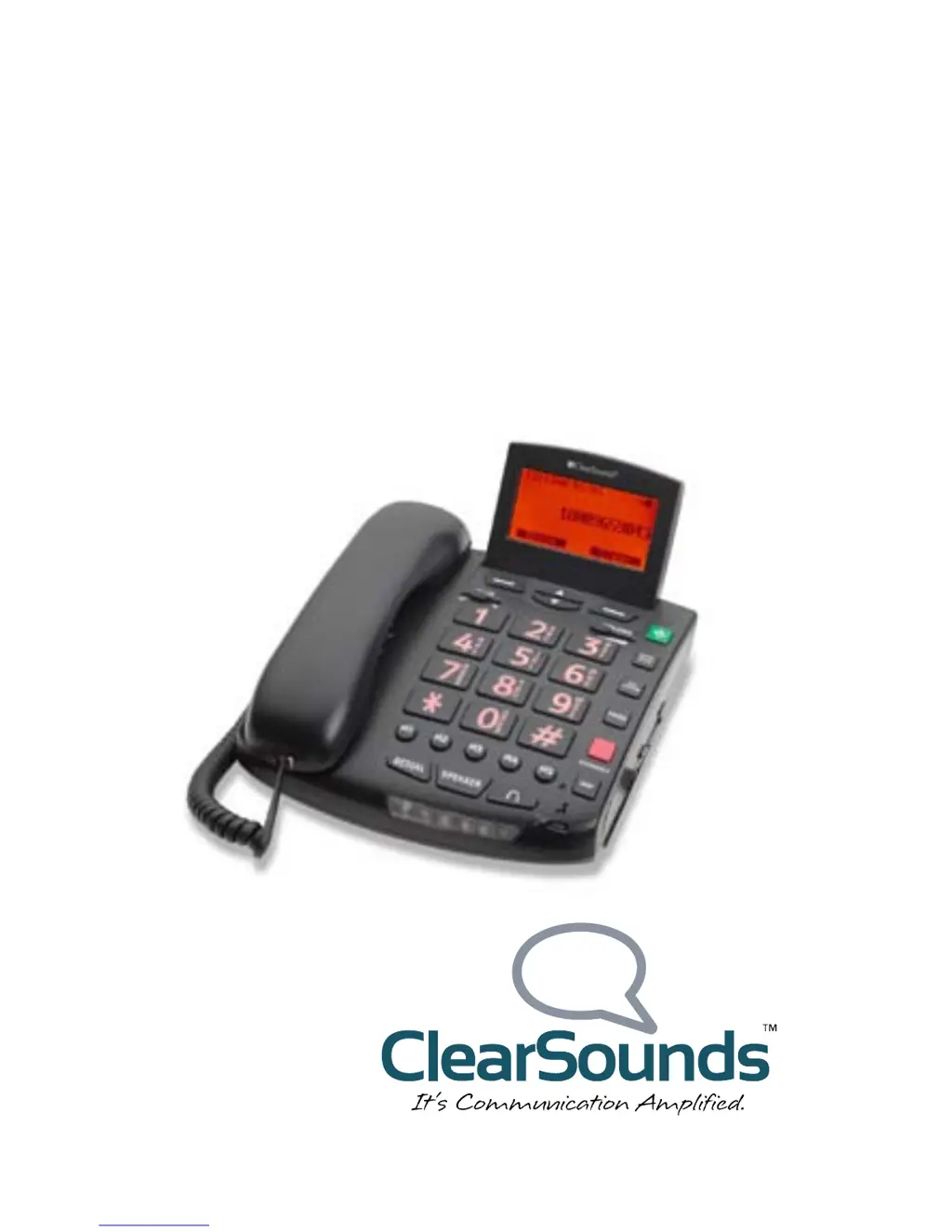
ClearSounds CSC600 - User Manual

ClearSounds CSC600
42 pages
Print Icon
To Next Page IconTo Next Page
Loading...
CSC600 Amplified
Freedom Telephone
User’s Guide

Table of Contents

Questions and Answers

  • R
    Richard CastilloJul 30, 2025
    Why is my ClearSounds Telephone not working?
    • J
      james18Jul 30, 2025
      If your ClearSounds Telephone is not working, ensure the power adapter is securely connected to the wall outlet, and that all cords and cables are properly connected. Check the Call Waiting settings and make sure they are correct. You can also plug in another phone to the same wall jack to verify that the phone service is working.
  • V
    Vanessa BarajasAug 4, 2025
    Why is there noise or static on my ClearSounds Telephone?
    • J
      Joshua BlankenshipAug 4, 2025
      Noise, static, or interference on your ClearSounds Telephone can occur due to several reasons. If you have DSL service, install a DSL filter. If you're using an answering machine, set it to answer after at least two rings. Try moving the phone to a location with less interference. If you're near radio towers, consider installing a filter.
  • M
    Michael WeeksAug 10, 2025
    What to do if the display is faint on ClearSounds Telephone?
    • R
      Ruben FosterAug 10, 2025
      If the display on your ClearSounds Telephone is faint or not working correctly, ensure the power adapter is plugged into the wall outlet and securely connected to the phone. If there is a power outage, install fresh batteries.
  • C
    christophercurtisAug 14, 2025
    What to do if `NO LINE appears` on the screen of ClearSounds CSC600 during a conversation?
    • S
      Stephen MitchellAug 14, 2025
      If you see 'NO LINE' on your ClearSounds Telephone screen during a conversation, ensure the phone line cord is properly connected. If you don't have Call Waiting service, you might have accidentally pressed a button related to that function.
  • T
    Tammy FernandezAug 25, 2025
    Why call waiting doesn't work on ClearSounds CSC600?
    • Y
      yhammondAug 25, 2025
      If call waiting is not working on your ClearSounds Telephone, confirm that you subscribe to the call waiting service.
  • S
    sbrownSep 10, 2025
    What to do if Caller ID is not showing on ClearSounds CSC600?
    • R
      Roger BaileySep 12, 2025
      If no Caller ID information appears on your ClearSounds Telephone, first, confirm that you subscribe to Caller ID service. Also, some callers might withhold their details. In some cases, the ID information can be delayed, so check again after the phone rings a few times.

Summary

Safety precautions

Warnings

Crucial safety advisories to prevent harm and damage.

Setup

Install batteries (optional)

Steps for installing optional batteries for power backup.

Connect

Connect the phone from a flat surface

Instructions for connecting the phone for desktop use.

Hang and connect the phone

Guidance on wall-mounting the phone.

Lets begin

Answer a call

Procedures for answering incoming calls via handset or speakerphone.

Adjust audio

Handset tone and volume

Adjusting handset sound quality and loudness.

Speakerphone volume

Controlling speakerphone volume levels.

Talk features

Overview of voice-enabled features like talking keypad.

Assisted listening

To use the phone with T-coil-equipped hearing aids

Guidance for using hearing aids with the phone.

To use the phone with an audio-only neckloop

Connecting and using an audio neckloop.

Set one-touch numbers

One-touch keys

Overview of the phone's one-touch dialing keys.

Store a one-touch number

Step-by-step guide to saving numbers on one-touch keys.

Delete a one-touch number

Removing numbers from one-touch keys.

Phonebook

Store a phonebook entry manually

Adding contacts to the phonebook by manual entry.

Quickly store a phonebook entry

Saving contacts from recent calls.

Edit a phonebook entry

Modifying existing contact information in the phonebook.

Call

Place a call

Instructions for making calls using different phone components.

During a call

Answer a call

Troubleshooting

General operation

Solutions for common phone operational issues.

Warranty

ClearSounds CSC600 Specifications

General IconGeneral
TypeCorded
AmplificationUp to 50dB
Ringer VolumeUp to 95dB
SpeakerphoneYes
Visual RingerYes
Tone ControlYes
Backlit KeypadYes
Caller IDYes
Power SourceAC Adapter
Hearing Aid CompatibleYes
MemoryStores last 30 calls
Battery BackupYes
Memory DialingYes

Related product manuals