General operation
Symptom Solutions
The phone is
non-operational.
• Secure the power adapter
connection in the wall outlet.
• Secure the cords and cables.
• Set the correct dialing mode
(page 22).
• Plug in another phone to the
same wall jack to ensure
that the phone service is
operational.
Noise, static or
interference are
occurring.
• If you subscribe to DSL
service, install a DSL lter
(page 15).
• Plug in the power adapter to
the wall outlet and securely
connect it to the phone.
• Move the phone to a location
that is free of interference.
• If you are located near radio
towers, install a lter.
NO LINE appears
on the screen
• Connect the phone line cord.
During
conversation,
the phone line
disconnected.
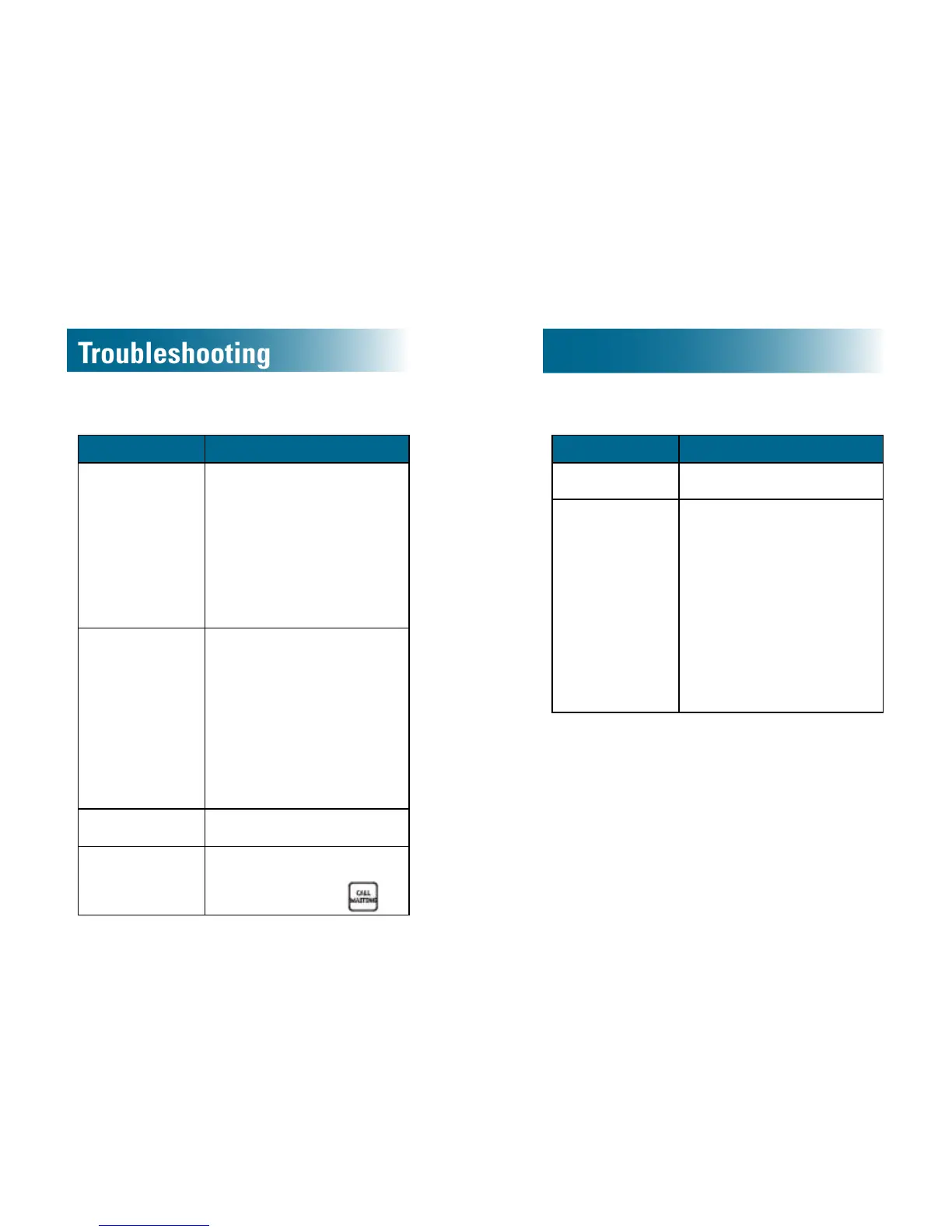
• If you do not have Call
waiting service, perhaps you
accidently pressed
.
Voicemail and call waiting services
Symptom Solutions
Call waiting does
not work.
• Conrm that you subscribe
to Call waiting service.
No Caller ID
information
appears on the
screen.
• Conrm that you subscribe
to Caller ID service and top
Caller ID on Call Waiting
service.
• Some callers withhold
details.
• ID information can be
delayed: Check after the
phone rings a few times.
• If connected to an answering
machine, set it to answer
after at least two rings.



 To Next Page