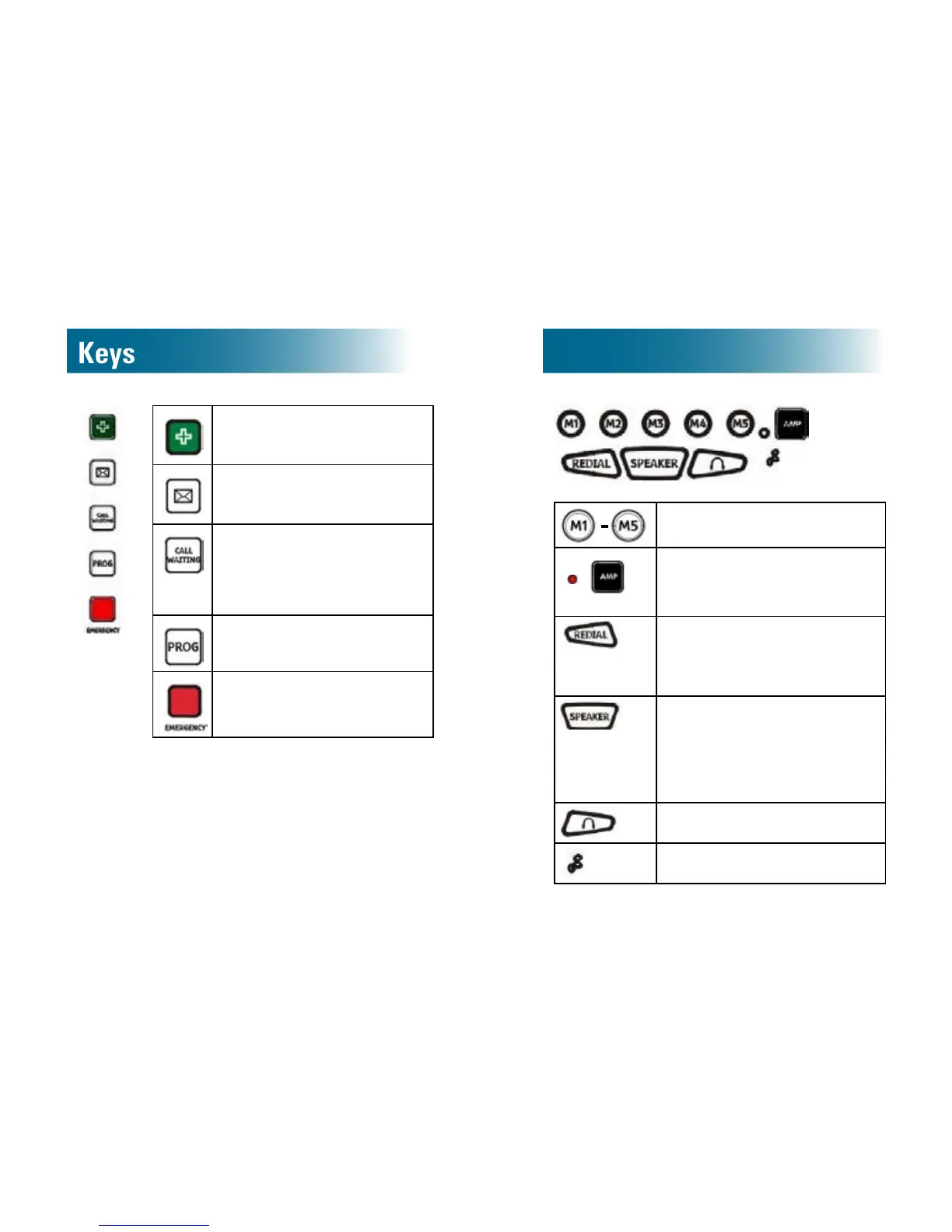
Medicalnumber: Store a
hospital or doctor number, and
then call it with one touch.
Voicemail: Store your voice-
mail access number, and then
call it with one touch.
Callwaiting: While
conversing, switch to an
incoming call, and then
switch between parties (Call
waiting service required)
Program:Use this key to store
numbers in the one-touch keys.
Emergency: Store an
emergency number, and then
call it with one touch.
Memory keys: Dial stored
numbers with one press.
Amplify: Amplify the
handset earpiece volume
a n d tone. During amplication,
the red light illuminates.
Redial: Call the last number
dialed.
Pause: While storing a number,
insert a pause (See page 44).
Speakerphone
• Place or answer a speakerphone
call.
•During a call: Switch to
speakerphone or end a
speakerphone call.
Activateheadset
Microphone



 To Next Page