EasyManua.ls Logo

ClearSounds CSC600 - Menus on the Screen; Menu Navigation; Area Settings; Language

ClearSounds CSC600
42 pages
Print Icon
To Next Page IconTo Next Page
To Previous Page IconTo Previous Page
Loading...
2120
Menus on the screen
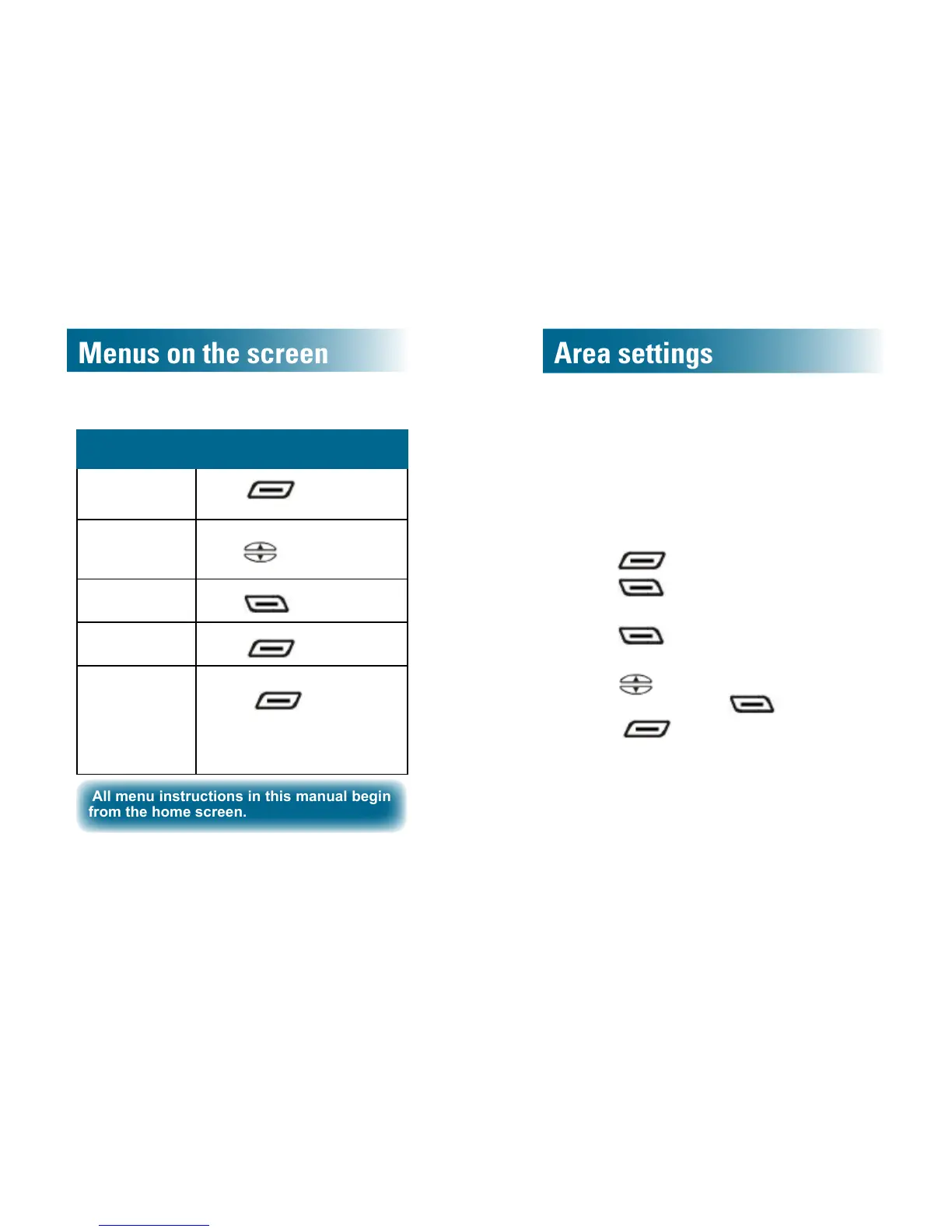
Menu navigation
FromtheHomescreen...
Open the menus
Press
beneath Menu
on the screen.
Scroll through
menus to high-
light selections
Press
.
Select the
highlighted item
Press
beneath Select.
Return to the
prior screen
Press
beneath Back.
Return to the
home screen
Take one of these steps:
• Press
beneath Back,
until you arrive home.
• Simply stop pressing keys for
60 seconds.
All menu instructions in this manual begin
from the home screen.
Area settings
Language
You can change the displayed language of the
phone.
Select from English, French, German and Spanish.
To change the displayed language
1. Press beneath Menu on the screen.
2. Press
to select the rst list item.
Set Display is selected.
3. Press
to select the rst list item.
Set Language is selected.
4. Press
and scroll to the language of your
choice, and then press .
5. Press
until you arrive at the home
screen.

Table of Contents

Related product manuals