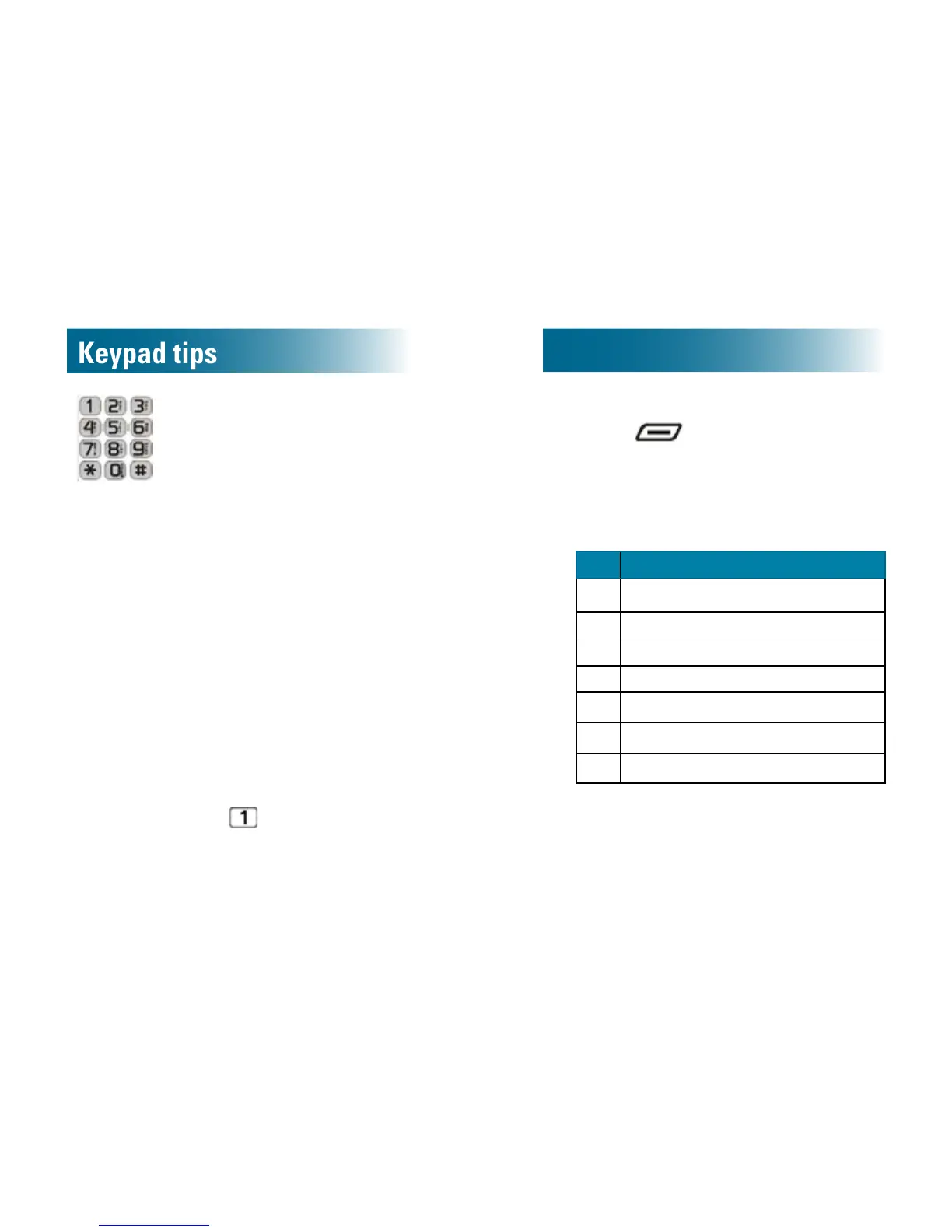
Using the keypad
When you press an alphanumeric key on the
keypad, the number is selected (for tasks where
numbers are appropriate) or a letter is selected (for
tasks where letters are appropriate).
Each key has more than one letter available, and
you nd a letter by continuing to press the key until
you see it.
• Case: Press a key repeatedly until you see the
letter of your choice. Lower case letters appear
in order, and then the same letters appear in
upper case.
• Enterthenextcharacter: If the next character
resides on the same key, wait until the cursor
blinks in the next position. Otherwise, simply
press the next key.
• Enterspaces: Press
to enter a space.
• Corrections:
a.Press to erase the last character that
you entered.
b.Press the replacement number or letter.
• Special characters: Press one of these keys
repeatedly until you nd the special character
that you want.
Key Specialcharacters
1
(space)_*,
2 (
3 )
4 #
5
/
6
'
8
?



 To Next Page