Place a call
1. Enter a phone number by pressing keys on the
keypad.
If you make a mistake, press .
2. Take one of these steps:
• To use the handset, lift the handset
• To use the speakerphone, press
.
3. End the call in one of these ways:
• If you used the handset, place the handset in
the cradle on the base.
• If you used the speakerphone, press
.
Answer a call
1. Take one of these steps:
• To use the handset, lift the handset
• To use the speakerphone, press .
2. Speak.
3. End the call in one of these ways:
• If you used the handset, place the handset in
the cradle on the base.
• If you used the speakerphone, press
.
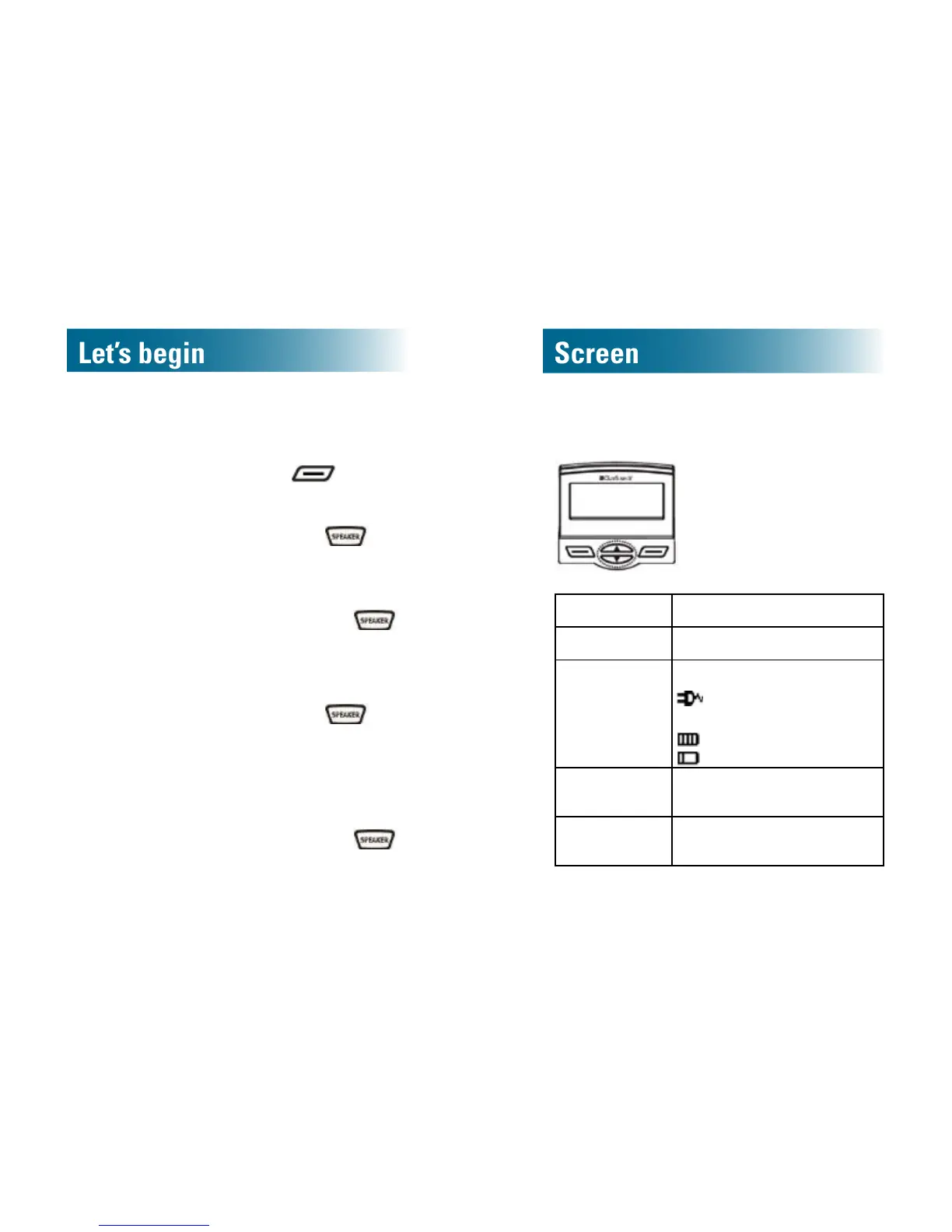
Home screen
Time 12-hour or 24-hour format
Date MM-DD or DD-MM format
Powerstatus UsingACpower:
Usingonlybattery:
Full battery
Low battery
#TOTAL Totalinboundcalls in Caller ID
memory
#New New calls in Caller ID that
have not been reviewed



 To Next Page