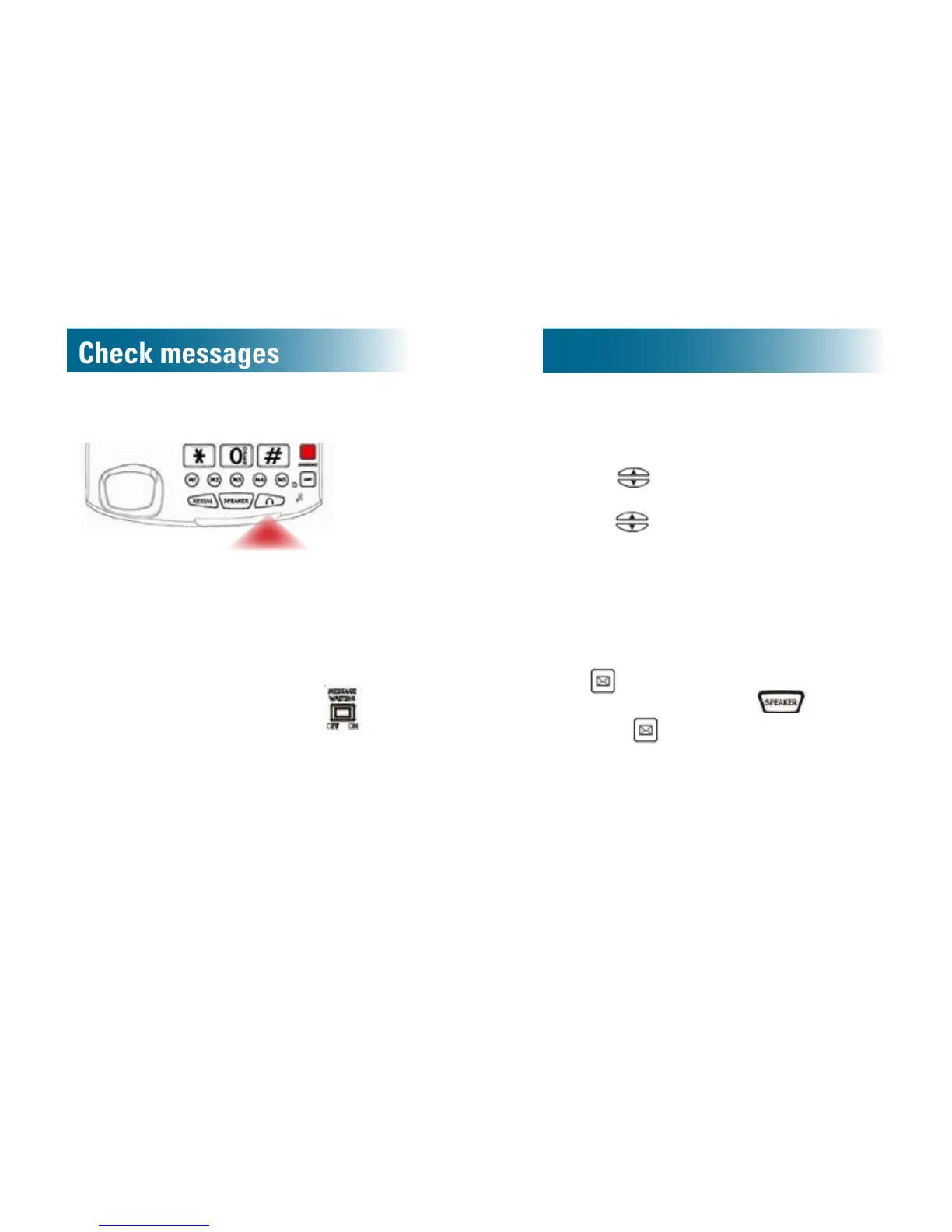
Messages light
If you subscribe to Voicemail services, a bright
red strobe light ashes if you have unchecked
messages.
After you scroll through the unchecked messages,
the light turns off.
If you prefer to permanently turn off the light, on the
bottom of the phone base, move the
switch
to the Off position.
Check messages
If you subscribe to Voicemail services, when one or
more messages are waiting for you, New voice
mail appears on the screen and the red strobe
light ashes (if it is set On).
To check who left a message
Each message screen is numbered to indicate the
order in which the call arrived.
1. Press
to scroll through missed calls, until
you reach a MSG WAITING screen.
2. Press
to scroll to the screen that precedes
the message screen. This screen identies the
caller who left the message.
New voice mail remains on the screen until
you listen to all messages.
To hear your messages
• If you have stored your voicemail access number
in
:
a.Lift the handset, or press
.
b.Press .
• If you have not stored your voicemail access
number: Call the number, as specied by your
telephone service provider.
For instructions on storing your voicemail access
number, see page 41.



 To Next Page