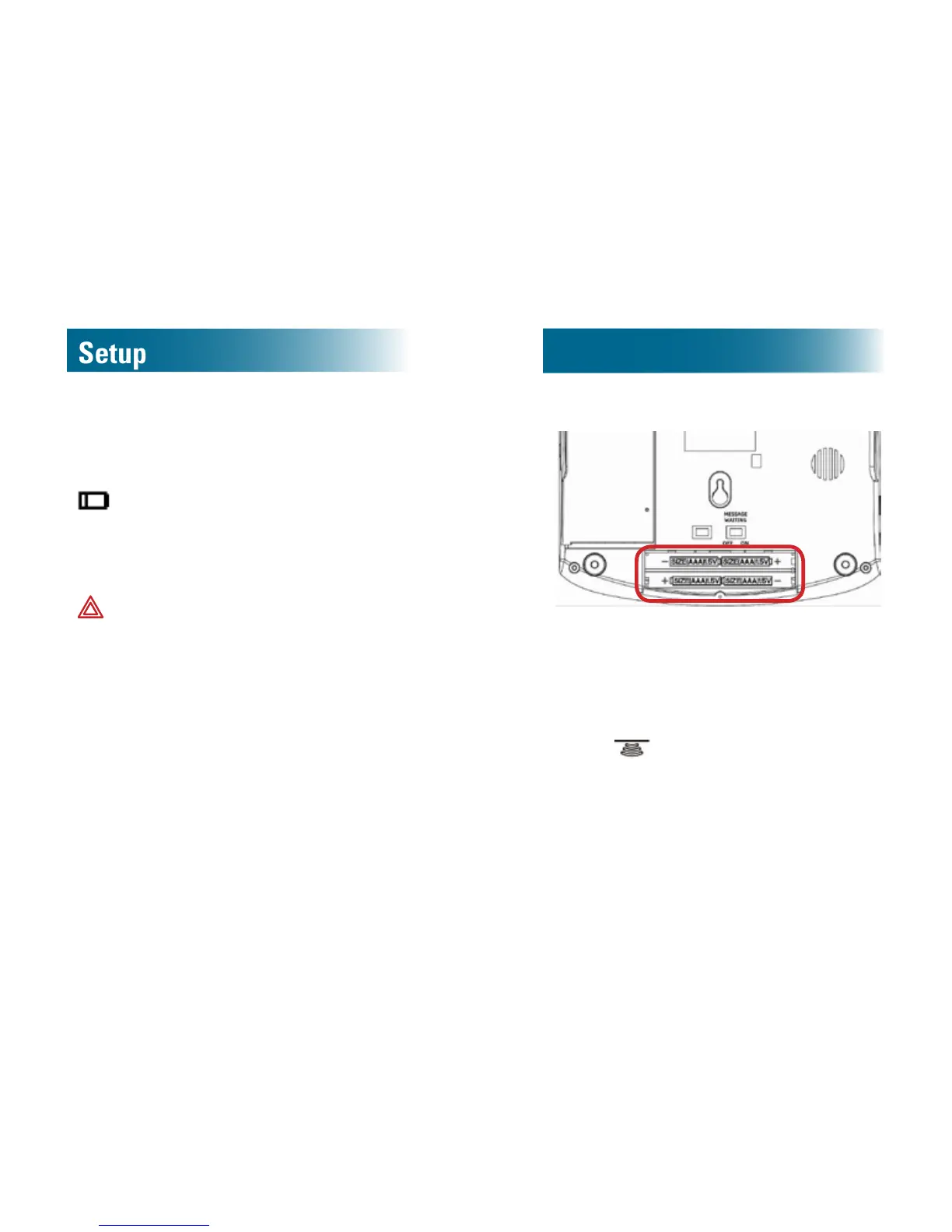
Install batteries (optional)
If a power outage occurs, charged batteries ensure
that amplication and tone control continue to
function.
on the screen indicates that the phone is not
connected to AC power and the battery is low.
Battery safety
Follow these warnings to avoid explosive or caustic
reactions.
WARNING: Use ONLY rechargeable batteries.
Non-rechargeable batteries can cause
explosion or re.
WARNING: Insert batteries according to the
marked polarity symbols.
WARNING: Do not mix battery brands, battery
types (chemistries) or exhausted/full batteries.
WARNING: Do not attempt to recharge a
battery unless it is marked “rechargeable.”
WARNING: Immediately remove exhausted
batteries, and dispose of them properly.
WARNING: Do not burn exhausted batteries.
WARNING: Do not dispose of batteries with
household waste. Recycle or dispose of
batteries according to the regulations of your
local municipality.
To install the batteries
Batterycompartmentonthebottomofthephone
1. Disconnect the phone line and power cords from
the phone base.
2. On the bottom of the phone base, unscrew the
battery compartment cover.
3. Push
on the battery cover, and slide back
and remove the cover.
4. Insert 4 AAA
rechargeable
NiMH batteries
according to the marked polarity symbols.
5. Slide the battery compartment cover until it
snaps into place.
6. Screw the cover into place.



 To Next Page