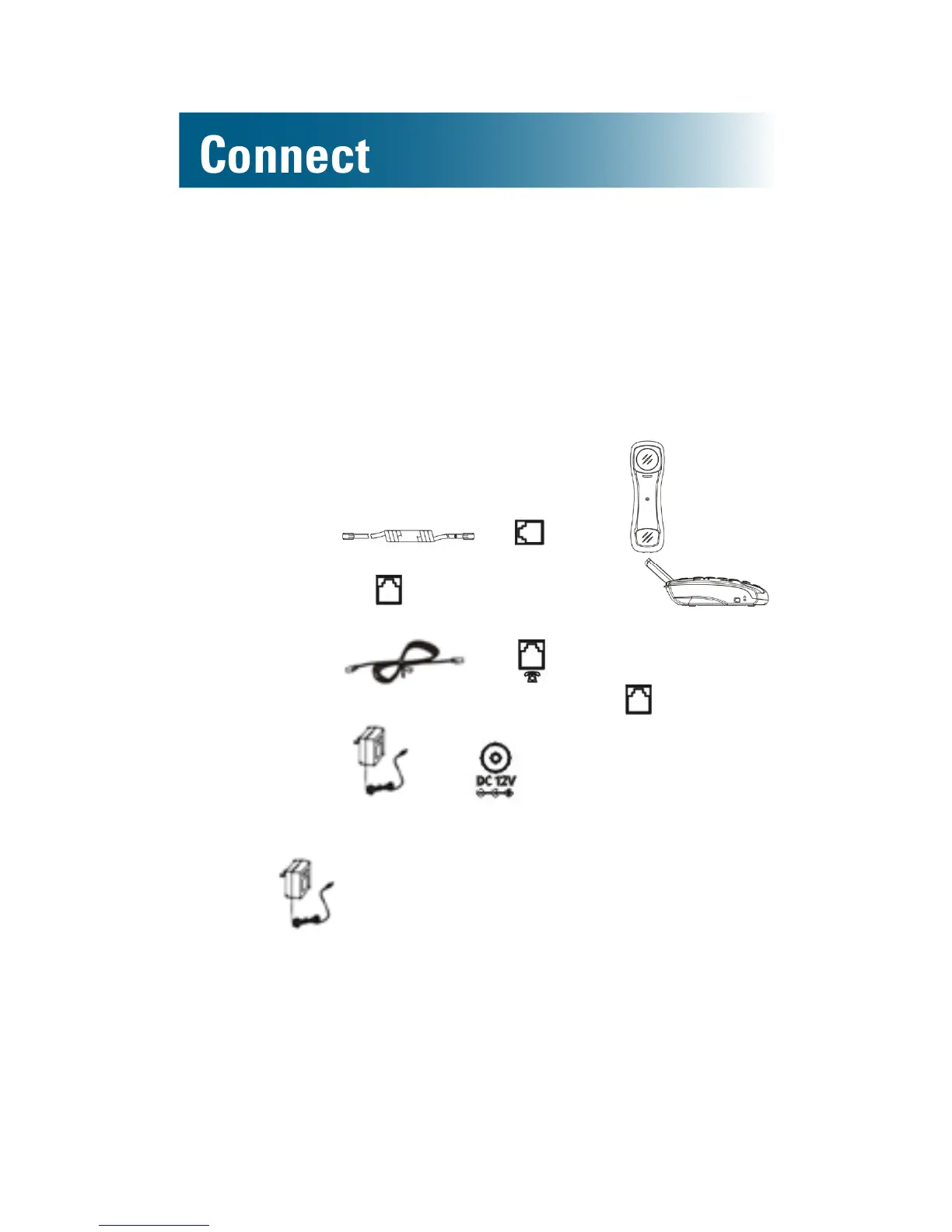
Connect the phone from a flat surface
To place your phone on a at surface, follow the steps in
this section.
Note: For optimal speakerphone sound, do not
place the phone in noisy or recessed areas or on
surfaces affected by vibration.
1. Connect to on the , and then
connect it to on the left side of the .
2. Connect to on the back of the
phone base, and then connect it to in the wall.
3. Connect to on the back of the
phone base, and then connect it to an AC power
outlet in the wall.
Note: is required for the phone to function
properly.
Hang and connect the phone
To hang your phone from a wall, follow the steps in
this section.



 To Next Page