13
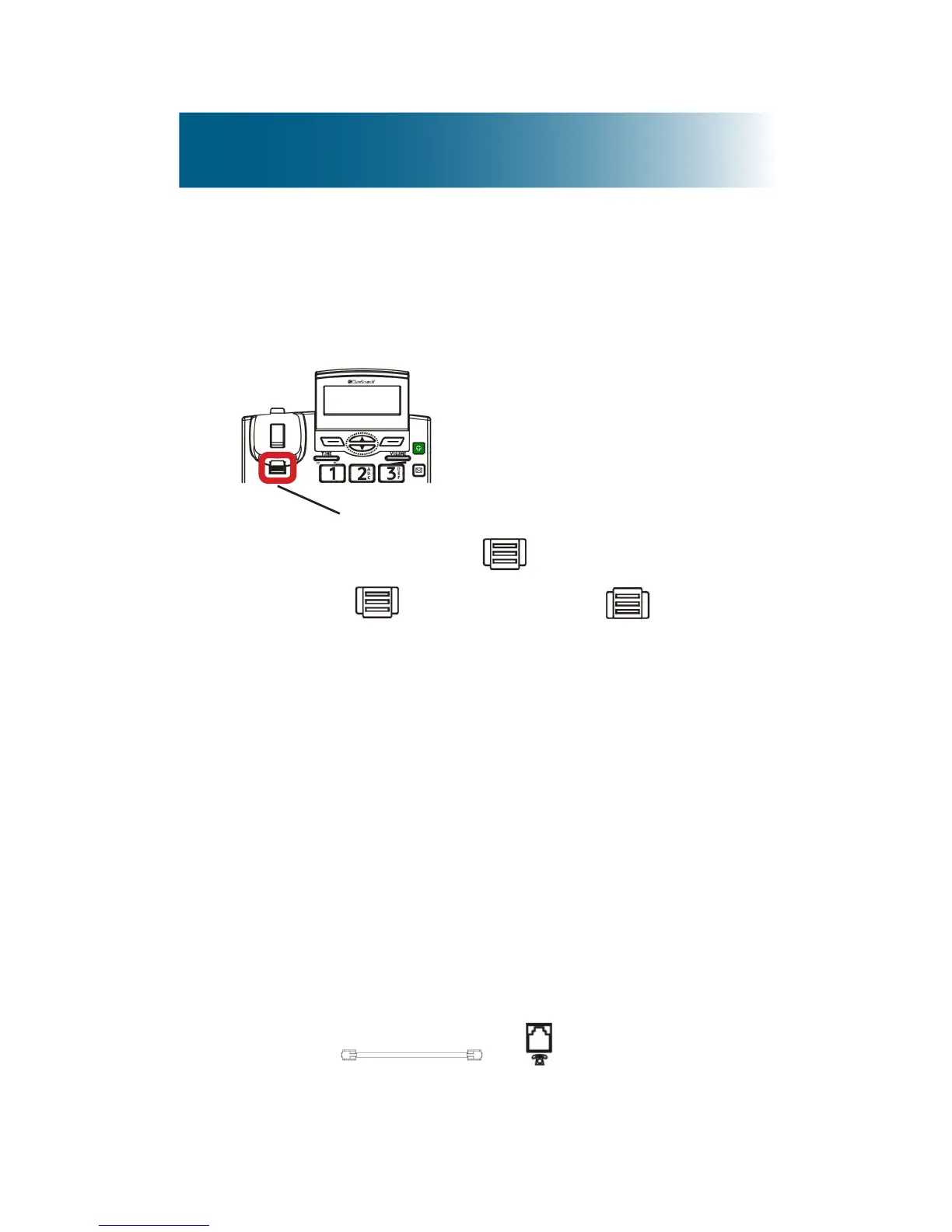
To prepare the phone for hanging
1. Reposition this tab, so that it holds the handset
when the phone hangs on the wall:
a.Push and slide up out of the slot.
b.Rotate 180 degrees to , and then
slide it back into the slot.
To hang the phone on the wall
You can hang the phone in one of these ways:
• Over a phone jack (the phone line cord is hidden)
• Anywhere on the wall (the phone line cord
extends to the nearest wall jack)
To hang the phone over a phone jack
If a phone jack wall plate with mounts is installed on
your wall, you can use the ClearSounds wall mount
bracket to hang the phone over the jack on the wall.
1. Connect to on the back of the
phone base.
Tab



 To Next Page