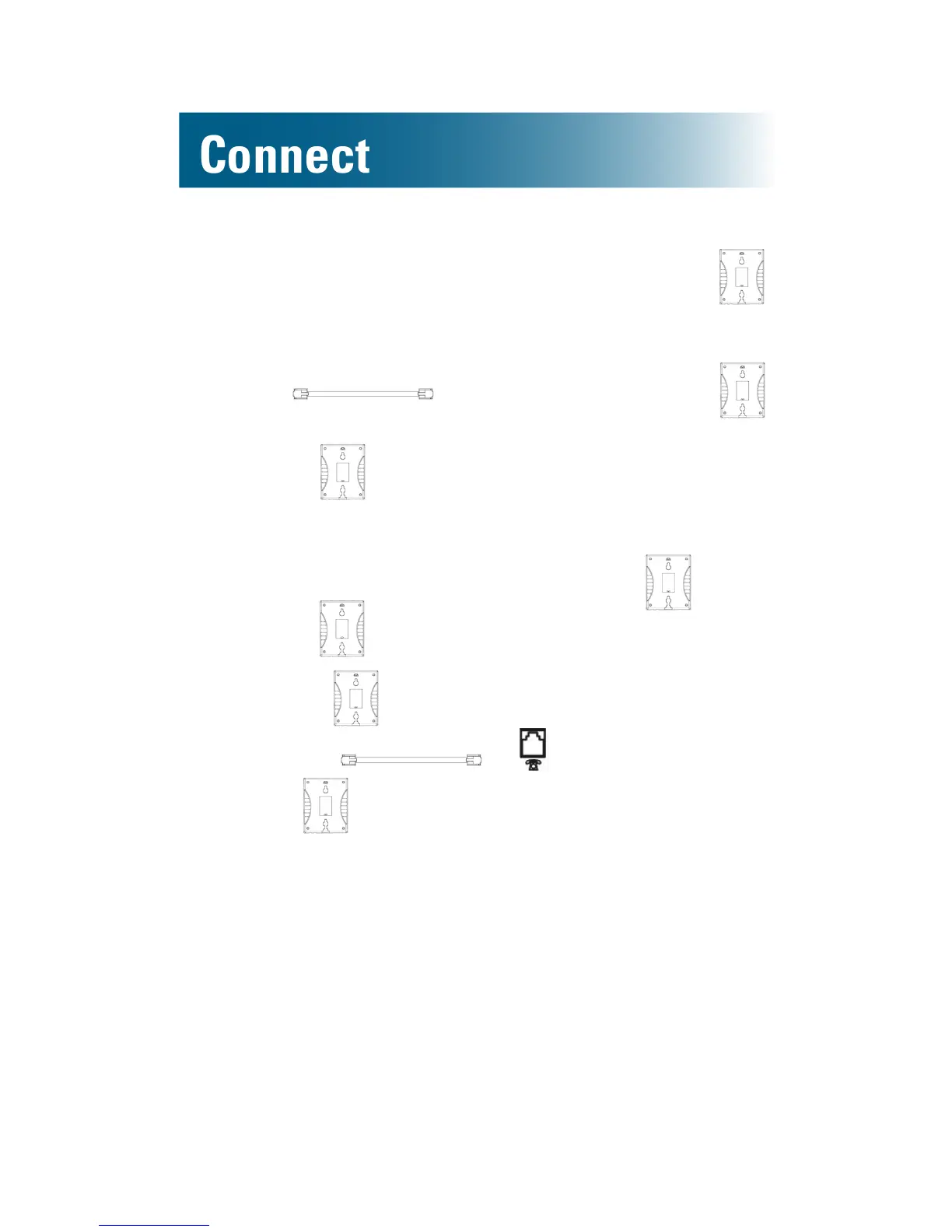
2. Hold the ClearSounds wall mount bracket ( )
with the raised mounting pins facing you. Orient
the bracket so that the opening is at the bottom.
3. Run through the opening on ,
and push excess cord behind the plate.
4. Attach to the phone:
a.Line up the keyholes on back of the phone
with the raised mounting pins on .
b.Pull toward the phone.
c.Slide upward until it is securely seated.
5. Connect to on the wall.
6. Slide over the phone jack wall plate.
To simply hang the phone on the wall
This method requires two self-tapping screws (not
included).
1. Locate a wall location within 6 feet of a telephone
jack wall plate and within 9 feet of an AC power
outlet.
2. Install the screws on the wall in a vertical line, at
a distance of 3.15 inches from each other.



 To Next Page