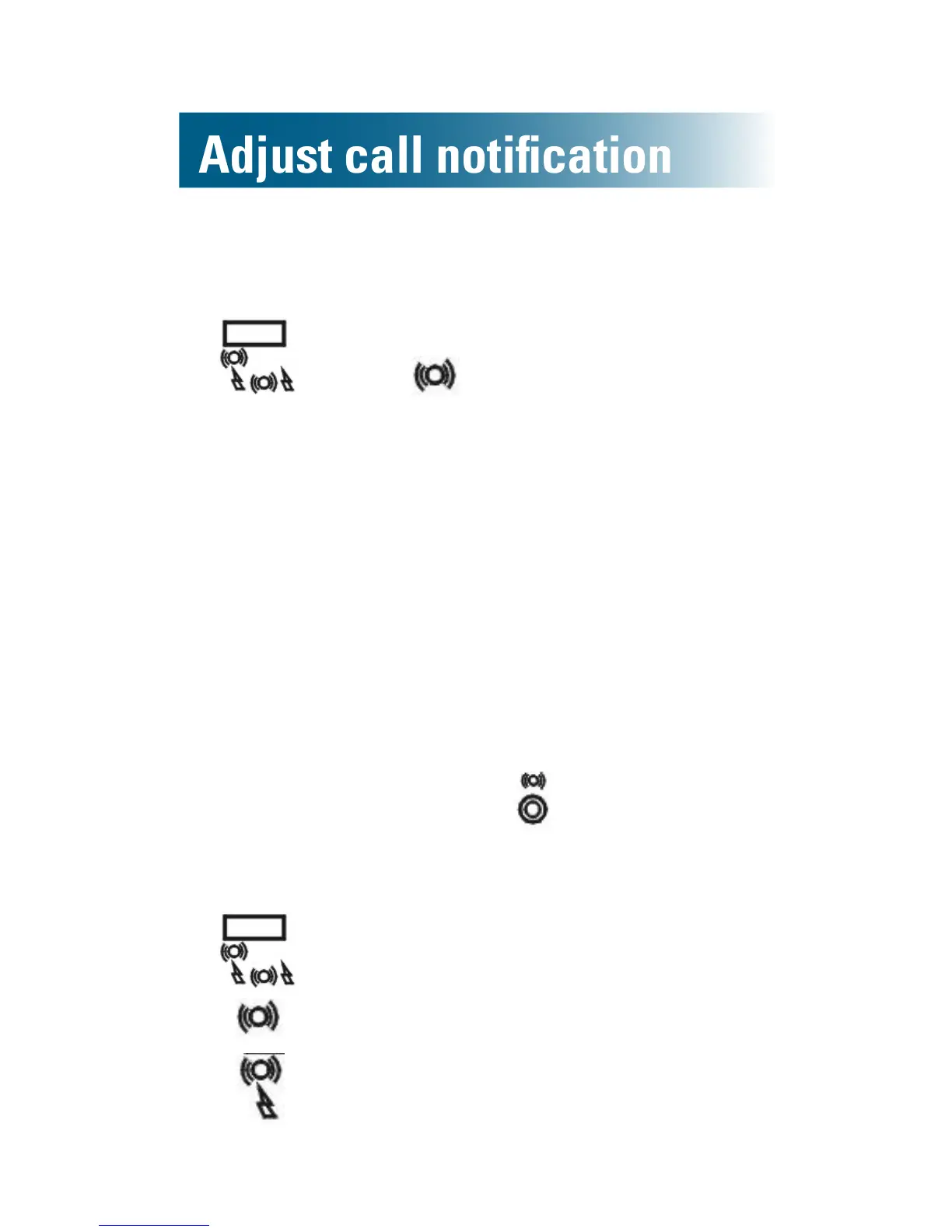
To turn off the strobe light
• On the back side of the phone base, move the
switch to .
Note: If the add-on vibrating pad is connected to
the base, this setting turns on pad vibration.
Vibrating pad (add-on purchase)
If you purchased the vibrating pad that is compatible
with your ClearSounds CSC600ER phone, you can
enable vibration notication of incoming calls.
To turn on vibration notification
1. Place the pad between your mattress and box
spring or beneath a cushion.
2. Connect the pad cable to on the back side of
the phone base.
3. On the back side of the phone base, move the
switch to one of these positions:
• for vibration notication only
• for vibration and strobe light notication



 To Next Page