39
To turn off vibration notification
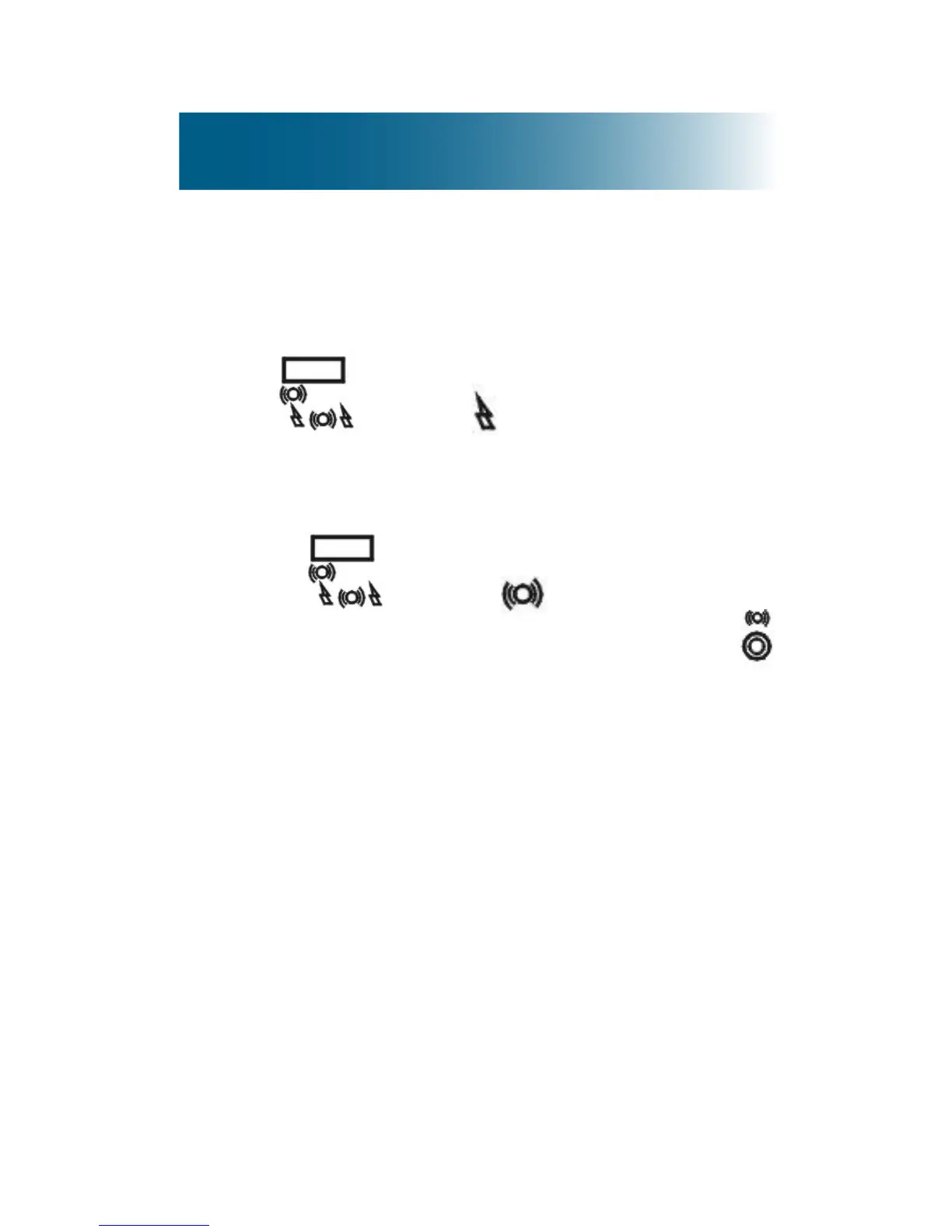
• Toturnoffvibrationandturnonthestrobe
light: On the back side of the phone base, move
the switch to .
• Toturnoffvibrationandthestrobelight:
a.On the back side of the phone base, move
the switch to .
b.Disconnect the vibration pad cable from
on the back side of the phone base.



 To Next Page