79
Emergency features
Symptom Solutions
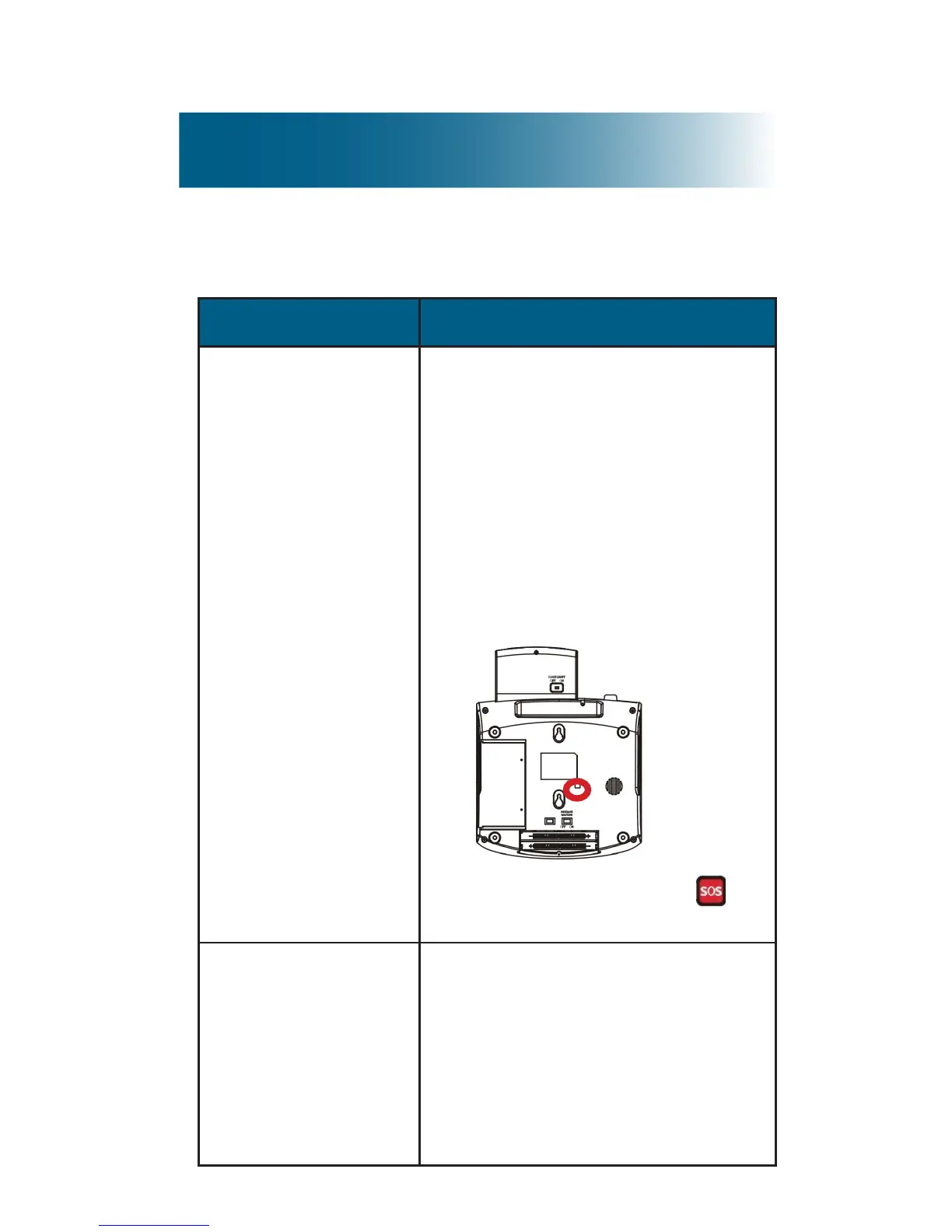
The SOS pendant
is not working
1. Connect the power
adapter in the wall outlet
and securely connect it to
the phone.
2. Using a long implement,
such as a straightened
paper clip, press the
recessed remote register
button on the underside
of the phone base:
.
3. Immediately press on
the pendant.
Th e r e m o t e
m o n i t o r i n g
feature does not
work.
• Set the call waiting service
or answering machine to
pick up
after
10 rings.
• Turn on the remote
monitoring feature (page 58).
• Give the correct security ID
code to your helper(s).



 To Next Page