4
© 2018 Directed. All rights reserved.
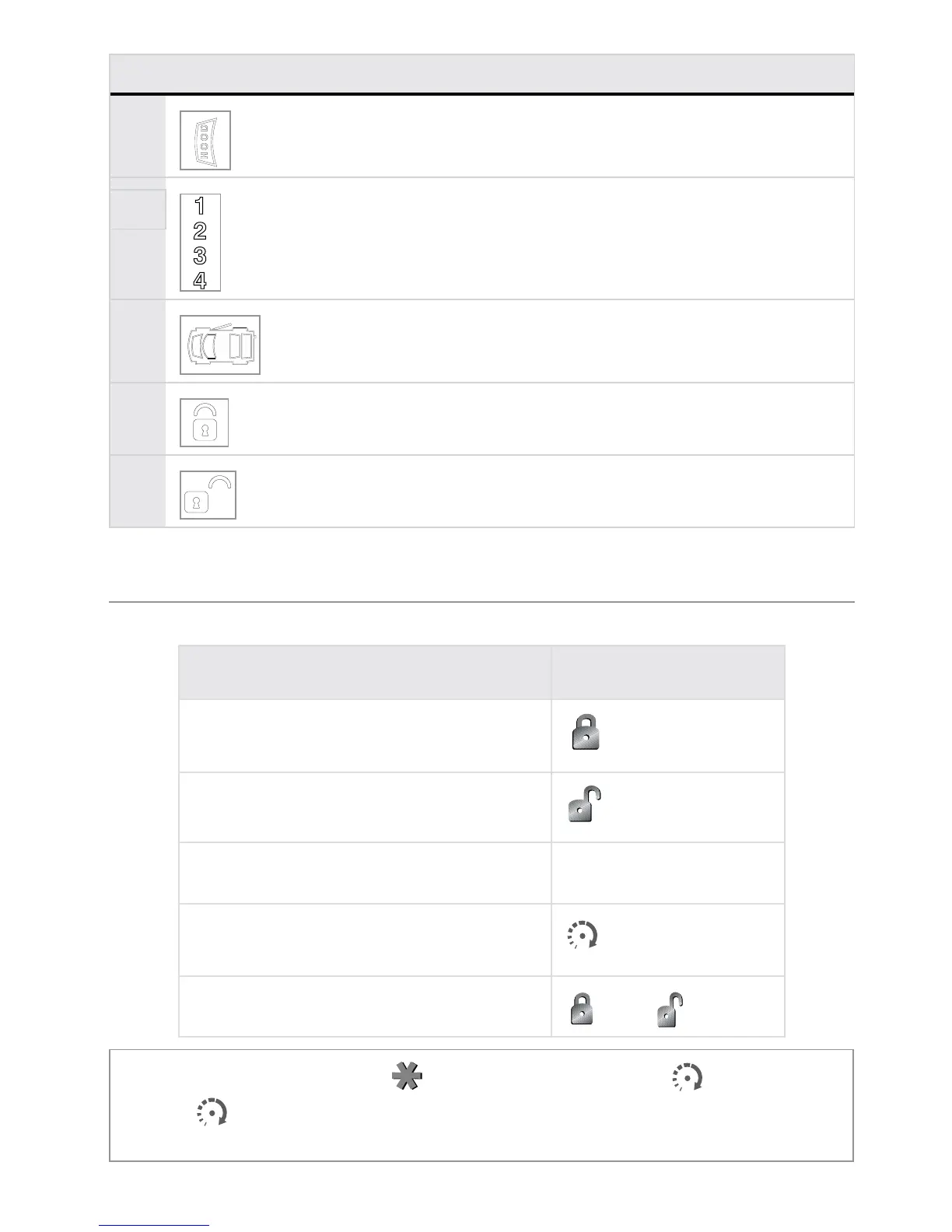
Icon Description
Hood icon flashes a few seconds during full alarm, and
then remains displayed until page is cleared.
14
Displays the vehicle (1of 4) that the remote controls.
See “Vehicle Select” section.
15
Door icon flashes a few seconds, and then remains
displayed until page is cleared.
16
Arm icon flashes when doors are locking, and then
remains displayed until the system is disarmed.
17
Disarm icon flashes when doors are unlocking, and
then remains displayed until the system is armed.
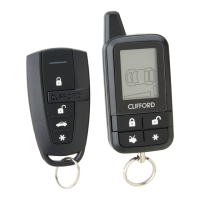
Remote control configuration
2-way standard configuration
Arm
icon throughout, but the functionality is the same regardless of which one
of these icons is used by your system.



 To Next Page