39
PROGRAM OPERATION
CREATING CUSTOM PROGRAMS
You can program the thermostat to automatically adjust the temperature, humidity
and airflow up to four times per day. The PROGRAMS PER DAY setting must be set to
2 or 4 in USER SETTINGS, see pages 31-33.
NOTE: Program times are set in 10-minute increments. When setting a program time, note the AM
and PM indicators. Program temperatures are set in increments of 1°F (1°C). After 15 seconds
of inactivity during programming, the thermostat returns to the main display. Press to
exit Program Mode at any time. To review any existing programs, touch any period icon to see
selections.
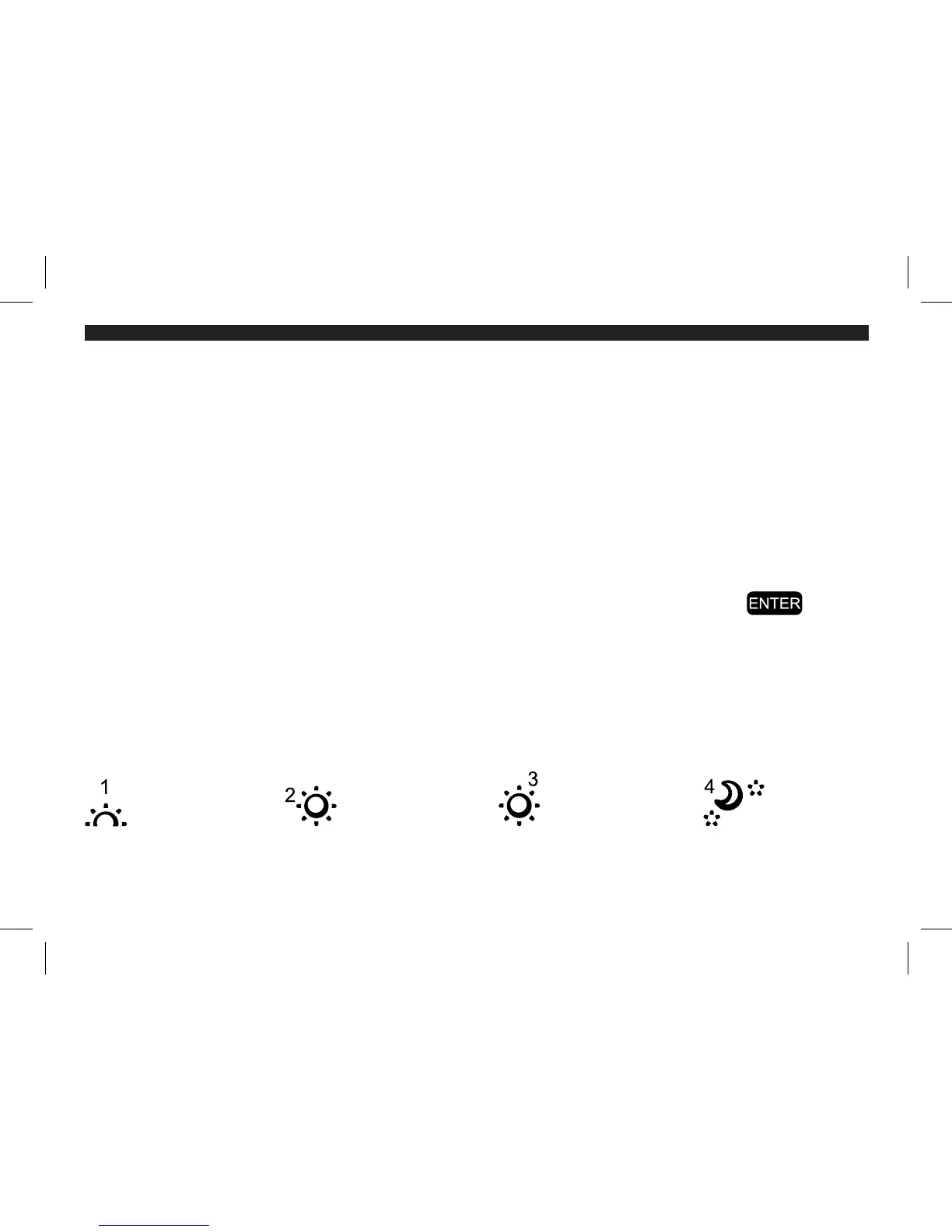
PERIOD ICONS
The program periods are indicated by the following icons:
Sunrise Daytime Evening Nighttime
44003-01 r051507



 To Next Page