59
1. Touch a blank area of the touch screen.
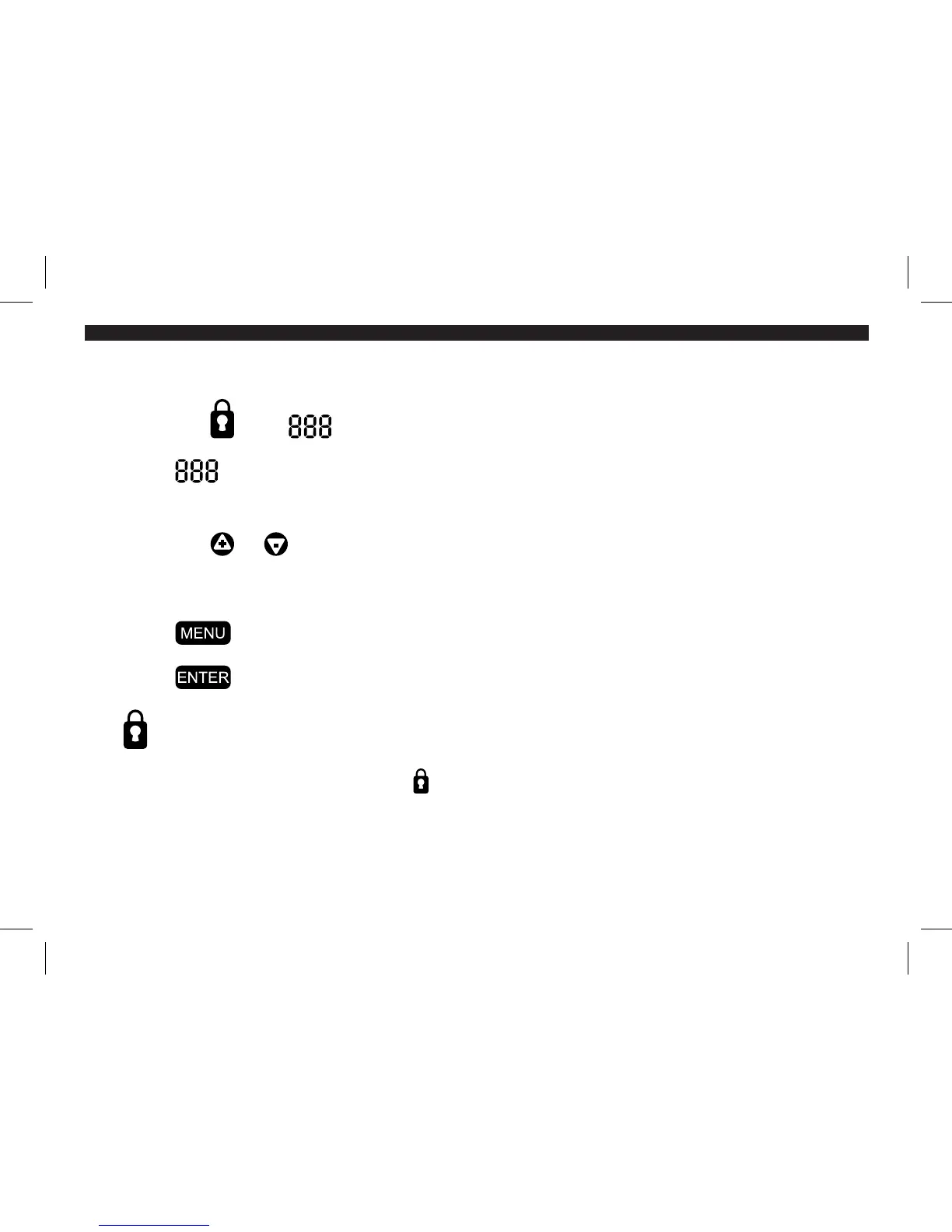
2. Touch the icon. appears.
3. Touch once for the first digit, twice for the second and three times for the
third digit.
4. Touch the or sign to adjust the setting.
5. Repeat 3-4 for each digit.
6. Touch to return to the menu screen.
7. Touch to confirm code and return to main screen.
The icon will appear on the main screen.
NOTE: Once a code is set, touching the function on the main screen will bring the user to ENTER
CODE TO UNLOCK. Enter your code or use 777 which is the master unlock code.
44003-01 r051507



 To Next Page