the Controls
Navigating the Controls
Number Description Function
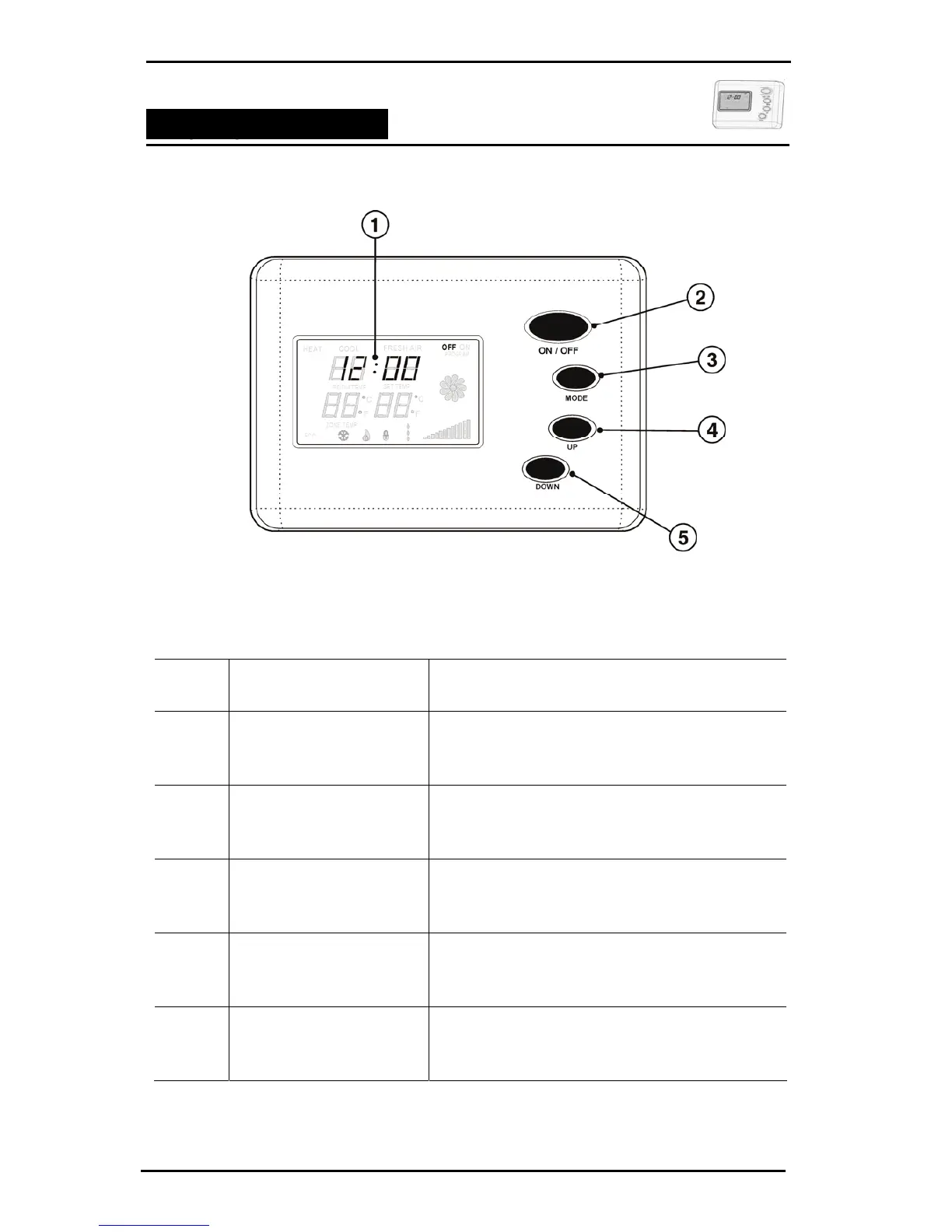
1 Displays unit functions selected
SCREEN DISPLAY
2 Turns the unit ON or OFF
ON / OFF
3 Pressing the MODE button cycles you through the
available unit operation options.
MODE
4 Pressing the UP button increases the fan or
temperature setting.
UP
5 Pressing the DOWN button decreases the fan or
temperature settings.
DOWN
Bonaire Control Systems
Page 7


 To Next Page