6
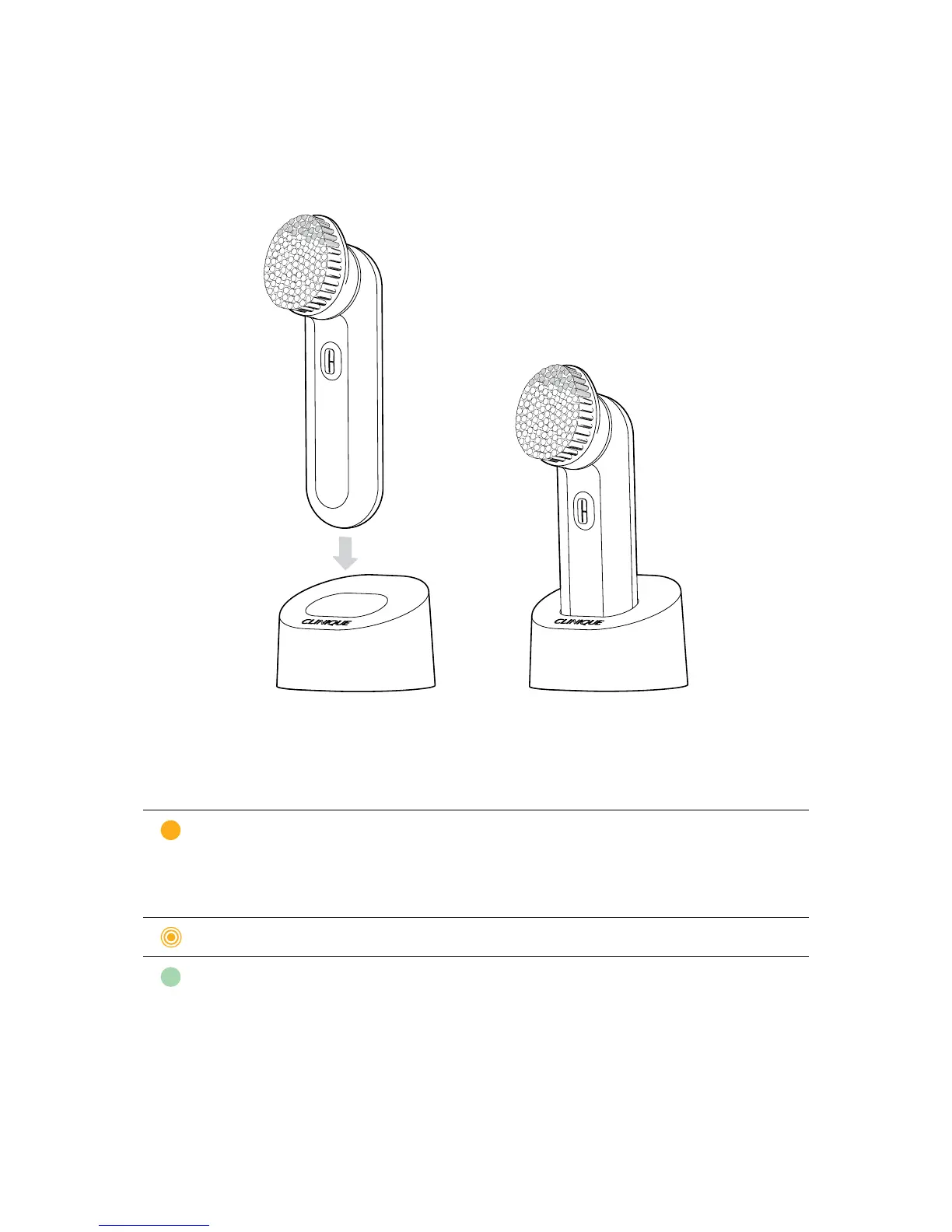
PlacetheCleansingBrushintotheChargingBasewithOn/OffButton
facingforward.TheCleansingBrushmaywarmupduringcharging,
butthishasnosigncancetotheCleansingBrush’soperation.Theunit
cannot be overcharged.
During use, a solid orange light will indicate low battery.
CHARGING INDICATOR LIGHT BATTERY STATUS
Full Orange
Low
During charging, a solid green light indicates that charging is complete.
CHARGING INDICATOR LIGHT BATTERY STATUS
BlinkingOrange
Re-Charging
Full Green
Fully Charged



 To Next Page