86
M0CZ00007-03
SYSTEM COMPONENT ADDRESSING
DEVICE ADDRESS
To view and change the address:
with panel in stand-by press and hold for 5 sec. the AUTO key.
it appears address 001 flashing
use the – and keys to set a value from 1 to 255
press the button and wait 10 seconds to confirm the setting
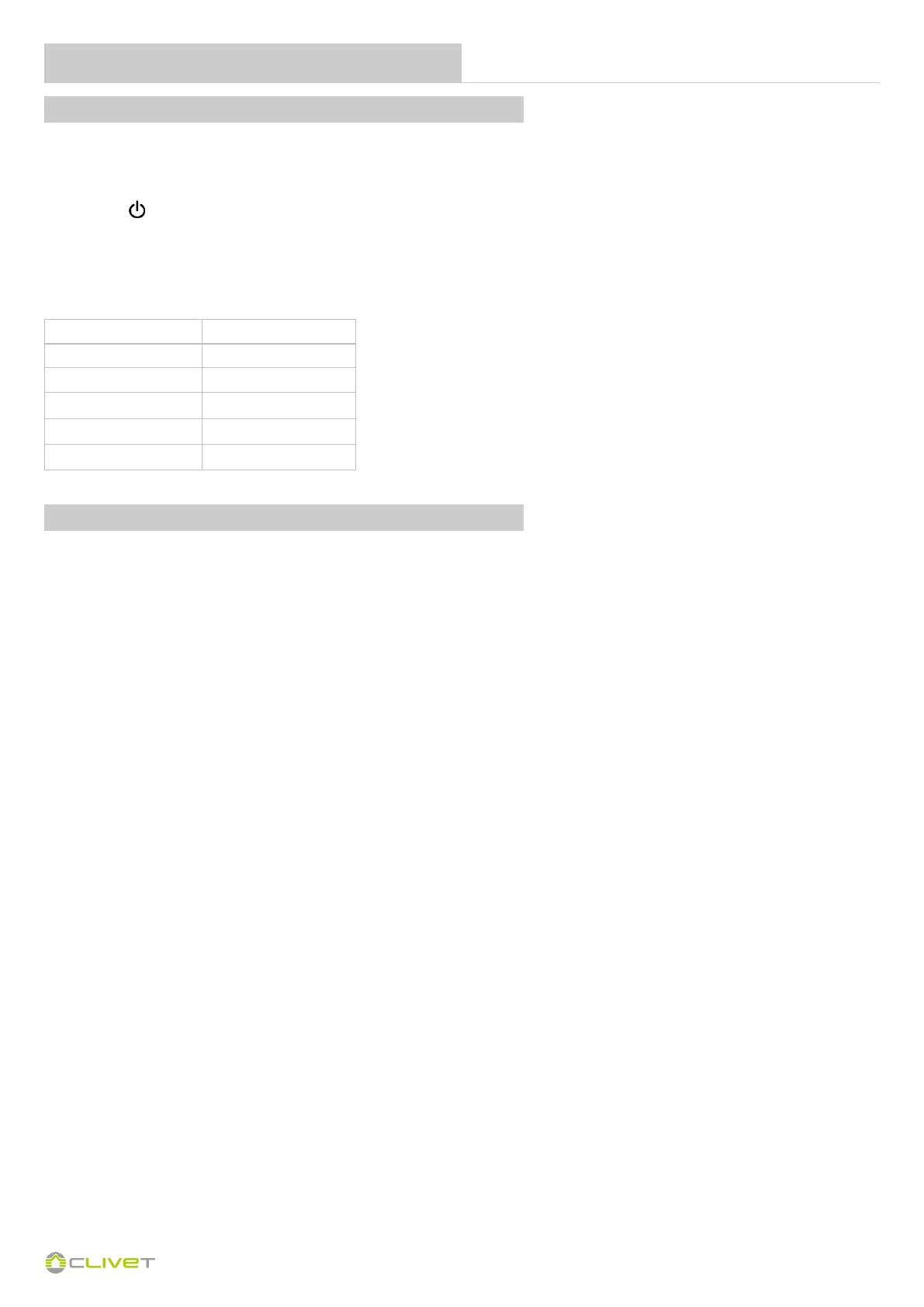
It is advisable to table the addresses that the individual fancoils must assume so that they are then easily identifiable once recognized by the system.
Contact Clivet service for changing the unit parameters for connecting the HID-T6 thermostat.
Fancoil address Destination
Andress 17 Leave free
Andress 18 kitchen
Andress 19 Livingh room
Andress 20 Room 1
….. ….
Attention
Do not leave fancoils with address 001.
This precaution will allow any substitutions and / or additions of devices on the network.
FEATURES OF THE SERIAL PORT
Protocol
The "Modicon ModBus" RTU serial communication protocol, with the following settings:
Bauderate = 9600
Data bits= 8
Parità = none
Stop bit = 1
See the accessory instruction sheet for configuring and modifying the operating parameters.


 To Next Page
 Loading...