M0Q940G14-03 WSAT-XIN 21-171 39
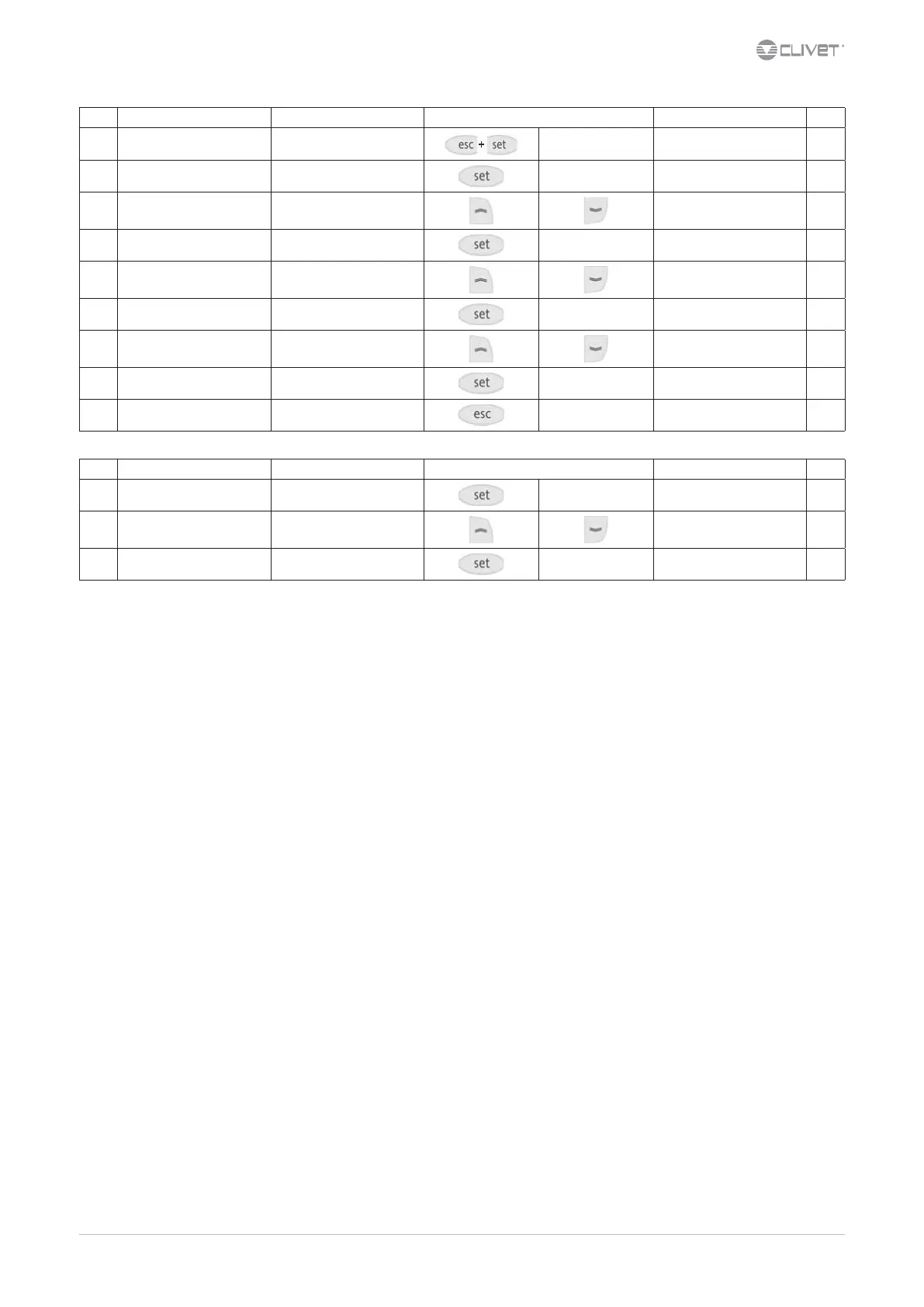
Step Display Action Keys Menu/Variable Notes
1 Main menu Press
PAr
2 PAr Press
PAr
3 PAr Select
Ui
4 Ui Press
Ui..
5 Ui.. Select
Ui22
6 Ui22 Conrm
0
7 0 Select
1
8 1 Conrm
1
9 Press
Back to the previous menu
Step Display Action Keys Menu/Variable Notes
1 Main menu Press 3 sec.
2 Select Air1
3 Air1 Press
Is it possible to disable the ambient keyboard:
Cr00 = 0
Cr30 = 0
To enable water setpoint compensation with ambient temperature set:
Cr 30 = 10


 To Next Page
 Loading...