-7-
TAKE VIDEOS & PHOTOS
SYMPTOM & SOLUTION
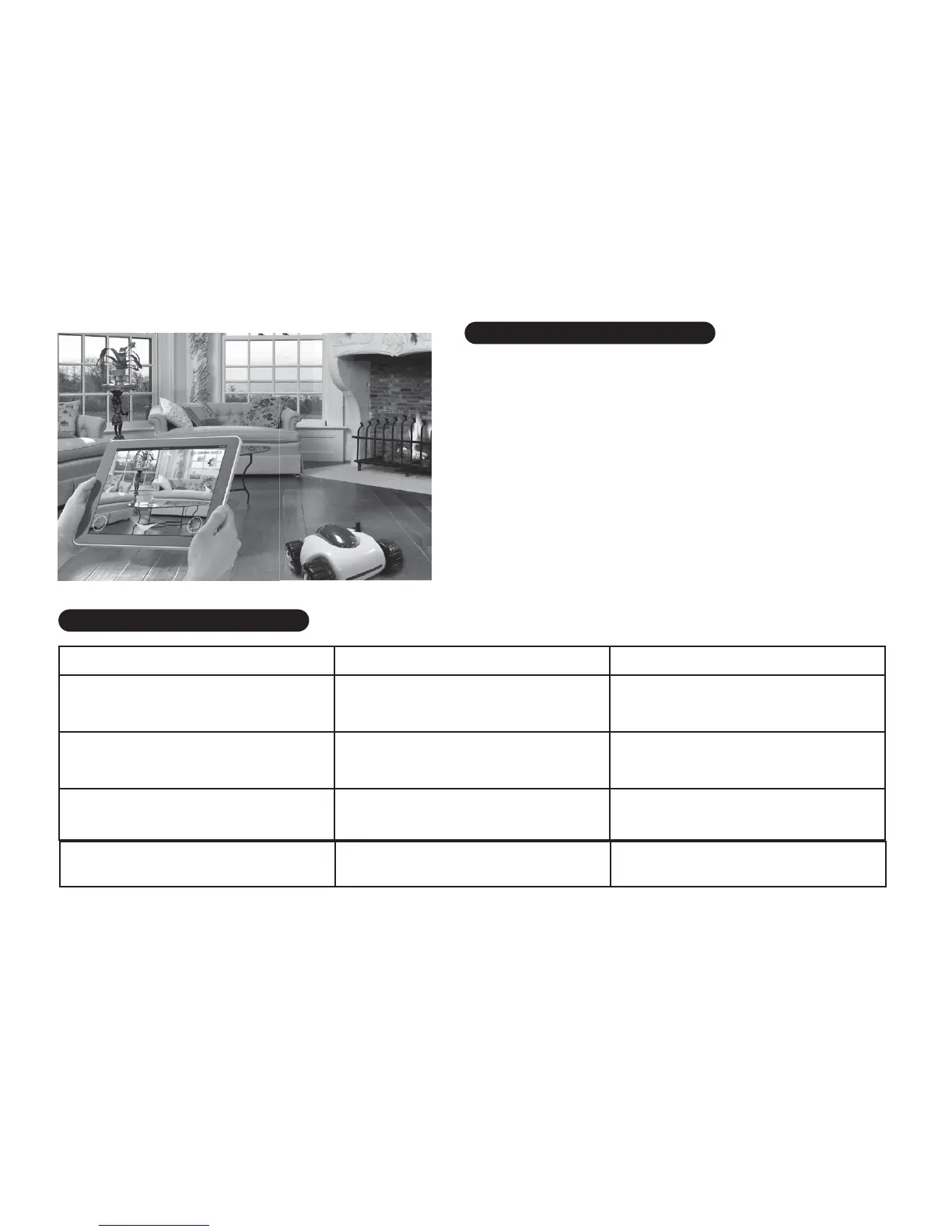
The vehicle can record the video of your driving route and save
it as a file. Then you can replay it on your device screen.
1. Press the "Video Camera" button and drive the vehicle on
the route your want to record.
2. After you complete your route, press "Video Camera" button
again to save the record.
3. You can find out the video from your video folder on your
device and watch the video.
The vehicle can take snapshots, press the "Camera" button to
take a snapshot, the photo will be saved in the Photos Folder
on your device.
Wheel can't move.
1. ON/OFF switch is OFF.
2. Weak Battery.
1. Turn the power switch to " ON".
2. Recharge the Cloud Rover™
Battery.
Suddenly stops when playing.
1. ON/OFF switch is OFF.
2. Weak Battery.
Recharge the
Cloud Rover™ Battery.
SYMPTOM CAUSE SOLUTION
Cloud Rover™
does not
respond to Wi-Fi Control
Wrong Wi-Fi connection.
1. Reset the vehicle.
2. Re-connect the Wi-Fi.


 To Next Page