PLEASE NOTE: Some Android phones require mobile data to be
disabled and location services to be enabled in order to connect
to the camera correctly.
APPLICATION OPERATION
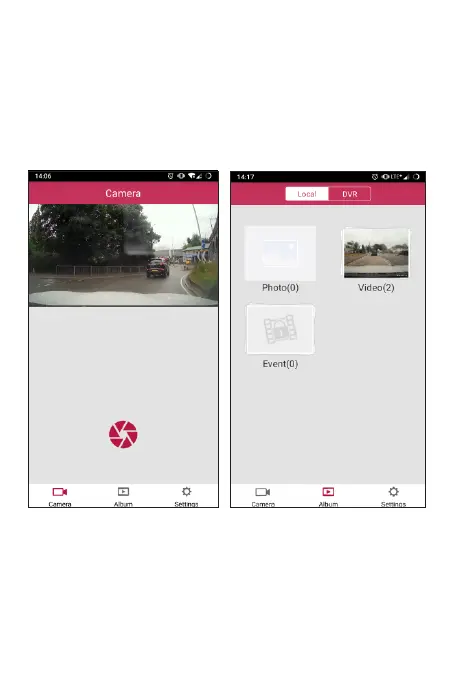
Initially when you open the app the live view will be displayed.
Underneath the main video you have the option of taking a picture
with the red shutter icon, as shown below.
To access your recorded video tap on the icon labelled Album at
the bottom of the screen. From here you can access video stored
on the camera (from the icon at the top of the screen labelled
DVR) or video saved to your device (from the icon at the top of the
screen labelled Local).
PLEASE NOTE: For the location to be displayed alongside your
video, the le needs to be downloaded from the camera and
played back within the Local tab.



 To Next Page