KEY FUNCTIONS
This product has only one button which is the power button.
Pressing the power button for different lengths of time, will
achieve different functions, as shown in the graph.
OPERATION FUNCTION
Touch and hold for 2 seconds Camera ON / OFF
Press once WiFi ON / OFF
Press 3 times Format memory card
Press 5 times Reset camera
PRODUCT PARAMETERS
Model Name: Atlas
Product Code: VF9100
Device Description: Dash Camera
Speaker: Yes
Microphone: Yes
Picture Pixels: 200W
Video Pixels: 200W
Memory capacity: 1GB
SD Capacity: Up to 128GB
Image Resolution: 1080P at 30FPS
SMARTPHONE APPLICATION USAGE GUIDE:
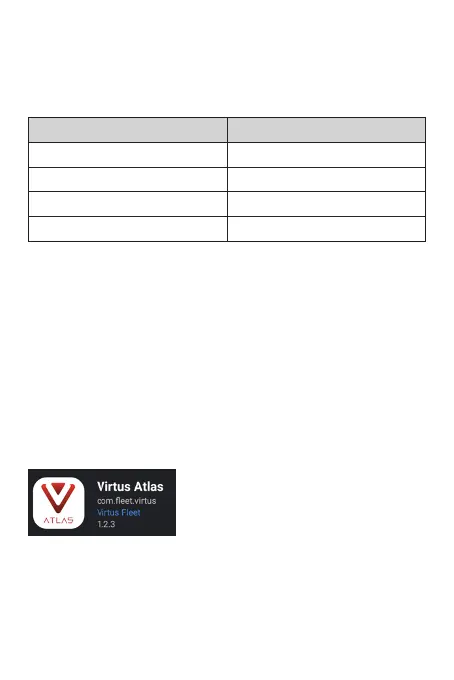
This product needs to be used in combination with the Virtus Atlas
smartphone application. Please search Virtus Atlas in either the
Google Play Store or the Apple App Store to install.
Once the app is downloaded and the camera is powered up, you
can access the device by searching for the WiFi SSID called Atlas.
Initial password: 12345678



 To Next Page